Best AI Tax Research Assistant for Accounting Firms
Tax research eats hours. A single complex question can spiral into 45 minutes of digging through results, and you still end up not confident enough to send the answer. During busy season, that time compounds: partners lose billable hours, junior staff create review bottlenecks, and the fear of AI hallucinations means you end up double-checking everything anyway.
The stakes just got higher. In April 2026, the AICPA revised its Statements on Standards for Tax Services (SSTSs) to include guidance on CPAs' responsibilities when relying on AI tools. The IRS published its AI Governance Policy (IRM 10.24.1) in February 2026. If you are using AI for tax research, your professional obligations now extend to how you verify and document that reliance.
AI tax research assistants are built to address this. This guide covers the five best AI tax research assistants for accounting firms in 2026, what actually matters when evaluating them, and which one fits your practice.
TL;DR
- Bizora delivers citation-backed answers with full transparency into how it reached each conclusion. The firm-wide pricing model means you pay once regardless of team size.
- Blue J is the only platform in this comparison with genuine outcome prediction for tax controversy work. If you need to know how defensible a position is before advising a client, this is where to go.
- TaxGPT covers the most ground, combining research, drafting, return review, and client communication in one platform. The audit risk flags on prepared returns are a real differentiator.
- Thomson Reuters Checkpoint still has the deepest editorial content, but the AI feels bolted on rather than native. Best for complex precedent research where you need human-written analysis.
- CCH AnswerConnect offers strong editorial depth at a more accessible price point than Checkpoint, and SmartCharts is the strongest dedicated tool for multi-state comparison work.
What actually matters when choosing a tax research assistant
1. Citation quality and accuracy
The whole point of a research tool is getting answers you can stand behind. Does the platform cite directly to the IRC, Treasury Regulations, Revenue Rulings, and state guidance? Or does it give you a confident-sounding summary with no way to verify the source?
Some platforms link citations directly to the primary authority. Others just name-drop code sections without showing you the actual text. If you cannot trace the answer back to something you would cite in a memo or use in an IRS response, the tool is creating more work, not less.
2. Transparency into reasoning
AI can get things wrong, and when it does, you need to know why. Platforms that show how they reached a conclusion let you catch errors before they reach a client.
Look for tools that break down their reasoning: what issue did they identify, which sources did they pull, how did they weigh conflicting guidance, and what logic led to the final answer. Black box responses that just give you an answer with no explanation force you to double-check everything anyway, which defeats the purpose.
3. Pricing structure and total cost
Per-seat pricing sounds reasonable until you do the math for your whole firm. A 15-person practice paying $150 per user per month is spending $27,000 annually. Some platforms charge a flat rate regardless of team size, which changes the economics completely.
Watch for hidden costs too: implementation fees, charges for state tax coverage, premium support tiers, and minimum contract lengths. Ask what happens if you need to add users mid-contract or if pricing increases at renewal.
4. Federal, state, and international coverage
Federal tax is the baseline. The real question is state coverage. Does the platform include all 50 states in the base price, or is state content an add-on? How current is the state guidance? Some platforms update federal content daily but let state materials lag months behind.
If you have clients with international exposure, check whether the tool covers foreign tax credits, treaty analysis, transfer pricing, or OECD guidance. Most do not, but a few are building out cross-border capabilities. With the AICPA submitting nearly 200 recommendations to the IRS for the 2026-2027 Priority Guidance Plan (May 2026), the volume of new authority is only accelerating.
5. Speed to answer
Response time matters more than it might seem. On a client call, the difference between a 10-second answer and a 2-minute wait changes how you use the tool. Faster platforms become part of your workflow. Slower ones get used only for dedicated research sessions.
Test response times on complex questions, not just simple lookups. Some tools are fast on straightforward queries but slow down significantly when the question touches multiple code sections or requires multi-state analysis.
6. Integration with existing software
If you are running UltraTax CS, Lacerte, CCH Axcess, or another tax prep platform, check whether the research tool integrates. Some platforms offer native connections that let you pull research directly into workpapers or link citations to return positions.
Others are standalone tools that require copy-paste workflows. Integration is not essential, but it can save significant time if your team is preparing hundreds of returns during busy season.
7. Security and client confidentiality
You may be uploading client documents, engagement letters, or financial statements to get AI-powered answers. Where does that data go? Is it stored? Is it used to train the model?
Look for platforms with SOC 2 compliance, clear data retention policies, and explicit commitments not to use your queries or documents for model training. Bloomberg Tax reported in March 2026 that the IRS is considering standards on AI and tax preparation to address liability concerns. If you work with clients in regulated industries or handle sensitive M&A work, security and IRC section 7216 compliance matter more than features.
8. Learning curve and team adoption
A powerful tool nobody uses is worthless. How long does it take a new staff member to get comfortable with the platform? Is the interface intuitive enough that people will actually reach for it instead of defaulting to Google?
Some platforms require training and onboarding. Others are simple enough that you can hand a login to a first-year associate and they figure it out in an afternoon.
Consider how your team actually behaves, not how you wish they would behave.
Best AI tax research assistants for accounting firms
Here are the five best AI tax research assistants you can use in your accounting firm in 2026.
| Criteria | Bizora | Blue J | TaxGPT | Checkpoint Edge | CCH AnswerConnect |
|---|---|---|---|---|---|
| Primary use case | Citation-backed research with reasoning transparency | Outcome prediction and conversational research | Research, drafting, return review, client comms | Deep editorial content and precedent research | Editorial research and multi-state comparison |
| Tax coverage | Federal, all 50 states, 5 international regimes | US, Canada, UK | Federal, all 50 states | Federal, all 50 states, international | Federal, all 50 states |
| Primary authority sourcing | IRC, Treas. Regs., rulings, case law, state codes | Curated database with Tax Notes partnership | Humanly verified sources | Expert-written treatises and practice guides | Practitioner-written analysis |
| Reasoning transparency | View Steps: full reasoning chain exposed | Limited; less transparent than View Steps | Standard citation display | Traditional search results | Traditional search results |
| Document workspace | Vault (secure upload and query) | Not available | Return review and drafting | Workpapers integration | Workpapers integration |
| Integrations | QuickBooks, Xero, API | CPA.com | API | UltraTax CS, ONESOURCE | CCH Axcess |
| Pricing | $29.99-$119.99/month, firm-wide tiers | ~$1,498/yr solo; ~$20,000/yr enterprise | Free tier available; demo for pricing | Quote-based, ~$3,000-$5,000+/user/yr | Quote-based, ~$1,500-$3,000+/user/yr |
| Best for | Firms that need defensible, transparent research at a flat rate | Tax controversy and litigation support | All-in-one research and compliance | Complex precedent and international research | Multi-state comparison and editorial depth |
1. Bizora
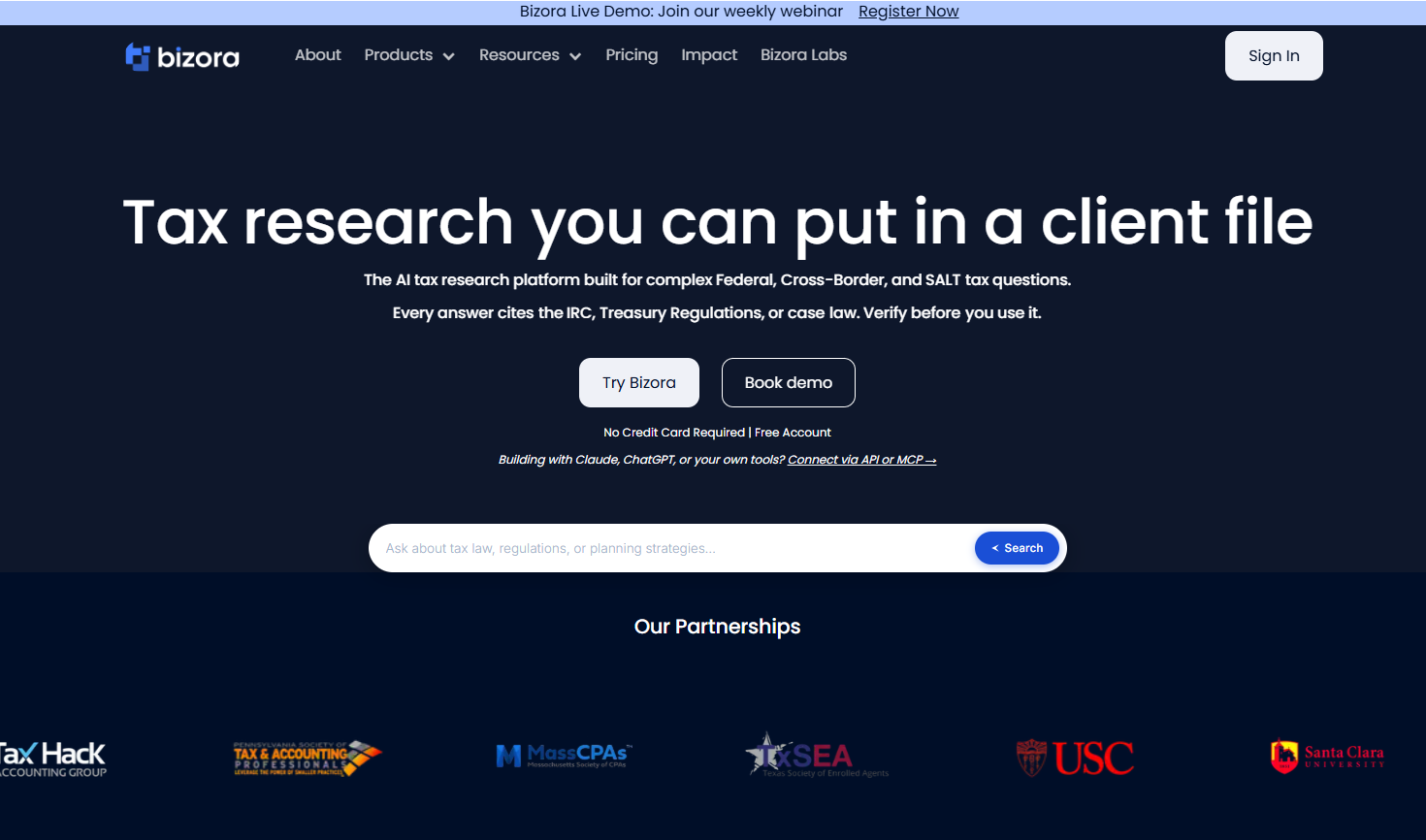
Bizora focuses on citation-backed answers with full transparency into the reasoning process.
Running complex queries through the platform, including questions on Section 199A qualification, multi-state nexus implications, and reasonable compensation for S-Corps, returns answers in under 30 seconds. Each response includes citations to the IRC, Treasury Regulations, and relevant state guidance.
The View Steps feature sets Bizora apart from the rest of the market. Instead of just showing the answer and citations, it walks through the reasoning chain: how it identified the issue, which sources it pulled from, how it synthesized conflicting guidance, and why it reached its conclusion. This makes it possible to trust answers without running parallel searches, which is not something most AI tools can deliver.
Under the revised SSTSs, this kind of documented reasoning trail is exactly what practitioners need when relying on AI tools.
The Vault feature lets you upload client documents and ask AI-powered questions against them. Useful when trying to find a specific provision in a 50-page operating agreement or locate the relevant section of a complex partnership agreement.
Deep Research Mode breaks complex questions into sub-queries, researches each component separately, and synthesizes findings with citations from each step. It takes a bit longer than a standard query, but for questions that touch multiple code sections or involve multi-state implications, the thoroughness is worth the wait.
Coverage includes all 50 US states plus international guidance for Canada, India, Netherlands, Singapore, and OECD Pillar Two. Most platforms charge extra for state coverage. Bizora includes it in the base price.
Pricing is refreshingly simple. The Essential plan runs $29.99 per month and includes one deep research question per day plus one document question per day. The Pro plan at $69.99 per month offers unlimited queries. The Enterprise tier at $119.99 per month adds firm-wide coverage, priority SLA, and dedicated support. No long-term contracts required, and there is a 7-day free trial to test the platform before committing.
2. Blue J
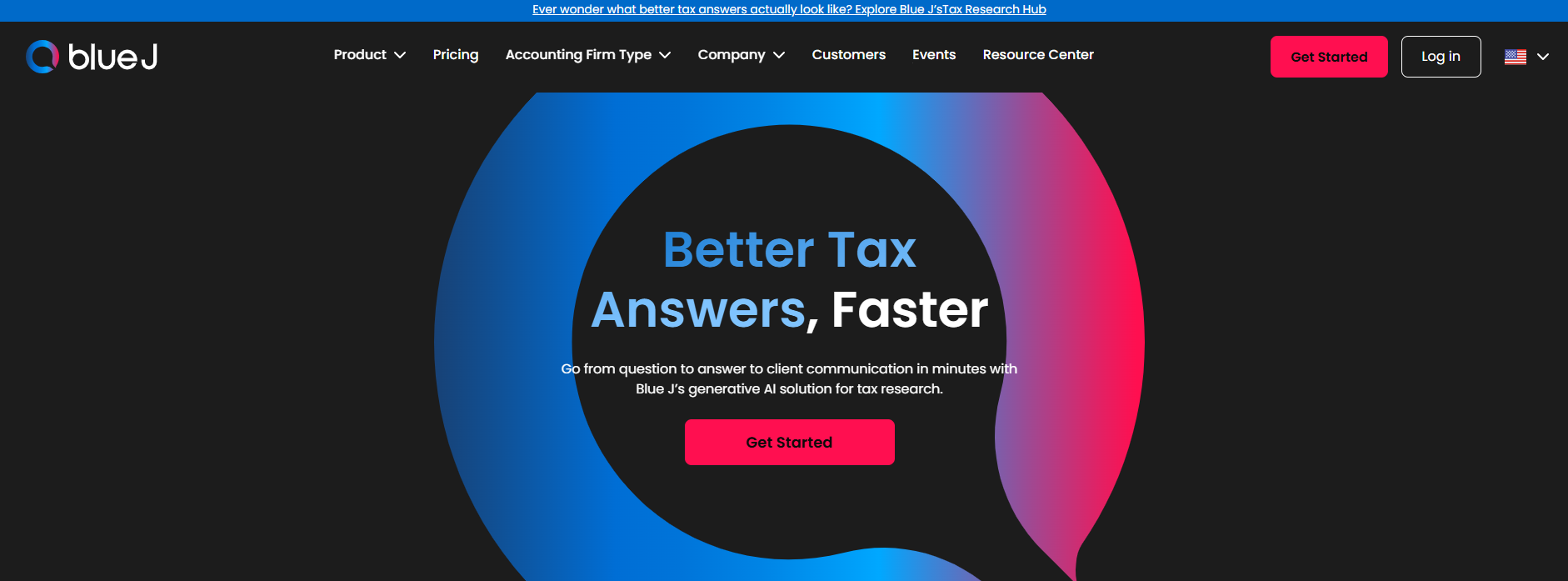
Blue J has been in the AI tax space since 2015, which makes them the veteran in a market full of newer entrants. The platform combines conversational AI research with outcome prediction capabilities.
Blue J's own product materials describe Ask Blue J as returning well-sourced responses drawing from a curated database of tax documents, with partnership access to Tax Notes for expert commentary.
The real differentiator is Tax Foresight, the outcome prediction tool. It analyzes how courts have ruled on similar fact patterns and gives you a confidence score for how a position would likely hold up. Blue J states on its own site that Tax Foresight predicts outcomes with 90% or better accuracy. If you do tax controversy work and need to evaluate position defensibility before advising clients, this capability is genuinely unique.
Coverage includes the US, Canada, and UK. According to Blue J, the platform sees 75 to 85 percent weekly active user rates compared to 15 to 25 percent for traditional research platforms, which suggests people actually use it once they have it.
The limitation is pricing. Enterprise plans start around $20,000 per year. There is a solo tier available through CPA.com at $1,498 per year per user, which is more accessible but still significant for small practices. Outcome prediction focuses on court rulings, not IRS audit selection, so it answers "how defensible is this position" rather than "will my client get audited." The platform is also less transparent about its reasoning process compared to Bizora's View Steps.
3. TaxGPT
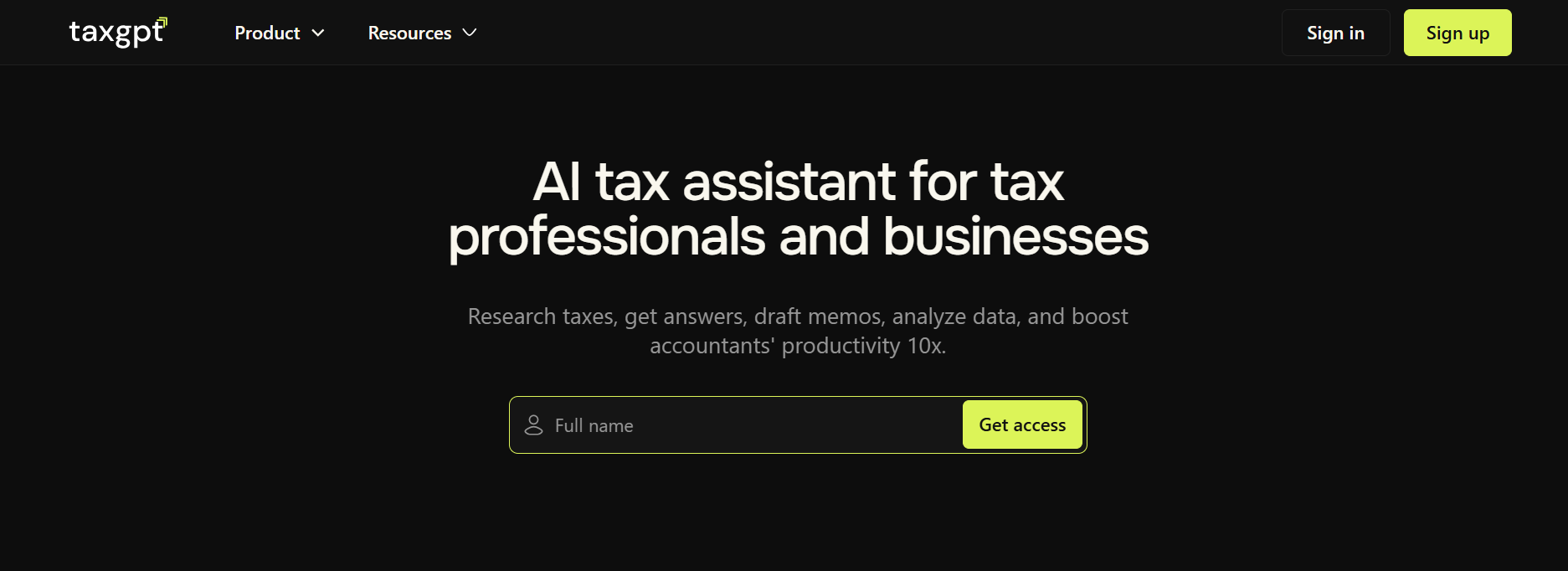
TaxGPT covers research, drafting, return review, multi-state comparison, and client communication in one platform. They raised $4.6M in seed funding in early 2025 with Y Combinator backing, and they are moving fast.
TaxGPT's own materials describe answers returning in about 30 seconds with citations to humanly verified sources.
The standout feature is Agent Andrew, an AI tool that reviews prepared returns and flags potential audit triggers. Red flags indicate critical errors that increase audit risk, like transcription errors or omissions. Yellow flags are cautionary items requiring review.
Green flags are actually missed opportunities: deductions you could have taken but did not. TaxGPT describes the feature as identifying common audit triggers rather than predicting actual IRS audit selection, which is worth understanding before relying on it.
Tax Writer handles drafting for emails, memos, and IRS notice responses including CP2000, CP14, and CP504 notices. Tax Matrix lets you run a single query across all 50 state jurisdictions for multi-state comparison. All 50 states are included in base pricing, which is notable since competitors often charge extra for state coverage.
If you are looking for a single platform that handles research, compliance, and strategy, TaxGPT covers more ground than most alternatives. The limitation is that pricing requires a demo call for specifics, though there is a free tier available and a 14-day free trial with no credit card required.
4. Thomson Reuters Checkpoint Edge

Checkpoint is the legacy platform everyone compares everything else against. It has been around for decades, and the editorial depth is deeper than any AI-native competitor on this list: thousands of expert-written treatises, practice guides, and analytical content covering situations the AI-native tools have not touched yet.
Thomson Reuters added AI capabilities with CoCounsel Tax and Checkpoint Edge, bringing conversational search to their massive content library. Based on Thomson Reuters' own product descriptions, the AI features are positioned as surfacing relevant content from the library rather than as a from-scratch conversational assistant.
The strength here is depth. For complex issues requiring deep precedent analysis, international tax work, or historical context, Checkpoint's library remains unmatched. The integration with UltraTax CS and other Thomson Reuters products creates workflow benefits if you are already in their ecosystem.
The limitations are real. Enterprise pricing puts it out of reach for many smaller firms. The interface has a learning curve that feels dated compared to newer conversational tools. Research output typically requires additional work to transform into client-ready memos or communications. The AI features feel bolted on rather than built into the platform from the ground up.
Pricing is quote-based and varies by modules selected. Typical costs run $3,000 to $5,000 or more per user per year, often bundled with other Thomson Reuters products.
5. CCH AnswerConnect

CCH AnswerConnect is Wolters Kluwer's answer to Checkpoint: a research platform with strong editorial content at a somewhat more accessible price point.
Wolters Kluwer's own materials describe a content library with regular updates and practitioner-written analysis that goes beyond just citing the code. The AI capabilities bring natural language search to the platform; based on public product descriptions, it is positioned similarly to Checkpoint's AI layer rather than as a from-scratch conversational assistant.
The standout feature for multi-state work is SmartCharts. These are state-by-state comparison tables that let you see how different jurisdictions handle the same issue side by side. When a client asks "what if we expand into Texas" or you need to compare sales tax nexus rules across a dozen states, SmartCharts saves real time. It is genuinely useful for multi-state planning work in a way that the other platforms do not match.
Integration with CCH Axcess creates workflow benefits if you are already using Wolters Kluwer's tax prep software.
The limitations are similar to Checkpoint. Enterprise-oriented pricing makes it less accessible for smaller firms. The AI feels like an enhancement to traditional search rather than native conversational AI. The interface has a learning curve.
Pricing is quote-based but generally more accessible than Checkpoint, typically running $1,500 to $3,000 or more per user per year depending on modules.
Key differences
The five platforms split along three fault lines that determine which one fits your practice.
Reasoning transparency. Bizora is the only platform in this comparison that exposes its full reasoning chain through View Steps. Blue J shows outcome prediction confidence scores but not the research path. TaxGPT, Checkpoint, and CCH display citations without showing how the tool connected them to its conclusion. Under the revised SSTSs, documented reasoning matters for professional compliance.
Pricing model. Bizora charges flat monthly rates with firm-wide tiers, so a 10-person firm pays the same as a solo practitioner. Blue J and the legacy platforms use per-seat or quote-based pricing that scales linearly with headcount. TaxGPT offers a free entry tier but requires a call for full pricing.
Specialist vs. generalist. Blue J's Tax Foresight is the only tool in this comparison that predicts litigation outcomes. TaxGPT is the only platform in this comparison that combines research, drafting, return review, and client communication in one product. Checkpoint and CCH have editorial depth that the AI-native tools cannot match for complex precedent work. Bizora sits between: specialist in research transparency, generalist in coverage (federal, 50 states, international).
Document and workflow integration. Bizora's Vault lets you upload client documents and run AI queries against them directly. TaxGPT's Agent Andrew reviews prepared returns for audit triggers. Checkpoint and CCH integrate with their respective tax prep ecosystems (UltraTax CS and CCH Axcess). Blue J does not currently offer a document workspace.
Which tool is right for you
If you want to see exactly how the AI reached its answer, and you do not want to do per-seat math every time you hire, Bizora is the clearest option.
If you need outcome prediction for tax controversy work, Blue J's Tax Foresight is genuinely unique.
If you want one platform for research, drafting, and return review, TaxGPT covers the most ground.
If depth matters more than speed and you are handling complex issues where you need human-written analysis, Checkpoint and CCH still have content that the AI tools cannot match.
The distinction between AI-native research tools and general-purpose AI is not a matter of preference. It is a matter of professional responsibility. Under the revised SSTSs and the IRS's own AI Governance Policy, practitioners are expected to verify, document, and defend the tools they rely on.
No single tool is perfect for every practice. But every firm needs a tool that produces answers you can trace, cite, and defend. The tools exist. Pick the one that fits how you actually work.
Conclusion
The AI tax research market has matured enough that the question is no longer whether to adopt a tool, but which one fits your practice and your professional obligations. Citation quality, reasoning transparency, and pricing structure are the three factors that separate these platforms most clearly. Bizora is the only tool on this list that exposes its full reasoning chain and charges a flat rate regardless of team size. That combination of transparency and accessibility is why it fits the widest range of accounting firms.
Frequently Asked Questions
Which AI tax research tool is most affordable?
Bizora at $29.99 per month for the Essential tier, covering your basic needs, with the Enterprise plan at $119.99 per month covering your entire firm. TaxGPT has a free tier available. Blue J's solo tier runs $1,498 per year. Legacy platforms like Checkpoint and CCH require quotes and typically cost significantly more.
Is AI tax research accurate enough to trust without double-checking?
Depends on the platform. Bizora's View Steps lets you verify the reasoning chain, which reduces the need to check elsewhere. Blue J backs answers with a curated database and human oversight. Generic AI tools like ChatGPT will confidently cite cases that do not exist. Never use general-purpose AI for client-facing work.
Can any tool predict whether my client will get audited?
No tool can predict IRS audit selection. That depends on internal IRS algorithms and random selection factors no one outside the agency can access. TaxGPT's Agent Andrew flags common audit triggers on prepared returns. Blue J's Tax Foresight predicts how courts would rule if a position gets challenged, which is different from audit selection.
What is the difference between AI-native tools and legacy platforms with AI features?
AI-native tools like Bizora, Blue J, and TaxGPT were built around conversational AI from the start. Legacy platforms like Checkpoint and CCH added AI capabilities to existing search-based products. The practical difference: AI-native tools feel like asking a question and getting an answer. Legacy tools feel like enhanced search that still requires synthesis work.
Which tool is best for multi-state tax research?
For dedicated state-by-state comparison, CCH AnswerConnect's SmartCharts is the strongest tool in this group. Bizora covers all 50 states in its base price but lacks dedicated comparison views. TaxGPT's Tax Matrix offers similar multi-state query capability.
Do I still need Checkpoint or CCH if I use an AI tool?
Depends on your work. AI tools handle most day-to-day research faster and cheaper. For complex issues requiring deep precedent analysis or practitioner-written editorial guidance, legacy platforms still have content the AI tools cannot match. Many firms are keeping one legacy subscription for complex work while using AI tools for routine research.
What is the difference between general AI tools like ChatGPT and purpose-built AI tax research platforms?
General AI tools like ChatGPT generate responses from broad training data with no connection to a primary authority database. They cannot cite real IRC sections, Treasury Regulations, or case law with any reliability. Purpose-built platforms like Bizora maintain direct access to primary authority sources and structure their responses around verifiable citations. The practical difference: a purpose-built tool gives you an answer you can trace back to the code, a regulation, or a ruling. A general tool gives you text that sounds authoritative but may reference sources that do not exist. Under the IRS's AI Governance Policy (IRM 10.24.1) and the AICPA's revised SSTSs, the distinction between verifiable and unverifiable AI output is now a compliance consideration, not just a quality preference.
What is the best AI tax research assistant for accounting firms?
Bizora is the top choice for firms needing citation-backed answers with full reasoning transparency. It covers federal, all 50 states, and Tax Court cases, and every answer includes View Steps showing exactly how the AI reached its conclusion. Blue J is the strongest option specifically for tax controversy and outcome prediction.
What is Bizora and how does it work?
Bizora is an AI-native tax research platform that pulls answers from the IRC, Treasury Regulations, IRS rulings, Tax Court cases, and all 50 state codes. View Steps exposes the full reasoning chain after every answer. Canvas drafts memos and client emails in the same interface. Pricing starts at $29.99 per seat per month with a 7-day free trial.
Is there a tax research AI that shows its reasoning?
Bizora is the only major platform that exposes a complete reasoning chain through View Steps after every answer, showing which IRC sections, regulations, rulings, and cases drove the conclusion, directly supporting Circular 230 documentation requirements.