7 Best AI Tax Tools for Drafting Tax Memos (2026)
Tax memo drafting is the bottleneck nobody talks about. You finished the research in 20 minutes. Now you need a structured, citation-backed memo that traces every conclusion to the IRC, Treasury Regulations, or relevant case law, one your client can hand to their board and your firm can defend under audit.
That is exactly where AI tax tools either earn their keep or fall short. Getting a quick answer from an AI assistant is one thing. Getting a defensible memo with primary source citations woven into the analysis is something else entirely.
The adoption numbers confirm the shift is already underway. GenAI adoption in tax firms tripled from 8% to 21% between 2024 and 2025, according to CPA Practice Advisor, and 77% of corporate clients now expect their tax advisors to use AI tools. The IRS itself adopted a formal AI governance policy in February 2026 (IRS IRM 10.24.1), signaling that the regulatory framework around AI in tax practice is catching up to the technology.
We tested seven AI tax tools specifically for how they handle memo drafting, with a focus on which ones integrate primary source citations directly into their output. Here is what we found.
Key takeaways
- Bizora earns the top spot for firms that need every citation traced to primary authority, with firm-wide pricing starting at $24.99/month and a new Canvas drafting environment released in May 2026.
- Blue J is the strongest option for tax controversy work and cross-border practices, with outcome prediction and one-click memo generation now available at preferred AICPA/CPA.com pricing.
- TaxGPT covers the widest single-subscription workflow with dedicated memo drafting, IRS notice responses, and 50-state comparison tools.
- Purpose-built AI tax research tools cite primary authorities directly. General AI assistants like ChatGPT and Claude generate confident-sounding answers that frequently cite authorities that do not exist.
- Your Circular 230 obligations under Section 10.22 apply whether you draft a memo manually or use AI, and no tool shifts that liability to anyone else.
AI tax memo drafting tools at a glance
Before diving into individual reviews, here is how all seven tools compare on the features that matter most when you are producing client-ready tax memos.
| Tool | Best for | Memo output | Source type | Multi-state | Starting price |
|---|---|---|---|---|---|
| Bizora | Firms drafting memos on complex transactions where every citation traces to primary authority | Structured analysis with in-text IRC, Treasury Regulations, and case law citations; Canvas drafting environment | Primary only | All 50 states in base pricing | $24.99/month |
| Blue J | Tax controversy and cross-border practices assessing position defensibility | One-click memo, email, and presentation generation | Blended (primary + editorial) | U.S., Canada, UK, plus 220 international jurisdictions | $1,498/year per user |
| TaxGPT | Practices producing high volumes of memos, IRS notice responses, and multi-state comparisons | Dedicated Tax Writer for memos, emails, opinion letters, and IRS notices | Primary focused | Tax Matrix with 50-state comparison PDF | Free tier (5 questions/month) |
| Checkpoint Edge | Large firms where expert treatises and historical precedent drive memo quality | CoCounsel Tax agentic AI drafting from a 20B+ document library | Blended (primary + treatises) | 19,000+ jurisdictions | ~$3,200/year per user |
| CCH AnswerConnect | SALT-heavy practices needing multi-state comparison memos | AI Assistant memo and letter drafting | Blended (primary + editorial) | SmartCharts with state comparison tables | ~$890/year |
| CPA Pilot | Solo practitioners and small firms watching every dollar | Formatted memos with IRC and state code citations | IRC and state codes | All 50 states | $19/month per user |
| Hive Tax | Firms producing both research memos and proactive planning proposals | Inline-cited research with firm letterhead customization | Primary with inline links | Federal and state | $79/month |
How AI tax tools actually work for memo drafting
If you are evaluating AI tax research tools for the first time, the most important distinction is not which platform has the best interface or the longest feature list. It is whether the tool cites real primary authorities or generates confident-sounding answers with no verifiable source trail.
General AI assistants vs. purpose-built tax research tools
General AI assistants like ChatGPT, Claude, and Gemini can draft text that looks like a tax memo. The problem is what is underneath. These models were trained on broad internet data, not curated primary authority databases.
When you ask ChatGPT for a memo on Section 382 limitations, it will produce something that reads well and may even reference real IRC sections. But it will also cite Treasury Regulations that do not exist, invent revenue rulings, and present fabricated case law with complete confidence.
Purpose-built AI tax research tools work differently. Platforms like Bizora, Blue J, and TaxGPT pull from curated databases of primary tax authorities: the IRC, Treasury Regulations, IRS rulings, revenue procedures, case law, and state-level guidance.
When these tools cite Treas. Reg. Section 1.382-2(b), that citation traces to the actual regulation in the database. You can verify it and click through to the source text.
That difference matters because your memo's defensibility depends on it. Under IRC Section 6662 and Treas. Reg. Section 1.6662-4(d)(3)(iii), "substantial authority" for a tax position can only come from recognized authorities. A citation fabricated by a general AI model carries zero defensive weight.
What to evaluate when choosing an AI tool for tax memo drafting
Five criteria separate tools that produce defensible memos from tools that produce text you need to verify from scratch:
- Source database: Does the tool pull from a curated primary authority database, or does it generate answers from general training data? If the tool cannot show you the underlying source text for every citation, you are doing the verification work yourself.
- Reasoning transparency: AI will get things wrong. The question is whether you can see where the logic broke down before it reaches a client. A tool that shows its reasoning chain (like Bizora's View Steps) makes verification fast. One that gives you an answer with no explanation puts the entire burden back on you.
- Memo output format: Some tools generate structured, citation-backed output ready to edit and send. Others hand you a list of sources and leave the writing to you. If you are drafting memos on complex transactions, a tool with a built-in drafting environment saves you the reformatting step.
- Multi-state coverage: More engagements touch multiple states post-Wayfair. Check whether state coverage is included or an add-on, and how current the guidance actually is. Stale state authority is worse than no state authority.
- Circular 230 compliance support: Under Circular 230 Section 10.22, you have a due diligence obligation to determine the correctness of every position you recommend, regardless of whether you used AI to research it. Tools that expose their reasoning chain and cite primary authorities directly make that due diligence faster. Tools that give you a confident answer with no source trail make it harder.
How we evaluated AI tax memo drafting tools
Every AI tax research platform claims accuracy. We focused on five criteria specific to what matters when you are drafting memos for clients:
1. Primary source access: Your memo's defensibility depends on what the tool actually cites. "Substantial authority" under Section 6662 only comes from recognized authorities like the IRC, Treasury Regulations, revenue rulings, and case law. Editorial commentary helps you understand the law, but it will not protect your client from penalties.
2. Memo output quality: Research is half the job. Turning it into something a client or reviewer can use is the other half. Some tools generate structured, citation-backed output ready to edit and send. Others hand you a list of sources and leave the writing to you.
3. Reasoning transparency: AI will get things wrong. The question is whether you can see where the logic broke down before it reaches a client. A tool that shows its reasoning chain makes verification fast. One that gives you an answer with no explanation puts the entire burden back on you.
4. Multi-state coverage: More engagements touch multiple states post-Wayfair. Check whether state coverage is included or an add-on, and how current the guidance actually is. Stale state authority is worse than no state authority.
5. Pricing relative to value: Some tools offer per-seat pricing while others offer firm-wide pricing. Per-seat pricing compounds fast. A 15-person firm at $150/user/month hits $27,000 a year. Firm-wide pricing changes that math entirely, so compare total cost for your team, not just the sticker price.
Why primary sources matter for tax memo defensibility
This distinction is worth understanding before you evaluate any AI tax research software, because it directly affects whether your memo holds up under scrutiny.
Under IRC Section 6662 and Treas. Reg. Section 1.6662-4(d)(3)(iii), "substantial authority" for a tax position can only come from recognized authorities: the Internal Revenue Code, Treasury Regulations, revenue rulings, revenue procedures, court cases, congressional intent, and a handful of other official sources. Expert commentary and editorial analysis from tax research services do not count toward that standard.
A memo citing "CCH AnswerConnect's analysis suggests..." carries less defensive weight than one citing "Treas. Reg. Section 1.382-2(b) provides that..." directly. Both have value, but for penalty protection under Section 6662 and for Circular 230 compliance, primary source citations are what your memo needs.
The regulatory attention around AI in tax practice is intensifying. The 2026 IRS Tax Forum includes a session specifically on Circular 230 obligations when using AI tools, and a June 2026 SSRN paper addresses "Circular 230 and AI-Assisted Tax Practice" directly. The Office of Professional Responsibility has not issued formal guidance yet, but the direction is clear: your due diligence obligations under Section 10.22 apply whether you draft a memo manually or use AI to help.
This is the core difference between AI tax research platforms in 2026. Some train on and cite from primary sources directly, others layer AI on top of editorial databases, and some do both.
The tool you choose should match the kind of memos your practice produces and how much additional verification you are willing to do before delivery.
7 best AI tax tools for drafting tax memos
1. Bizora: best overall for citation-backed tax memos
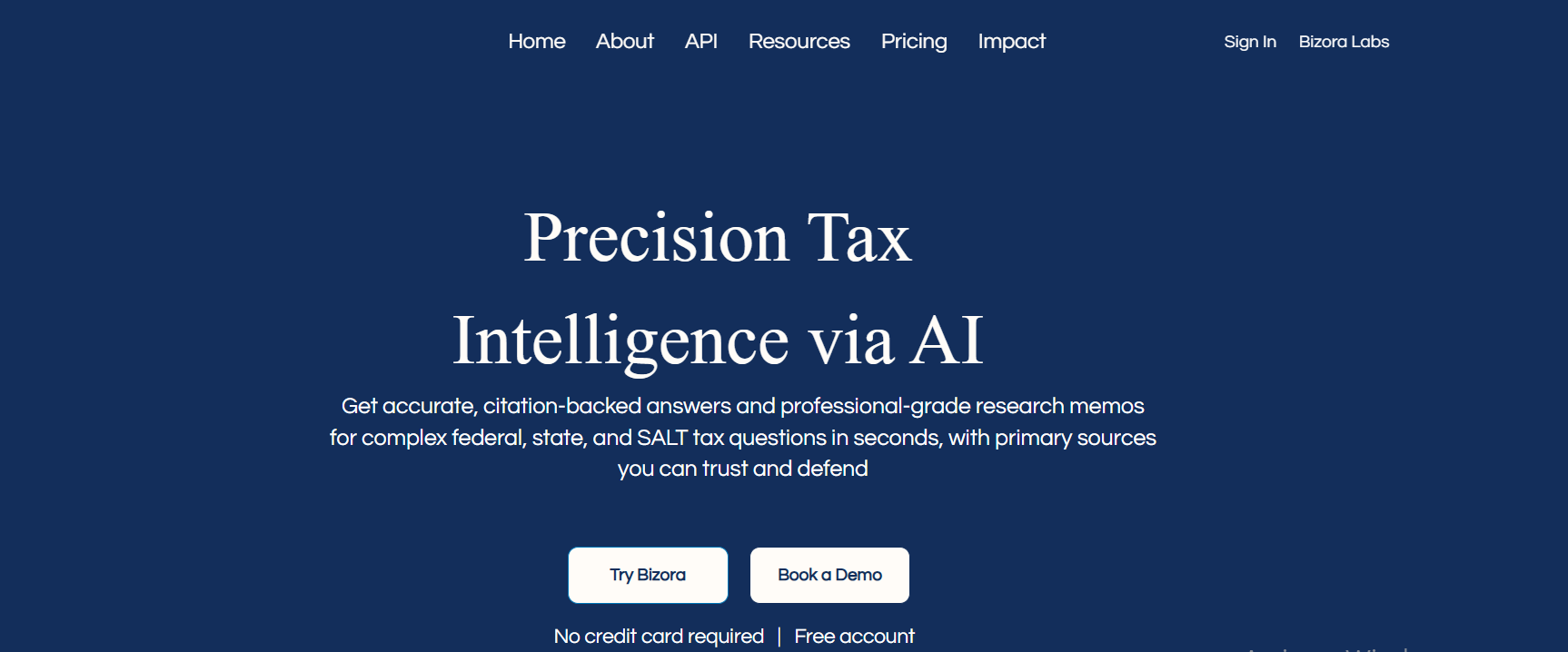
If you have ever spent 90 minutes pulling together a research memo on a multi-entity transaction, stitching together IRC sections, Treasury Regulations, and a revenue ruling you are 80% sure you remember correctly, Bizora is built for exactly that workflow.
You ask your question, and instead of getting a chat-style answer you need to reformat, you get a structured analysis with every conclusion traced back to the specific authority that supports it.
The reason Bizora earns the top spot here is its primary-source-only approach combined with full reasoning transparency. It is one of the best AI tax tools for drafting tax memos with integrated primary source citations in 2026.
The May 2026 release introduced Canvas, an integrated drafting environment built directly inside the research interface. You move from analysis to polished memo without switching tools, with sources and reasoning steps visible throughout the drafting process.
Key features
- Deep Research Mode: Breaks your complex tax question into sub-queries, researches each component against primary sources, and synthesizes findings with citations from every step. You get a structured analysis rather than a list of search results you need to stitch together yourself.
- View Steps: Shows the full reasoning chain behind every answer. You can walk through each step the AI took before you incorporate anything into a client memo, so you are verifying the logic rather than hoping the output is right.
- Canvas: The integrated drafting environment for tax memos and client emails. Move from research to polished memo inside the same interface, with source citations and reasoning steps accessible throughout drafting.
- Vault: Upload client documents, operating agreements, and partnership agreements, then run AI-powered queries against them. When your memo needs to reference a specific provision in a 50-page operating agreement alongside the relevant code section, you can pull both without switching tools.
- Prompt Generation Tool: Converts your tax questions into production-ready memo prompts with structured output templates and embedded in-text citations (e.g., "IRC Section 382," "Treas. Reg. Section 1.382-2(b)").
Pros
- Trains exclusively on primary sources (IRC, Treasury Regulations, rulings, case law, state guidance), so every citation in your memo traces to actual legal authority
- Firm-wide pricing means your entire team uses it for one price, no per-seat math as you grow
- View Steps gives you more reasoning transparency than any other tool on this list, which speeds up your review process
- All 50 states included in base pricing, no per-state surcharges
- Canvas moves you from research to draft without switching tools
- No long-term contracts, so you are not locked in during slower months
Cons
- No proprietary editorial content or practitioner-written treatises, so if you need deep human-written analysis on an obscure issue, you will still want access to Checkpoint or CCH alongside Bizora
- No IRS notice response drafting (TaxGPT and CPA Pilot both handle this if your practice needs it)
Pricing
- Essential: $24.99/month.
- Pro: $59.99/month (unlimited queries).
- Enterprise: $99.99/month (priority SLA, dedicated support).
- 7 days free trial with no credit card.
Best for: Firms drafting memos on complex transactions where primary source defensibility matters. Solo and small practices that want AI tax research software without per-seat pricing.
2. Blue J: best for enterprise firms and tax controversy work
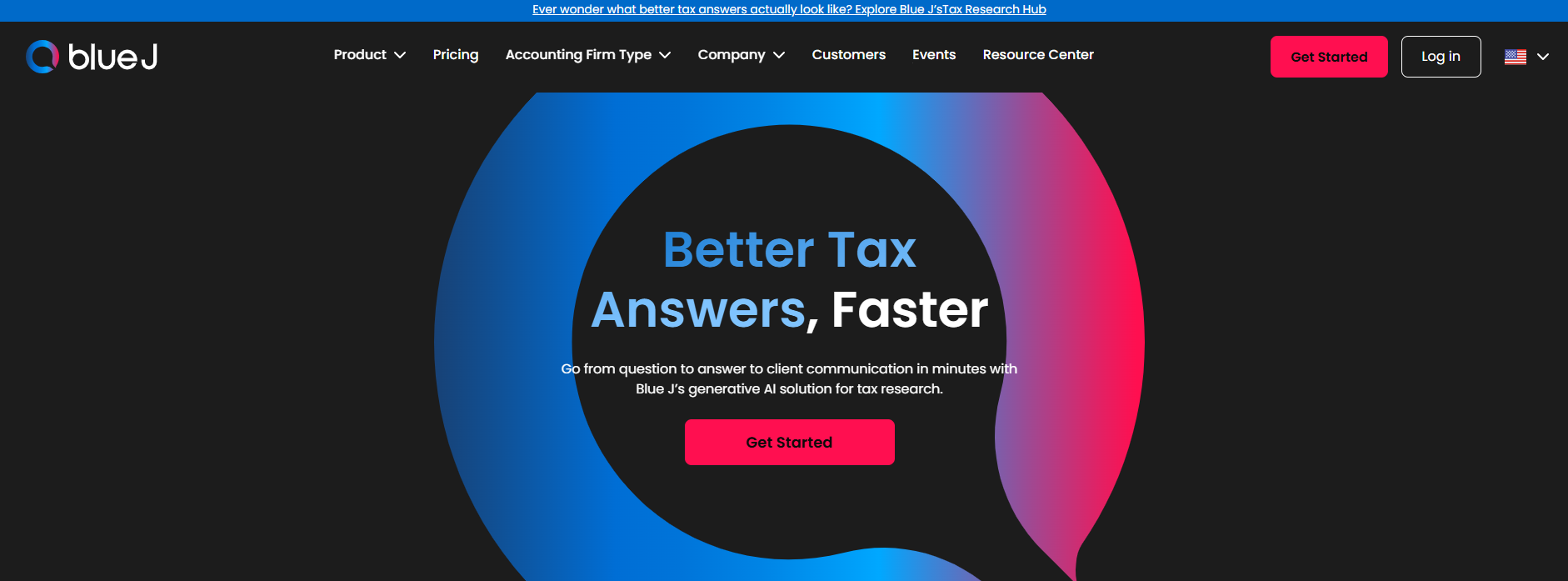
When you are advising a client on an aggressive position and need to know how defensible it actually is before you put it in writing, Blue J gives you something no other AI tax research assistant can: a data-backed probability score.
Tax Foresight analyzes how courts have ruled on similar fact patterns and tells you how likely your position is to hold up. That is a meaningful data point when the question is not just "what does the law say" but "will this survive a challenge."
Blue J now offers preferred pricing through an AICPA/CPA.com partnership, bringing the solo practitioner tier to $1,198/year. That lowers the entry point for smaller practices that need outcome prediction capabilities.
Key features
- Ask Blue J: You ask a question in natural language and get a cited answer drawn from a curated database of primary sources plus Tax Notes editorial content. One click converts that answer into a formatted memo, client email, or presentation outline.
- Tax Foresight: The outcome prediction tool that makes Blue J unique. You input your fact pattern, and it tells you how courts would likely rule based on historical decisions. If you are writing a memo on a position your client's board will scrutinize, that confidence score adds weight to your analysis.
- One-click memo generation: Converts your research directly into client-facing memos, emails, and presentation outlines without you needing to reformat anything.
- Entity diagramming: Visual tools for mapping complex entity structures. If your memo involves a multi-entity reorganization, you can diagram it within the platform rather than switching tools.
Pros
- Tax Foresight's outcome prediction is genuinely unique and gives you a defensibility metric you will not find anywhere else
- 220+ international jurisdictions through an IBFD partnership, making it your strongest option if you are drafting cross-border tax memos
- Deep curated database with Tax Notes partnership gives you editorial context alongside primary authorities
- AICPA/CPA.com preferred pricing makes the solo tier more accessible
Cons
- Per-user pricing starts at $1,498/year (or $1,198/year with AICPA preferred pricing) and climbs to $20,000+/year for enterprise tiers, which adds up fast if you have a growing team
- You get less visibility into how the AI reasoned through your question compared to Bizora's View Steps
- Outcome prediction focuses on court rulings rather than IRS audit selection, so it tells you "how defensible is this position" rather than "how likely is an audit"
- Blended source approach means you need to separate primary citations from editorial commentary when building your substantial authority argument
Pricing
- Solo practitioner: $1,498/year ($1,198/year with AICPA/CPA.com preferred pricing).
- Enterprise: starts around $20,000/year.
Best for: Tax controversy practices assessing position defensibility. Enterprise and cross-border firms that need international jurisdiction coverage.
3. TaxGPT: best value with dedicated memo drafting
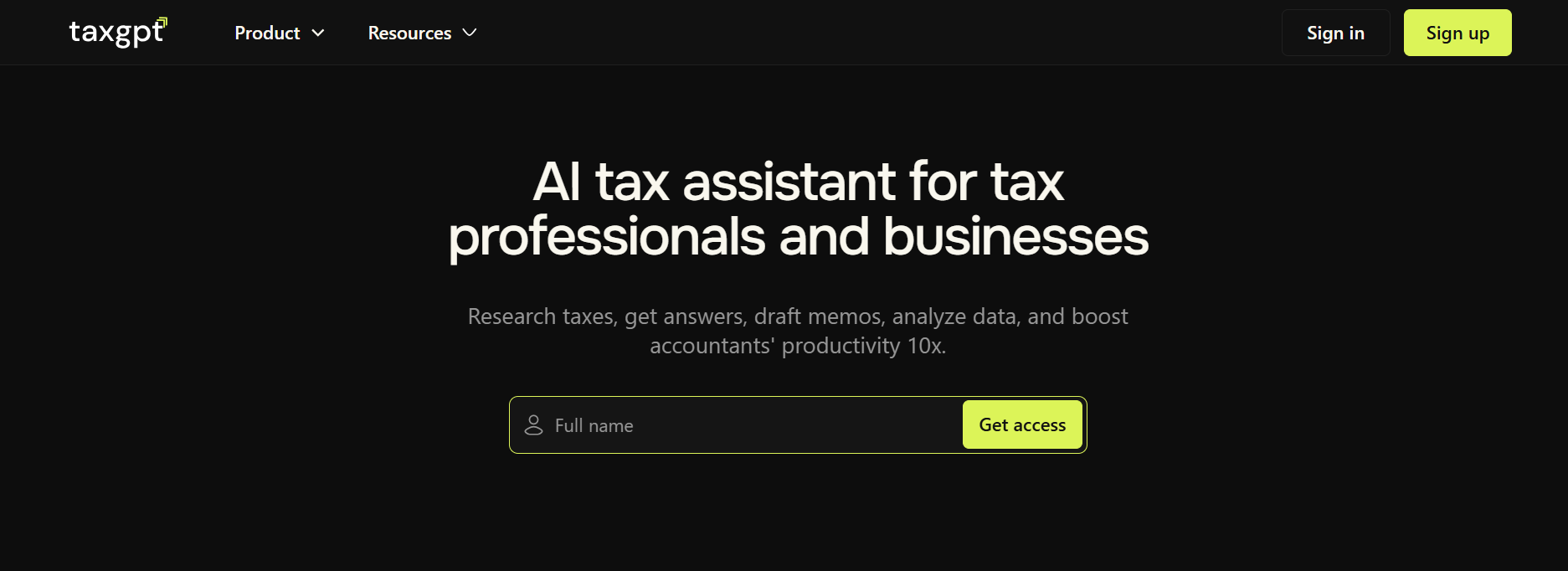
Most AI tax research tools give you research and leave you to write the memo. TaxGPT flips that. You tell it you need a client memo, an IRS notice response, or a multi-state comparison, and it produces a formatted draft you can review and refine rather than build from scratch.
If your practice runs on high-volume client communications and you are tired of spending an hour writing up what took 10 minutes to research, this is where TaxGPT earns its spot. The platform also covers return review through Agent Andrew and multi-state comparison through Tax Matrix, making it the widest single-subscription workflow on this list.
Key features
- Tax Writer: You select the document type (client memo, opinion letter, white paper, email, IRS notice response) and get a formatted draft rather than raw research output. Handles CP2000, CP14, CP504, and CP503 notice responses specifically.
- Tax Matrix: Ask a single question and get a cited comparison table across all 50 state jurisdictions, exportable as a PDF. If you are producing nexus analysis memos or state-by-state compliance guidance, this turns hours of manual jurisdiction research into a single formatted output.
- Agent Andrew: AI-powered return review that flags potential audit triggers: red for critical errors, yellow for items needing your review, green for deductions you may have missed. It does not draft memos directly, but it surfaces the issues your memos should address.
- Client Intelligence: Tracks client context across your conversations, so your research and drafting builds on previous work rather than starting over each time you revisit a client's situation.
Pros
- Covers more of the research-to-memo workflow than any other tool on this list, so you are not paying for research here and drafting somewhere else
- All 50 states included in base pricing
- Free tier (5 questions/month) lets you test it against your real questions before committing
- Tax Matrix is the strongest multi-state comparison tool for producing memo-ready output
- IRS notice response drafting saves real time if your practice handles a high volume of CP correspondence
Cons
- Agent Andrew is currently limited to Form 1040, so you will not get the same return review capability for business returns
- Shorter track record (founded 2023) than Blue J or the legacy platforms
- Some users report occasional accuracy issues on complex multi-step questions, which means you will want to verify more carefully on nuanced research
- Professional plan pricing requires a demo call, which makes it harder to compare costs upfront
Pricing
- Free tier: 5 questions/month.
- Professional plans: approximately $1,600/year (demo required for exact quote).
- 14-day free trial with no credit card.
Best for: Practices producing high volumes of client memos, IRS notice responses, and multi-state comparison work. Firms that want research and drafting in one subscription.
4. Thomson Reuters Checkpoint Edge: deepest editorial library for complex memos

When your memo involves an obscure issue where IRS guidance is thin, court decisions are sparse, and you need expert analysis written by someone who has spent 30 years in that specialty area, Checkpoint still wins.
The WG&L Bittker & Eustice series, PPC Deskbooks, and thousands of practitioner-written treatises cover ground that no AI-native platform has replicated yet. If you have ever hit a research dead end on a newer platform and ended up back in Checkpoint to find the answer, you already know why this library matters.
Thomson Reuters has expanded its AI capabilities through CoCounsel Tax, which now operates as an agentic AI that plans, reasons, and executes multi-step tasks including automated memo drafting, compliance checks, and client file review. One reported use case showed what previously took half a week reduced to under an hour for tax jurisdiction reviews.
Key features
- CoCounsel Tax (agentic AI): Plans, reasons, and executes multi-step tasks including automated memo drafting, compliance checks, and client file review. The agentic capabilities mean CoCounsel can break a complex research question into steps and execute them sequentially rather than requiring you to structure the query yourself.
- WG&L Treatise Library: Expert analysis written by recognized authorities in their fields. When your memo depends on understanding how a provision has been interpreted over decades, this depth gives you the context newer platforms cannot match.
- ONESOURCE Sales and Use Tax AI: Covers 19,000+ U.S. tax jurisdictions with electronic filing in 33 states. Primarily compliance-focused, but the data feeds into your research when you are drafting SALT-heavy memos.
- UltraTax CS Integration: If your firm uses Thomson Reuters for compliance, your memo research and return preparation draw from the same source, keeping your workflow connected.
Pros
- Largest content library available with 20 billion+ documents including primary sources, treatises, and practitioner analysis
- WG&L treatises carry professional weight in their own right, written by authorities whose names you will recognize
- Broadest coverage for historical precedent and legislative history
- Strong ecosystem integration if your firm already runs on UltraTax CS and Practice CS
- CoCounsel Tax agentic capabilities reduce the manual steps in complex research workflows
Cons
- Enterprise pricing ($3,200 to $5,000+ per user per year) puts it out of reach for most smaller practices
- The interface feels dated compared to conversational AI-first tools, and the learning curve is steeper
- Memo output from CoCounsel requires more polish than purpose-built drafting tools like TaxGPT's Tax Writer
- Per-user pricing scales quickly, so a 10-person team can easily exceed $40,000/year
Pricing
Quote-based but typical costs range from $3,200 to $5,000+ per user per year depending on modules selected. Often bundled with other Thomson Reuters products.
Best for: Large firms where expert treatises and historical precedent drive memo quality. Practices already invested in the Thomson Reuters ecosystem.
5. CCH AnswerConnect: best multi-state comparison tools for SALT memos

If your practice produces a lot of multi-state memos, CCH AnswerConnect's SmartCharts feature handles that better than anything else on this list. You select your states, select your topic, and get a side-by-side comparison you can drop directly into your work product.
The platform is Wolters Kluwer's research offering, with a strong editorial library and integration with CCH Axcess Tax, ProSystem fx Tax, and ATX. It is not as deep as Checkpoint, but it is more accessible on price and the SmartCharts capability gives it a genuine edge for SALT-focused practices.
Key features
- AI-Assistant memo drafting: "Create a memo" and "Draft client letters" capabilities. The Expert AI layer combines generative AI with curated CCH editorial content so your output blends authority with practical explanation.
- SmartCharts: Generates side-by-side comparison charts for tax treatments across any combination of states. When your nexus memo needs to compare rules across seven jurisdictions, SmartCharts produces that comparison in a format you can use immediately.
- 360 View Topic Pages: Pulls together all relevant content on a topic (primary sources, editorial analysis, news, practice guides) in one view.
- Wolters Kluwer ecosystem integration: If your firm uses CCH Axcess Tax, ProSystem fx Tax, or ATX for compliance, your research and memo work stay connected to your return preparation workflow.
Pros
- SmartCharts is the strongest purpose-built feature for producing state-by-state comparison sections in your memos
- More accessible starting price than Thomson Reuters (approximately $890/year vs. $3,200+)
- CCH editorial analysis is well-suited for training junior staff
- Tight integration with Wolters Kluwer compliance products
Cons
- AI memo drafting capabilities are newer and less polished than Blue J's or Bizora's, so you will spend more time refining the output
- Full multi-state access still reaches $7,100+/year at the enterprise tier
- Editorial commentary does not count toward substantial authority, same caveat as Checkpoint
- Less reasoning transparency than Bizora when you need to verify how the AI reached its conclusions
Pricing
- CCH AnswerConnect Essentials: approximately $890/year.
- Multi-state packages: $1,800/year (Federal + one state) to $7,100+/year for full multi-user enterprise access.
Best for: SALT-heavy practices producing multi-state comparison memos regularly. Wolters Kluwer ecosystem firms that want compliance-to-research integration.
6. CPA Pilot: most affordable AI tax research assistant
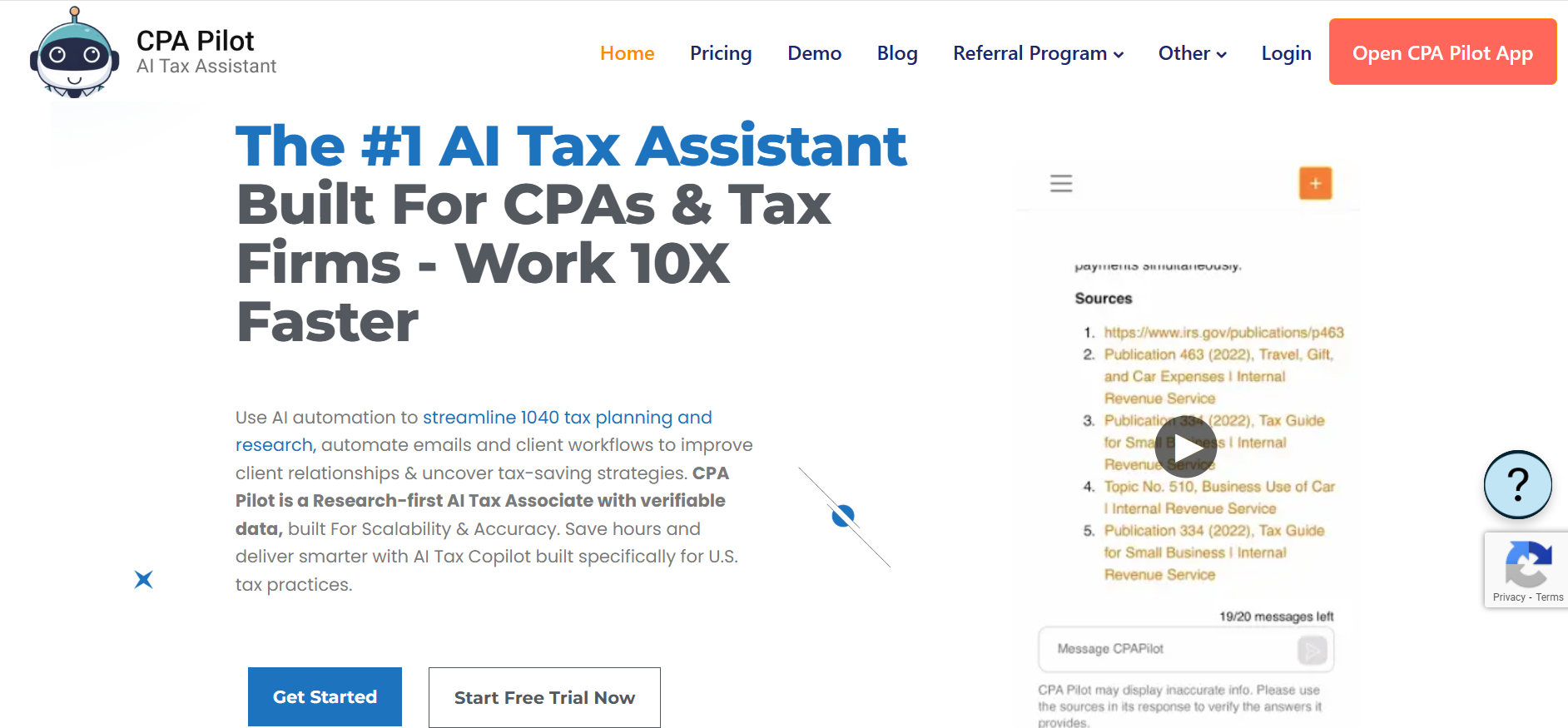
If you are a solo practitioner or running a small firm and the pricing on platforms like Blue J or Checkpoint makes you close the browser tab, CPA Pilot is worth looking at. At $19/month for 20 messages, it is the most accessible entry point on this list.
The memo output will not match the depth you get from Bizora or Blue J on a complex multi-entity question, but for standard research work (think: a Section 179 memo for a small business client, a home office deduction question, or a straightforward IRS notice response), it handles the job and keeps your costs low.
The platform also includes tax software integration guidance for Drake, Lacerte, UltraTax, ProSeries, ProConnect, and QuickBooks Online, a feature none of the other tools on this list offer.
Key features
- Research memo generation: You ask your question and get a formatted memo with citations to the IRC and state tax codes, not a chat response you need to rewrite.
- IRS notice response drafting: Generates responses to common IRS notices, saving time if your practice handles a steady stream of CP correspondence.
- Tax software integration guidance: When your memo conclusion requires specific steps in Drake, Lacerte, or another platform, CPA Pilot bridges the gap between research and implementation. No other tool on this list does this.
- Rollover message credits: Unused credits carry over, so if your workload is heavy during tax season and light in summer, you are not wasting what you paid for.
Pros
- Lowest entry point on this list at $19/month, with annual plans from $200 to $1,999/year for unlimited use
- Rollover credits are practical if your workload is seasonal
- Tax software integration guidance helps staff bridge the gap between research and implementation
- All 50 U.S. states covered with IRS and state code citations
Cons
- Less depth on complex multi-step questions, so you may hit limits on M&A, transfer pricing, or multi-entity research where you would want Bizora or Blue J
- Building toward SOC 2 compliance but has not achieved certification yet, which may matter if your firm has data security requirements from clients
- Primary source coverage is thinner on Treasury Regulations, revenue rulings, and case law than the more research-focused platforms
- Less transparency about the AI methodology
Pricing
- Starting at $19/month (20 messages).
- Annual plans: $200/year to $1,999/year (unlimited).
Best for: Solo practitioners and small firms that need AI-powered memo drafting at the lowest price point. Practices with straightforward research needs.
7. Hive Tax: best for tax planning memos and advisory work
If your practice produces both standard research memos and proactive planning proposals for clients, Hive Tax is the only tool on this list that covers both with dedicated features for each.
The platform offers an AI tax research assistant and an AI Tax Planning Assistant, with the planning side including 100+ curated tax strategies updated quarterly across estate planning, multi-state income allocation, retirement optimization, and credit strategies. You get purpose-built output for each type of memo rather than trying to force a research tool to do planning work.
Key features
- AI Tax Research Assistant: Unlimited queries with inline citations, multiple response formats, and firm letterhead customization. Your output looks like it came from your firm, not from a generic AI platform.
- AI Tax Planning Assistant: 100+ curated tax strategies updated quarterly. You select a strategy area and get a structured planning analysis with relevant code citations.
- OBBBA analysis: Analysis of the One Big Beautiful Bill Act, covering how recent legislative changes affect your clients' planning positions.
- SOC 2 compliance with PII redaction: Achieved SOC 2 certification with automatic PII redaction, which matters if you are running sensitive client data through your memo workflow.
Pros
- 100+ curated planning strategies give you a structured starting point for advisory memos
- SOC 2 certified with automatic PII redaction, a credential several competitors are still working toward
- Firm letterhead customization means your output is client-ready without manual reformatting
- OBBBA analysis covers major legislative changes
Cons
- Research and planning are separate products, so you are paying for both if your practice needs both ($799 + $699/year minimum)
- Smaller user base and fewer independent reviews
- Multi-state coverage is not as strong as TaxGPT's Tax Matrix or CCH's SmartCharts
- No IRS notice response drafting
Pricing
- AI Tax Research Assistant: $79/month or $799/year.
- AI Tax Planning Assistant: $699 to $3,299/year depending on plan tier.
Best for: Firms producing both research memos and proactive planning proposals. Advisory-focused practices.
Choosing the right AI tax memo drafting tool for your firm
No single platform is the best fit for every practice. The right tool depends on the kind of memos you produce, the complexity of your tax work, your team size, and what you can justify spending.
Here is how to match your situation to the tool that fits:
- If you draft memos on complex transactions and need every citation to trace to primary authority, try Bizora. Firm-wide pricing keeps costs predictable as your team grows, and Canvas lets you move from research to draft without switching tools.
- If you advise clients on aggressive or uncertain positions and need to assess defensibility, try Blue J. Tax Foresight's outcome prediction gives you a data point no other platform offers.
- If you produce a high volume of client memos, IRS notice responses, and multi-state comparisons, try TaxGPT. Tax Writer, Tax Matrix, and Agent Andrew cover the widest workflow in one subscription.
- If your memos require deep editorial analysis and historical precedent, try Thomson Reuters Checkpoint Edge. Decades of WG&L treatises and practitioner analysis are not available anywhere else.
- If you run a SALT-heavy practice producing multi-state comparison memos, try CCH AnswerConnect. SmartCharts was purpose-built for that work.
- If budget is your primary constraint, try CPA Pilot. $19/month gives you AI-powered memo drafting at the lowest cost.
- If your practice blends research memos with proactive planning proposals, try Hive Tax. Separate research and planning tools, each with dedicated features.
Conclusion
Every memo your firm drafts manually is time you could spend advising clients, growing your practice, or finishing tax season at a reasonable hour. The tools exist to produce citation-backed, audit-ready tax memos in minutes rather than hours. The question is which one fits how your practice actually works.
The adoption trend across firms is accelerating, and the AICPA's AI resource center confirms that the profession is standardizing around these workflows. The firms that integrate AI research and drafting into their process now are building a structural advantage in capacity and turnaround time.
If you want to test how primary source AI tax research handles your real questions, with every citation traced to the IRC, Treasury Regulations, or case law and the full reasoning path visible before you put it in a memo, try Bizora free.
For a broader comparison across these and other research platforms, see the 2026 tax research software comparison. If you are deciding between Bizora and TaxGPT specifically, the Bizora vs TaxGPT breakdown covers both tools head to head.
Frequently Asked Questions
What is the difference between primary source and editorial-based AI tax tools?
Primary source tools cite directly from the IRC, Treasury Regulations, IRS rulings, and case law. Editorial tools layer practitioner analysis on top. Only primary authorities establish "substantial authority" under IRC Section 6662 for penalty protection, so your memo's defensive weight comes from primary citations.
How do AI tax tools handle memo drafting?
Bizora produces citation-backed analysis with traceable reasoning through View Steps and Canvas, Blue J offers one-click memo conversion, and TaxGPT's Tax Writer generates memos, emails, and IRS notice responses as formatted documents. Output quality varies across platforms, so always review before sending to a client.
How much time do these tools save?
AI saves tax professionals around 3 to 5 hours per week on research tasks. For straightforward memos, expect a 90-minute research-and-write process to become 10 minutes of review and refinement.
Do AI-generated memos meet Circular 230 requirements?
AI memos are a starting point, and you are still responsible for reviewing citations, verifying reasoning, and confirming the analysis fits your client's facts under Circular 230 Section 10.22. Tools with reasoning transparency, like Bizora's View Steps, speed up that verification but do not carry your Circular 230 liability for you.
Which tools handle multi-state memos best?
TaxGPT's Tax Matrix and CCH AnswerConnect's SmartCharts are the strongest dedicated comparison features. Bizora covers all 50 states in base pricing. Blue J offers 220+ international jurisdictions for cross-border work.
How does pricing compare?
CPA Pilot starts at $19/month per user, Bizora covers your entire firm for $24.99 to $99.99/month, and CCH AnswerConnect starts around $890/year. Blue J runs $1,498/year per user ($1,198 with AICPA preferred pricing), and Checkpoint ranges from $3,200 to $5,000+ per user per year. The real question is not the subscription cost but what memo drafting costs your firm without it.
How do purpose-built AI tax tools differ from general AI like ChatGPT for tax research?
General AI assistants like ChatGPT generate text that reads like a tax memo but frequently cite authorities that do not exist because they were trained on broad internet data, not curated primary authority databases. Purpose-built tools like Bizora pull exclusively from the IRC, Treasury Regulations, IRS rulings, and case law, so every citation traces to a real source you can verify. Under IRC Section 6662, only recognized primary authorities establish "substantial authority" for penalty protection.
Can AI tools handle complex tax areas like M&A, transfer pricing, and R&D credits?
The best purpose-built platforms handle these areas well: Bizora includes research capabilities designed specifically for M&A structuring, transfer pricing, R&D credits, and state nexus analysis, while Blue J covers cross-border transactions across 220+ jurisdictions. For highly specialized areas where IRS guidance is thin, Checkpoint Edge's WG&L treatise library provides the deepest practitioner analysis. No AI tool should be your only resource on a novel, high-stakes position, so verify the analysis against primary authorities before putting your name on the memo.
What Circular 230 obligations apply when using AI in tax practice?
Circular 230 Section 10.22 requires that you exercise due diligence in determining the correctness of every representation you make to the IRS, whether you draft a memo manually or use AI to help. The Office of Professional Responsibility oversees enforcement, and using an AI tool does not shift your due diligence burden. You are still responsible for verifying that every citation is real, every legal conclusion is supported, and the analysis fits your client's specific facts.