Audit Software for Small CPA Firms: The 2026 Category Map
Audit software can mean an engagement platform, an Excel evidence-matching tool, or a research assistant. Each supports a different part of the audit, so comparing their features without understanding their roles can make them seem interchangeable.
Your firm might already have a platform for workpapers and sign-off, yet still spend hours following up on client documents. A request-management tool could address that delay without replacing the platform. Investigating transaction patterns calls for analytics; resolving a standards question calls for research support.
This guide compares 11 audit software options for small CPA firms across engagement management, documentation and workpapers, analytics and testing, and research and guidance. Each review explains what the tool does well, its limitations, and where it fits alongside the software your firm already uses.
Key takeaways
- For engagement files and review: Caseware, Engagement Manager, and AuditFile organize trial balance work, workpapers, and sign-off. Methodology, deployment options, and accounting-data connections differ across the products.
- For client evidence: Suralink tracks document requests and submissions. DataSnipper’s Excel tools extract information and match workpaper items to supporting documents. Collection and evidence matching are separate tasks, even when you need help with both.
- For transaction analysis: MindBridge assigns risk scores using configured control points. Inflo combines analytics with digital workpapers and collaboration. The distinction is between dedicated risk analysis and analytics connected to a wider audit platform.
- For engagement methodology: PPC Guides provide programs, checklists, and practice aids. Guided Assurance places methodology within the engagement workflow, including functions for single audits.
- For technical research: CCH AnswerConnect and Accounting Research Manager provide accounting and audit guidance and commentary. Bizora combines cited answers and View Steps with client-document analysis and memo drafting, plus separate API and MCP access.
- Subscription scope matters: Research, testing, methodology, and AI may require separate modules. A vendor’s full feature list can cover more than the subscription your firm is considering.
Audit software compared: category and best fit
We compared the tools using vendor documentation, looking at their role in an audit, the work they support, and the limits of each offering. These are editorial recommendations, rather than results from hands-on testing.
Use the table to find tools for the task you need help with. The tools appear under their main role here, even where the vendor offers additional functions.
| Category | What it helps the team do | Example tools |
|---|---|---|
| Workflow and engagement management | Organize engagement files, workpapers, review notes, and sign-off | Caseware, AuditFile, Engagement Manager |
| Documentation and workpapers | Collect, extract, match, and review client evidence | DataSnipper, Suralink |
| Analytics and testing | Analyze transaction populations and investigate risk indicators | MindBridge, Inflo |
| Research and guidance | Research applicable standards or follow engagement methodology | CCH research content, PPC Guides, Guided Assurance, Bizora |
This comparison covers external financial-statement audits. For IT controls, internal audits, or operational audits, check whether the products support the procedures and reports you need.
Workflow and engagement management software
Your team uses the engagement platform to organize letters, trial balance work, workpapers, review notes, and sign-off. Preparers and reviewers can check completed procedures and open items in the same file. For a small firm, this is the place to start if staff struggle to track the engagement or find the latest workpaper.
1. Caseware
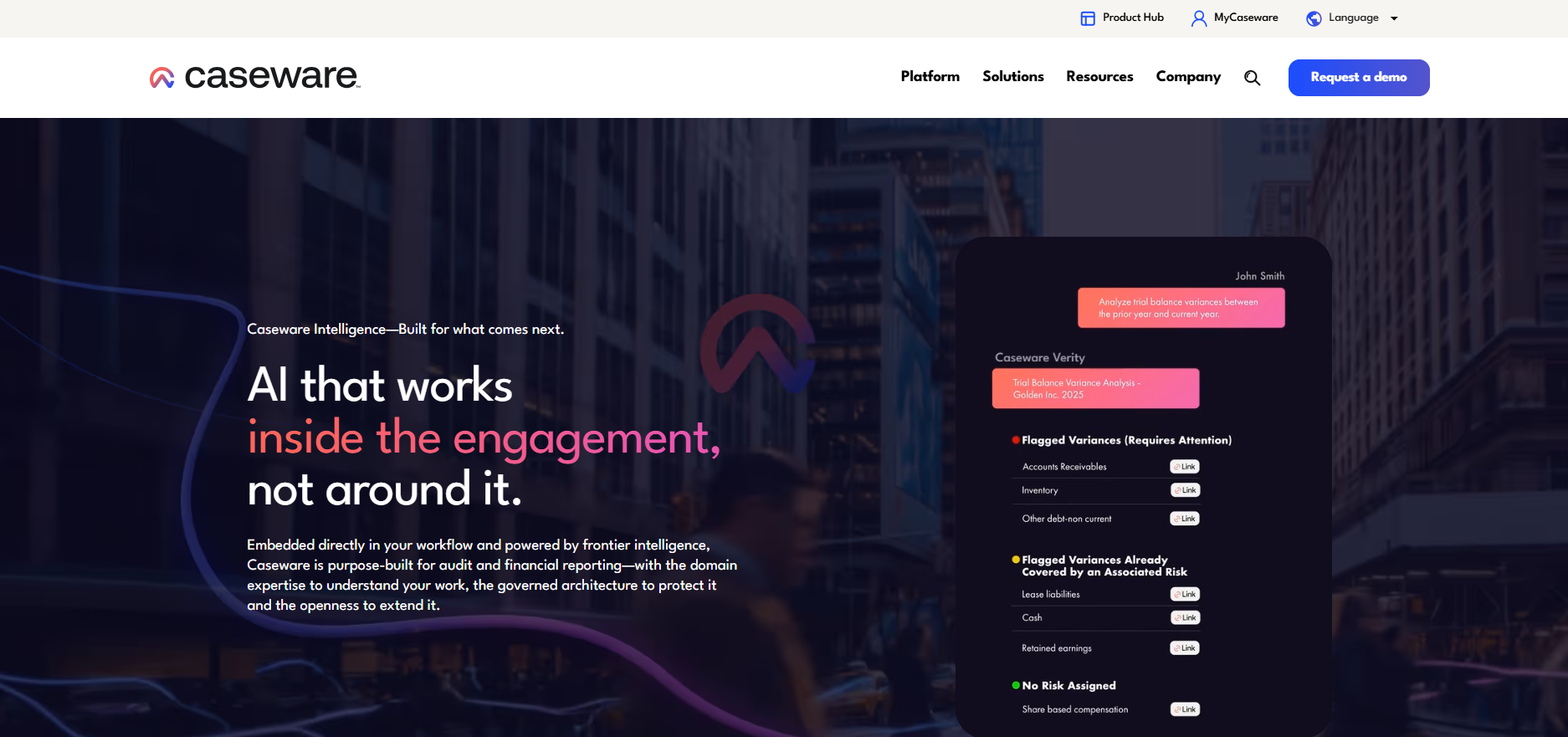
Best for: Firms that want structured engagement files, connected workpapers, and a choice of deployment options.
In Caseware, preparers and reviewers work with trial balance imports, lead schedules, risk assessment forms, and sign-off routing within the engagement file.
Caseware offers desktop and cloud products. Its Verity AI tools use engagement context and methodology, with availability depending on the product and configuration.
Strengths
- Links trial balance work, lead schedules, risk assessment, and review within an engagement file.
- Offers desktop and cloud options across its product range.
Limitations
- Methodology and AI availability differ by product and configuration.
- Some advertised Verity agents are marked as coming soon.
2. Engagement Manager (formerly AdvanceFlow), Thomson Reuters

Best for: Firms using Thomson Reuters products that want cloud workpapers and engagement review.
Engagement Manager is Thomson Reuters’ cloud audit engagement platform, previously called AdvanceFlow. Staff use it to prepare cloud workpapers, work with trial balances, and review and sign off on the file.
You can pair Engagement Manager with Guided Assurance to add guided audit methodology to the cloud engagement file. If you are evaluating that combination, the proposal needs to specify both the file-management and methodology functions.
Strengths
- Organizes cloud workpapers, trial balance work, and review sign-off.
- Pairs engagement management with Guided Assurance methodology.
Limitations
- Engagement Manager and Guided Assurance have distinct roles; confirm which products and content the subscription includes.
3. AuditFile
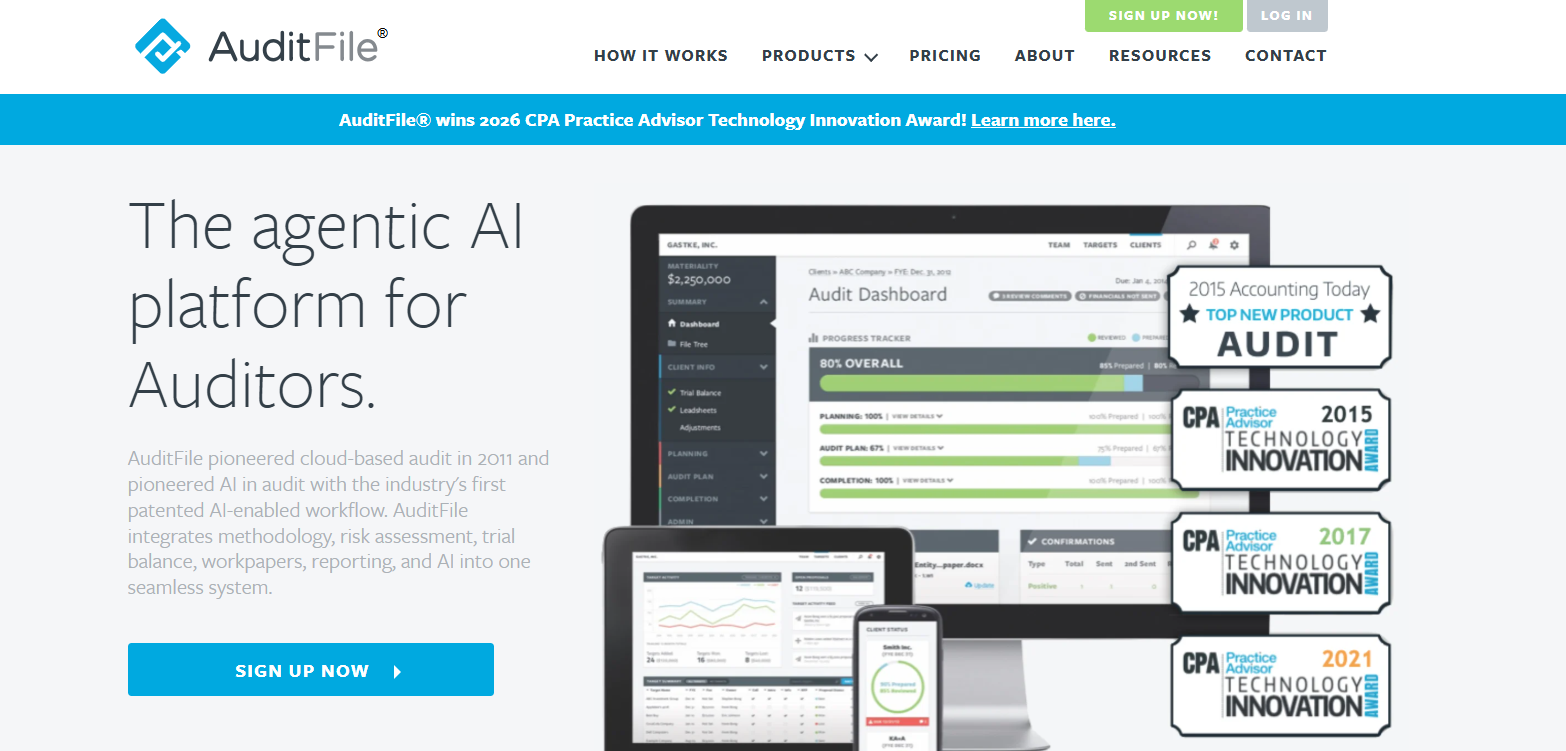
Best for: Firms that want trial balance and workpaper functions within a cloud engagement workflow.
AuditFile brings trial balance work, risk assessment, audit programs, and workpapers into a cloud engagement platform. Staff can use methodology and templates to set up the file before preparing and reviewing the work.
Teams working with QuickBooks Online or Xero can import accounting data through AuditFile’s connections, reducing the figures staff need to transfer by hand.
Strengths
- Combines trial balance work, risk assessment, audit programs, and workpapers in a cloud engagement.
- Imports accounting data from QuickBooks Online and Xero.
Limitations
- Methodology, AI features, storage, and user access vary by plan.
Documentation and audit workpaper software
After setting up the engagement file, your team needs to collect and review the evidence. With these tools, staff can track client requests, extract information from documents, or match evidence to selected workpaper items. Check which of those tasks each product supports.
4. DataSnipper
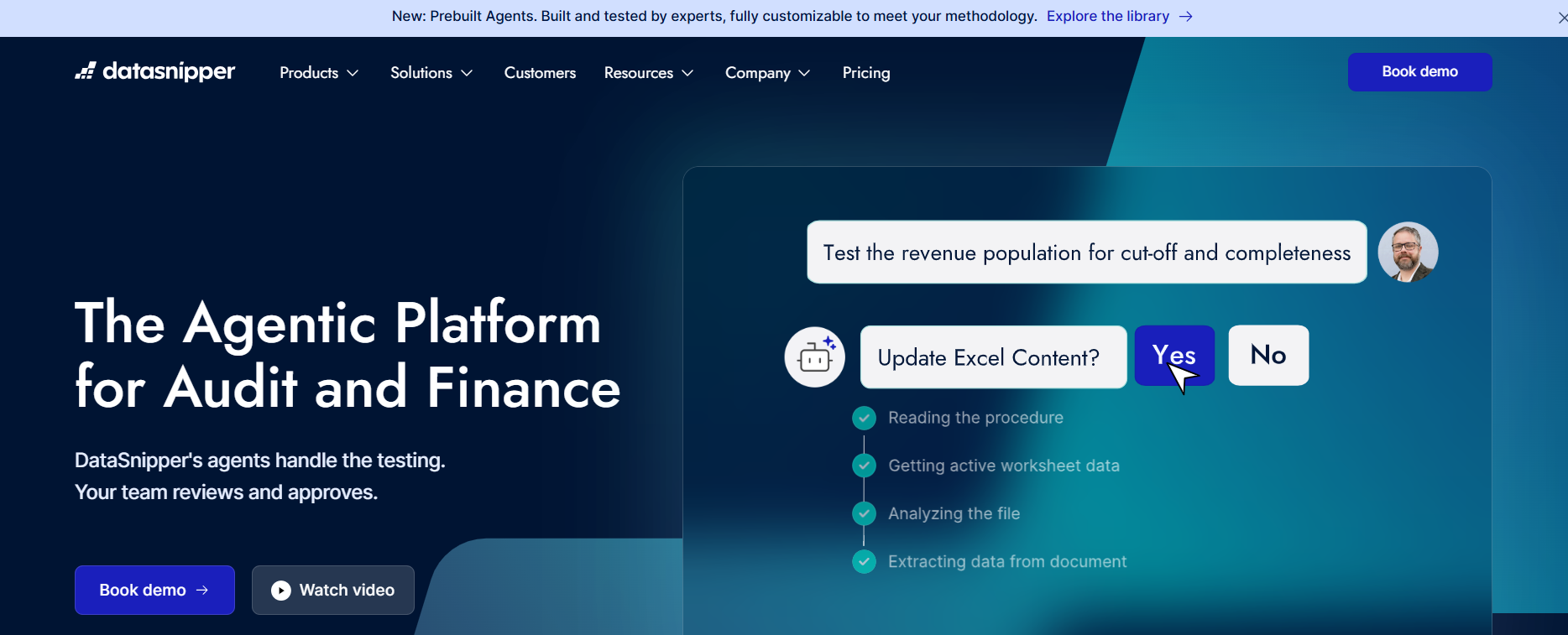
Best for: Firms whose bottleneck is matching evidence, extracting document data, or completing repeatable workpaper procedures.
With DataSnipper’s Document Matching, staff can match Excel data to supporting invoices, statements, and contracts. Reviewers can follow a selected workpaper item back to its source document.
Staff can also use DocuMine to find and extract document information. These functions are relevant if the team spends time transferring evidence into Excel or reconstructing the source of a workpaper figure.
The Caseware versus DataSnipper comparison depends on which part of the engagement you need to improve. Caseware organizes the engagement file; DataSnipper’s Excel tools focus on the document work within it. DataSnipper also offers a wider platform, so compare the specific products in each proposal.
Strengths
- Links selected workpaper items to supporting source documents.
- Supports document matching, extraction, and repeatable procedures in Excel.
Limitations
- Excel tools and the wider DataSnipper platform have different scopes; additional workflow and AI functions depend on the plan.
5. Suralink
Best for: Firms whose engagements slow down between requesting client evidence and getting it ready for review.
In Suralink, you and the client work from a shared request list. The client sees outstanding items and uploads each document against the request. You can check what has arrived and keep comments with the relevant item, without searching email threads for a missing statement.
Its Cloud Testing Suite adds Document Prescreen and Data Vouching agents to help staff check and test documents after collection.
Strengths
- Keeps client requests, submissions, and comments attached to the relevant item.
- Adds document prescreening and vouching through the testing suite.
Limitations
- The Cloud Testing Suite requires Suralink CORE. Check whether your proposal includes the testing suite.
Analytics and testing software
Auditors use analytics to examine transaction populations and identify entries for investigation. Your team still determines which assertions to test and whether to sample; analyzing a full dataset does not settle those questions.
6. MindBridge
Best for: Teams that need to investigate risk across transaction populations and retain a clear record of the items followed up.
MindBridge analyzes financial datasets and assigns risk scores using configured control points. Reviewers can inspect the factors behind a higher score, identify the transactions involved, and document their investigation.
During a demo, follow one flagged transaction through that process. The reviewer needs enough detail to explain why the item warrants attention and decide on the follow-up procedures.
MindBridge and DataSnipper address different stages of that work. MindBridge identifies risk indicators in the data; DataSnipper’s matching tools connect selected items to supporting documents. You may use both when an investigation leads to testing the underlying documents.
Strengths
- Flags transaction patterns through configured risk indicators.
- Shows the control points behind a score so the team can investigate and document follow-up.
Limitations
- A risk score identifies an item for investigation; it does not establish that a misstatement occurred.
7. Inflo
Best for: Firms that want analytics and digital workpapers connected within the same platform.
Inflo combines audit data analytics with working papers, collaboration, and quality-management tools. Your team can examine financial data and document the follow-up within the platform, making it a candidate if you want to evaluate analytics and workpapers together.
In a demo, follow an analytical finding into the workpaper and review process. This will show you whether the proposed modules support the way your team documents an investigation.
Strengths
- Connects audit analytics with digital workpapers.
- Supports collaboration and quality management within its broader platform.
Limitations
- Check which workpaper, collaboration, and analytics modules the proposal includes.
Research and guidance tools
Research tools help staff find and interpret the applicable standards. Methodology tools provide engagement programs, checklists, and practice aids. Your team may use both when a client’s circumstances raise questions beyond the standard program.
The sources you need depend on the engagement. Financial-reporting and audit questions may involve FASB, GASB, PCAOB, or AICPA guidance. Government and federal-award work can also require research into Government Auditing Standards (GAGAS) and Uniform Guidance.
For a deeper research-provider comparison, including CoCounsel Audit & Accounting, see our audit research tools comparison.
8. CCH AnswerConnect and Accounting Research Manager
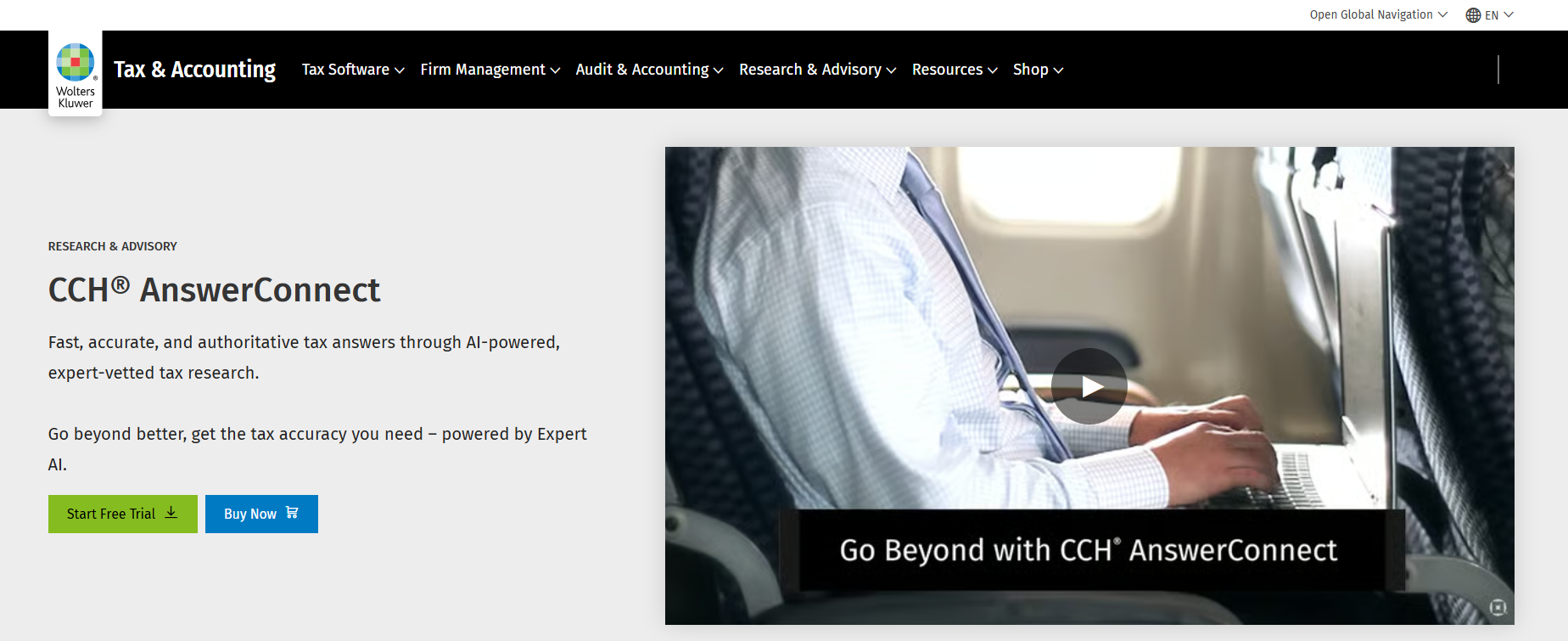
Best for: Firms that want to research accounting and audit questions using Wolters Kluwer’s guidance and commentary.
Wolters Kluwer’s research offering includes Accounting Research Manager content and CCH AnswerConnect. Researchers can browse accounting and audit guidance by topic or Codification reference.
The guidance and commentary are the main reason to evaluate this offering. CCH AnswerConnect also offers AI-powered research and document analysis, with access depending on the collection and package. Compare both the research content and the AI functions in the proposed subscription.
Strengths
- Provides curated accounting and audit guidance.
- Supports detailed research through topic and Codification-based navigation.
Limitations
- Accounting, audit, international, and AI access depend on the selected product and package.
9. PPC Guides, Thomson Reuters

Best for: Firms that want established methodology and adaptable practice aids rather than building engagement programs from scratch.
PPC Guides provide methodology: checklists, illustrative reports, and practice aids for defined engagement types, such as a special-purpose framework audit or an industry-specific engagement.
Staff can adapt the programs and sample language to the client’s circumstances. Questions outside the practice aids may require separate research, so PPC can sit alongside a research subscription.
Strengths
- Provides engagement programs, illustrative reports, and practice aids.
- Gives staff established methodology and sample language to adapt.
Limitations
- Check that the guides cover your engagement type. You may need a separate research tool for questions outside the program.
10. Guided Assurance (formerly Checkpoint Engage), Thomson Reuters
.png)
Best for: Firms that want guided methodology within their engagement workflow, including practices performing single audits.
Thomson Reuters renamed Checkpoint Engage as Guided Assurance. Firms use it to guide engagement procedures, including single audit work.
The single audit offering includes support for the Schedule of Expenditures of Federal Awards (SEFA), major-program identification guidance, awards tracking, and embedded Uniform Guidance and Compliance Supplement requirements. Staff can consult that guidance while completing the procedures.
Evaluate Guided Assurance alongside the engagement platform you plan to use. In the Thomson Reuters combination, Engagement Manager holds the workpapers and review process while Guided Assurance supplies methodology.
Strengths
- Embeds methodology and guidance within the engagement process.
- Supports single audit work with SEFA data, awards tracking, and compliance guidance.
Limitations
- Check that the offering includes methodology for your engagement types.
11. Bizora
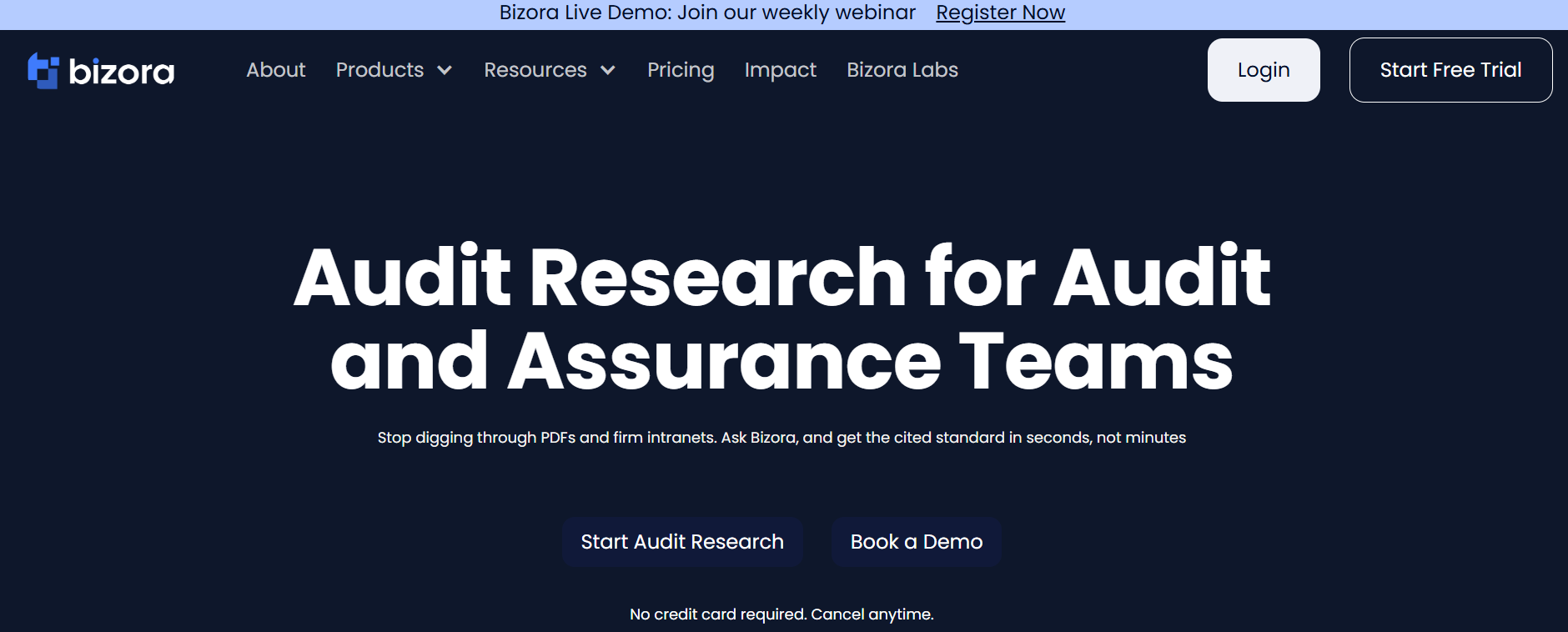
Best for: Firms that need cited accounting, audit, and compliance research alongside client-document analysis and memo drafting.
Bizora Audit Research lets you ask a question in plain language and receive an answer tied to the relevant standard, section, or paragraph. In View Steps, reviewers can inspect the cited authorities and the analysis connecting them to the answer.
For example, a university audit may raise financial-reporting, federal-award compliance, and independence questions. Bizora helps staff identify the relevant authorities and prepare an analysis with citations for review.
Your team can use the Vault to examine engagement letters, prior-year workpapers, and client files alongside the research. In Canvas, you can prepare a draft memo from the findings for review.
For research inside compatible assistants or internal tools, Bizora offers API and MCP access. Audit Research comes with Pro and Pinnacle web-app subscriptions. API usage is separate and costs $0.65 per audit research request.
Strengths
- Supports questions that involve more than one accounting, audit, or compliance authority.
- Connects cited research with client-document analysis and draft memos.
- Provides API and MCP access for research within compatible assistants and internal tools.
Limitations
- It does not manage or sign the engagement file or perform evidence testing.
- Check whether Bizora covers the authorities your engagement requires.
Choosing audit software for your practice
The engagements you handle determine which functions deserve a place in your shortlist. These examples show how the requirements can differ.
| Practice needs | Capabilities to prioritize | Add when the work requires it |
|---|---|---|
| A small portfolio of recurring engagements | Consistent workpapers, review, rollforward, and access to relevant guidance | Client-request management or evidence matching |
| Several engagements running at once | Shared files, status tracking, review notes, and client-request visibility | Repeatable document procedures and additional analytics |
| Government or federal-award engagements | Relevant methodology and access to the applicable reporting, compliance, and audit guidance | Guided single audit functions and cross-authority research |
| Engagements with large transaction populations | Reliable data import, analytics, and a documented investigation process | Evidence matching and document extraction |
A firm with few engagements may still handle large datasets or specialist research. You may need functions from several rows, depending on the clients and work involved.
What AI audit software can automate
Your team can use AI to extract document data, match evidence, analyze transaction risk, and draft documentation. During a pilot, ask a reviewer to inspect the output and the supporting sources.
Check whether:
- A matched item links back to the correct source document.
- An exception shows what failed and what remains unresolved.
- A reviewer can trace a risk indicator to the transactions and tests behind it.
- A research answer supports its conclusion with relevant authority.
- The team can revise the draft and retain it with the supporting work.
The engagement team still determines the procedures, evaluates the evidence, and takes responsibility for its conclusions.
Deployment, access, and contract terms
Before signing, account for onboarding, migration, and ongoing access as well as the subscription.
- Included functionality: identify the methodology, testing, analytics, research, and AI modules in the proposal.
- Users and engagement limits: account for preparers, reviewers, client access, storage, and any seat minimums.
- Deployment and data: check hosting region, permissions, backups, updates, and how the system supports remote or hybrid work.
- Migration and exit: confirm how you will import prior-year files and export engagement records when you leave.
- Commercial terms: compare billing commitments, onboarding, support, and the cost of adding users or modules.
AuditFile publishes plans, while DataSnipper and Suralink offer configurations that require a proposal. Price the configuration your team would use, including any additional modules. For Bizora, web-app subscriptions and usage-based API access are separate purchases.
Choose the tools that fit your audit work
Test your shortlisted tools on one representative engagement, with client information removed. Follow a task from the initial document or dataset through preparation, review, and retention in the file. Ask the preparer and reviewer where they had to re-enter data, switch systems, or reconstruct the supporting work before you commit.
If technical research is the gap, try Bizora on a question from your practice and inspect the sources and draft output. Firms building research into an internal workflow can review the API and MCP options.
Your Next Answer Is One Search Away
Bizora AI turns hours of manual research into seconds, with every answer backed by primary source citations. Start your 7-day free trial. No credit card required.
Start Free TrialFrequently Asked Questions
What is the difference between audit software and audit management software?
In this guide, audit software covers engagement management, evidence handling, analytics, and research. Audit management software usually refers to tools for organizing engagements, tracking progress, and managing review and sign-off. Vendors also use the term for internal audit products, so check the type of audit each product supports.
Do small CPA firms need separate research software, or is it included in audit platforms?
It depends on the platform and subscription. Some include guidance, methodology, or AI research; others supply them through additional modules. Check whether the included functions cover the standards and questions your practice needs before buying another tool.
Is there free audit software for small firms?
AuditFile advertises a 14-day trial, and Bizora offers a 7-day trial. Both give you a limited evaluation period. Free accounting and reporting libraries can help with research; you would still need a way to prepare, review, and retain the engagement file.
Which audit tasks can you automate?
You can automate parts of document extraction, matching, transaction analysis, and drafting. The team still decides which procedures are appropriate and evaluates the resulting evidence. The scope of automation depends on the specific product and configuration.
How much does audit software cost for a small firm?
Cost depends on the product, users, modules, methodology, and contract. AuditFile publishes current plans, while other vendors may provide a configured quote. Bizora Audit Research is included with Pro and Pinnacle web subscriptions; you pay $0.65 per research request for separate API access.