6 Best Tax Research Software Tools for Tax Professionals in 2026
A client asks how a proposed transaction will affect their taxes. Before you can answer, you need to read the agreement, identify the relevant rules, and find authority that supports your analysis. You may also need commentary explaining how courts have applied those rules or a comparison of state requirements.
The next step is explaining what those findings mean for the client. A preparer may need a memo supporting a return position, an attorney may need research for a transaction, and a financial advisor may need to explain the tax treatment of a planning option. The software you choose should support both the research and the explanation you need to deliver.
This guide compares six tax research software tools for CPAs, EAs, tax attorneys, financial advisors, and in-house teams. The reviews cover research sources, document analysis, drafting, pricing, and the work each platform suits.
Key takeaways
- Bizora is an AI tax research platform with cited answers, client-document analysis, and memo drafting. View Steps shows the sources and reasoning.
- Blue J grounds research in primary sources, Tax Notes, and IBFD, with memo and email drafting built in.
- Checkpoint and Bloomberg Tax offer specialist commentary alongside AI research, including WG&L treatises and Tax Management Portfolios, respectively.
- CCH AnswerConnect's SmartCharts let you compare supported tax topics across states, with links to the underlying sources.
- TaxGPT combines cited research and drafting with preparation and return review, including individual and business return workflows.
Tax research software at a glance
These reviews draw on vendor product documentation and published package information. We have not conducted hands-on accuracy or speed tests.
| Platform | Research focus | Consider it for |
|---|---|---|
| Bizora | Primary-source research, document analysis, and drafting | Develop and document a tax position within one research workspace |
| Blue J | Cited research grounded in primary sources, Tax Notes, and IBFD | Research tax questions and draft memos or client emails |
| Thomson Reuters Checkpoint and CoCounsel Tax | Research collections with cited AI assistance | Consult practitioner-written analysis alongside source material |
| CCH AnswerConnect | Tax research and state comparison tools | Compare supported state tax issues through SmartCharts |
| Bloomberg Tax | Tax Management Portfolios and research tools | Investigate specialized federal, international, or estate-planning issues |
| TaxGPT | Research within a broader tax-practice platform | Combine research with document, preparation, and review functions |
What to look for in tax research software
Choose a question you have already researched and use it to assess the six areas below. With the facts and supporting authority at hand, you can see where a tool helps and where you still need to do the work.
1. Sources you can open and check
Open a citation and read the passage behind the answer. It should support the conclusion for the facts you supplied. If you need a treatise or editorial explanation as well, check that you can read the full text within the subscription; seeing a reference to it may not provide access.
2. Coverage for the tax issues you handle
List the jurisdictions and tax types you research during a typical month. A practice advising on sales tax nexus needs different material from an attorney researching estate tax or an in-house team reviewing a treaty issue. Ask the vendor to show you the relevant sources for those questions, including state or international material that may require an additional subscription.
3. Answers that account for the client's facts
Give the tool the tax year, entity type, jurisdictions, and transaction details. Check whether it applies the rules to those facts and identifies missing information that could affect the conclusion. If you need document analysis, upload a sanitized agreement or workpaper and see whether the answer accounts for its relevant provisions.
4. Time needed to finish the research
Measure the time from asking the question to completing your review. Include opening sources, asking follow-up questions, correcting the analysis, and preparing the explanation. You may get an answer in seconds and still spend substantial time resolving gaps before you can use it.
5. Memos and explanations you can edit and retain
Ask for the output you would need on the engagement, such as a position memo or an email explaining a distribution. Check whether you can revise the reasoning, keep the citations, and export the result into your client file. Have a colleague review the draft to see whether they can follow the analysis without repeating the research.
6. Access that fits your team and existing software
Check how many people can use the plan and which collections, document allowances, and AI functions it includes. Then check the connections your team needs, whether that means accounting data, preparation software, or an internal application. Include additional modules and API charges when comparing the total cost.
Best tax research software tools for tax professionals
1. Bizora
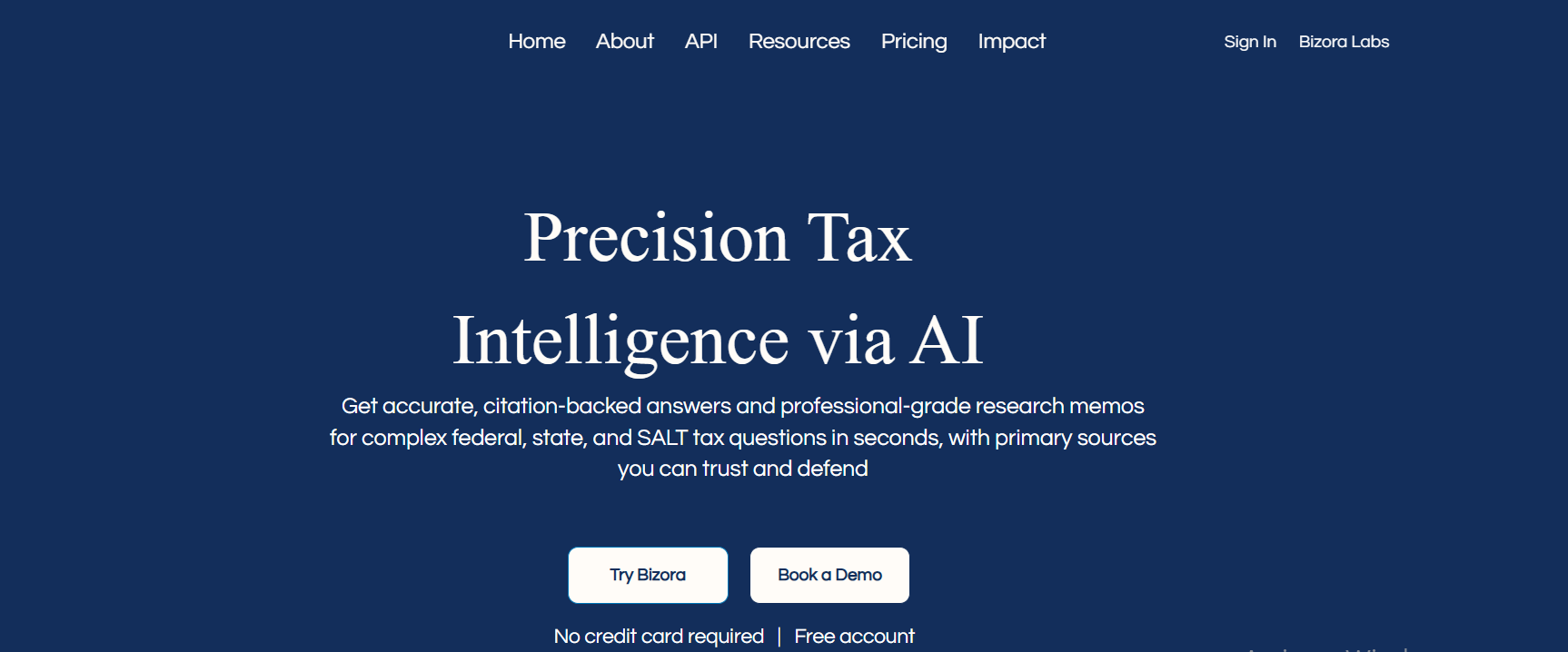
Bizora is an AI tax research platform for CPAs, EAs, tax attorneys, financial advisors, and in-house tax teams. You can ask questions in plain English and get citation-backed answers grounded in the Internal Revenue Code, Treasury Regulations, IRS rulings, and case law. Coverage includes U.S. federal tax, all 50 states, and selected international jurisdictions.
For a question about a transaction structure, state conformity, or a client distribution, View Steps shows which authorities inform the answer and how the analysis connects them. You can open those sources and review the reasoning before using the conclusion in client work.
Bizora offers Standard and Fast modes for everyday research, Deep for questions involving several issues or authorities, and Web Search for research across authoritative tax sources on the web.
For questions that depend on client documents, upload a K-1, operating agreement, return, or workpaper to the Vault and attach it to the research. You can then ask about the document's contents and use Canvas to turn the analysis into a draft tax research memo or client email in the same interface.
Bizora also connects to QuickBooks and Xero for accounting data. Its API and MCP access lets teams use cited research in compatible AI assistants and custom applications.
Key features:
- Standard, Fast, Deep, and Web Search research modes
- View Steps with supporting authorities and the reasoning behind the answer
- The Vault for client-document analysis and document-grounded questions
- Canvas for drafting tax research memos and client emails
- U.S. federal, all 50 states, and selected international coverage
- QuickBooks and Xero connections, plus API and MCP access
Pros:
- Published per-seat pricing and a 7-day trial with no credit card required
- Source review, document analysis, and drafting within one workspace
- API and MCP access for teams using research outside the web app
Cons:
- Does not prepare or file tax returns
- Does not provide the same practitioner-written treatise collections as Checkpoint or Bloomberg Tax
Pricing:
| Tier | Monthly cost per seat | What's included |
|---|---|---|
| Essential | $29.99 | Unlimited standard questions and Vault access, with daily allowances for other research, uploads, and drafting functions |
| Pro | $69.99 | Unlimited research, uploads, memo and email drafting, plus Audit Research |
| Pinnacle | $119.99 | Everything in Pro, plus priority SLA, dedicated support, early beta access, quarterly strategy reviews, and team training |
The 7-day trial requires no credit card. API usage is separate: Fast Tax Research is $0.24 per request and Deep Tax Research is $1.50.
Best for: Tax practitioners and advisors who want to research client-specific questions and draft supporting memos or emails in one workspace.
2. Blue J
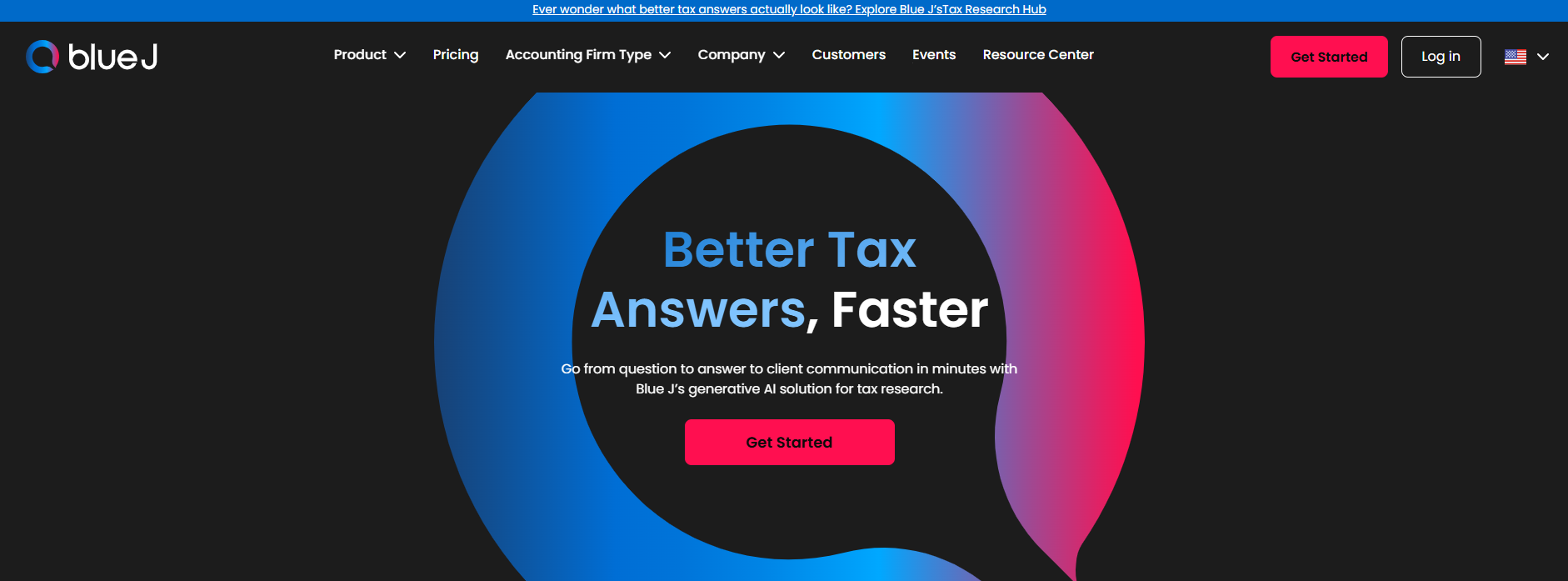
Blue J is an AI tax research platform that gives citation-backed answers grounded in primary sources, Tax Notes, and IBFD, with memo and email drafting built in. It fits firms of all sizes doing tax research, advisory, compliance, and tax writing.
Blue J's source library is curated by tax experts, and users can flag any answer with a Disagree button. Users disagree with 0.3% of answers. The curated database updates daily with IRS regulations, rulings, and court cases.
Key features:
- Citation-backed answers grounded in primary sources, Tax Notes, and IBFD
- Expert-curated source library, with a Disagree button to flag any answer
- Memo and email drafting built in
- Multi-jurisdiction coverage: U.S., Canadian, and UK tax issues
Pros:
- Answers are grounded in cited primary sources and Tax Notes editorial content
- Expert-curated source library with a Disagree button on every answer
- International coverage through IBFD
Cons:
- Research-only platform, no return preparation integration
- Higher price point than Bizora for solo practitioners
Pricing: Blue J's Individual plan costs $1,498 per user per year, and Blue J is CPA.com's preferred partner solution for tax research. Team plan pricing is available on request.
Best for: Firms of all sizes doing tax research, advisory, compliance, and tax writing.
3. Thomson Reuters Checkpoint and CoCounsel Tax

Thomson Reuters Checkpoint combines primary authorities with editorial analysis and practitioner-written collections such as WG&L treatises. For an issue that requires historical context or detailed interpretation, you can consult that commentary alongside the statutes, rulings, and cases.
For a partnership or estate question, that commentary can help you examine how the authorities apply to different structures. Identify the titles your team needs before comparing packages, since each subscription includes a different selection of content.
CoCounsel Tax adds cited research, client-document analysis, calculations, and drafting using Checkpoint content, with offerings for practices and corporate tax departments. During a demonstration, use a question that requires one of your chosen collections. This lets you check which material the proposed CoCounsel package can use in its answers.
Key features:
- Checkpoint primary sources, editorial analysis, and WG&L treatises
- Federal, state, and international research collections, depending on subscription
- CoCounsel Tax for cited research, client-document analysis, calculations, and drafting
- Research offerings for both tax practices and in-house teams
Pros:
- Practitioner-written collections for specialized and historical research
- AI assistance alongside established Checkpoint content
Cons:
- Content and CoCounsel access depend on the selected products and subscription
- Preparation and audit/accounting workflows sit in separate offerings
Pricing: Quote-based. The price depends on the selected content, products, and users; ask for a proposal that lists the collections and CoCounsel access included.
Best for: Tax attorneys, experienced practitioners, and in-house teams that rely on established research collections, including firms using Thomson Reuters products.
4. CCH AnswerConnect

CCH AnswerConnect is worth considering if you spend much of your research time comparing state tax rules. Its SmartCharts let you select a supported topic, compare the treatment across states, and open the source material behind the entries.
For a client planning to expand into another state, you can compare the relevant requirements before reading the supporting authority. SmartCharts also lets you review changes over a selected period. Test a topic you research often, such as sales tax nexus, to establish whether the chart covers the issues and states you need.
AnswerConnect also provides editorial explanations, Expert AI research, and client-document analysis. Wolters Kluwer offers packages for practices and corporate teams, with accounting, audit, and international content available through expanded packages. Check the included content and Expert AI access when selecting a plan.
Key features:
- SmartCharts for supported state tax topics, with links to sources
- State comparisons with options to review changes over a selected period
- Source material and editorial explanations alongside Expert AI
- Client-document analysis and expanded content, depending on package
Pros:
- Structured state comparisons for recurring multistate research
- Editorial explanations and supporting sources in the research workflow
Cons:
- Expanded accounting, audit, and international collections depend on the package
- Expert AI and document-analysis access must be checked against the proposed plan
Pricing: Varies by package and user arrangement. Request terms for the research collections, SmartCharts, and Expert AI functions your team needs.
Best for: Professionals and corporate tax teams that compare state tax treatment or want Wolters Kluwer research content alongside AI assistance.
5. Bloomberg Tax

Bloomberg Tax's Tax Management Portfolios provide detailed, practitioner-written analysis of specialized tax issues. They cover federal, state, and international tax, as well as estates, gifts, and trusts, making the platform relevant to corporate teams, tax attorneys, and advisors handling complex planning work.
For a cross-border transaction or wealth-transfer question, you can consult the relevant Portfolio alongside the underlying authorities. Evaluate a topic your team researches often to judge how much the commentary adds to your analysis.
Bloomberg's AI Assistant lets you ask research questions and follow links to the underlying content. Deep Thinking asks clarifying questions and develops a research plan for complex issues. Check which collections and AI functions your subscription includes; Bloomberg sells separate planning and calculation products.
Key features:
- Tax Management Portfolios covering specialized tax topics
- Federal, state, international, and estate, gift, and trust research
- AI Assistant with links to underlying research content
- Deep Thinking for clarifying questions and structured research plans
Pros:
- Detailed practitioner-written commentary on specialized issues
- Research scope includes wealth-transfer questions as well as corporate and international work
- AI-assisted research alongside the Portfolio collections
Cons:
- Planning and calculation products require separate access
- Collection and AI access depend on the subscription
Pricing: Custom quotes based on the users and research collections selected. Include any separate planning or calculation products in the request.
Best for: Corporate tax departments, tax attorneys, and advisors who need detailed commentary on specialized federal, international, or estate, gift, and trust issues.
6. TaxGPT
TaxGPT combines cited tax research, document analysis, and drafting with preparation and return-review functions. Its documented research coverage includes U.S. federal and state tax questions, plus Canadian tax.
You can analyze returns, notices, and supporting documents, then draft a memo or client communication from the research. If your practice also handles return work, Cowork adds individual and business preparation workflows, while Agent Andrew reviews prepared returns against the supporting documents.
A team handling both research and returns can use these functions across an engagement. If you need research alone, focus the comparison on source coverage, document analysis, and drafting; preparation features may add little to your work.
Key features:
- Cited U.S. federal and state research, with Canadian coverage
- Document analysis for returns, notices, and supporting files
- Memo and client-communication drafting
- Cowork for individual and business preparation workflows
- Agent Andrew for source-to-return review
Pros:
- Research, document analysis, drafting, preparation, and review within one product offering
- Individual and business return workflows for practices that need them
Cons:
- Cowork is available to U.S. firms under the documented offering
- An advisor seeking research alone may have little use for the preparation and review functions
Pricing: Contact TaxGPT for current terms. Ask which research, Cowork, and Agent Andrew functions the quote includes.
Best for: Tax and accounting practices that want research, document analysis, and drafting alongside preparation and return-review workflows.
Match the research tool to your work
Build your shortlist around the questions you handle and the work you need to deliver. The examples below show which capabilities matter for different assignments.
| Your work | Research capabilities to prioritize |
|---|---|
| Financial or wealth advice involving tax questions | Analysis of client facts, relevant federal and state authority, and explanations you can discuss with the client and their tax professional |
| Tax law and controversy | Case history, procedural sources, specialist treatises, and supporting and contrary authority |
| Corporate and in-house tax | Entity and transaction research, state comparisons, relevant international content, and a way for colleagues to review the analysis |
| CPA or EA compliance and advisory work | Current authority, document analysis, and memos supporting client positions |
| Cross-border or transaction advisory | Relevant jurisdictions and treaties, specialist commentary, and analysis of transaction documents |
For financial planning work, check whether you also need projections of the estimated tax consequences. Research helps establish the rules behind a planning option; a projection requires calculations using the client's figures and assumptions. Evaluate both functions if your work requires them.
You may also need to keep a specialist treatise alongside an AI research assistant. Before replacing a subscription, identify the collections you still consult and check whether the alternative provides access. Our tax research software comparison breaks down the platforms in more detail.
Try the research on a question from your practice
Take a recent question through two or three shortlisted tools using the same facts, tax year, and jurisdictions. Open the supporting sources and prepare the memo or explanation you would keep in the client file. Compare how much checking and revision each answer needs before you can use it.
You can try Bizora free for 7 days, with no credit card required. Research a client question, follow the analysis through View Steps, and draft the explanation in Canvas to see how it fits your work.
Your Next Answer Is One Search Away
Bizora AI turns hours of manual research into seconds, with every answer backed by primary source citations. Start your 7-day free trial. No credit card required.
Start Free TrialFrequently Asked Questions
Can I research a tax question without uploading a complete return?
Yes. Describe the relevant facts, tax year, jurisdictions, and question, and identify any information you still need. You can then add documents that contain details needed for the analysis, following your organization's data-handling process. For a transaction question, an agreement or a specific schedule may provide more useful context than a complete return.
How do I check whether a cited case or ruling still applies?
Open the source and check its date, status, and treatment by later authorities. Use a citator, where available, to find later decisions or documents that discuss it, then investigate any changes to the rule through legislation or regulations. Check the effective dates against the tax year in your question before relying on the authority.
Should I cite the AI answer or the underlying tax authority in a memo?
Cite the underlying statute, regulation, ruling, or case that supports your analysis. Read the source before using it and check that the cited passage supports the point you make. You can use the AI explanation to develop a draft, then retain the research record and document AI use under your team's process.
Can I reuse a research memo for a different client or tax year?
Use it as a starting point and compare the new facts with those in the original memo. A change in entity structure, jurisdiction, or transaction date may require a different analysis. Check for changes to the law, update the supporting sources, and revise the conclusion for the new engagement.
Can I keep downloaded research after cancelling a subscription?
Check the vendor's license for the material you want to retain. The terms may distinguish between your research memo, an exported answer, and copies of licensed commentary or full-text sources. Before cancelling, establish what you can keep in client files and whether colleagues can continue to access it.