Tax Research Software Comparison 2026: Bizora vs Checkpoint vs Blue J vs Bloomberg Tax vs CCH
Tax research tools haven't kept pace with the work. The questions got harder, the pace of regulatory change picked up, and most platforms responded by bolting AI onto the same underlying architecture they've run for twenty years.
The market has split into two camps. Legacy platforms (Checkpoint, Bloomberg Tax, CCH AnswerConnect) carry decades of editorial depth and tight integration with tax prep software. Platforms built for AI from the ground up (Bizora, Blue J, TaxGPT) were designed from scratch around how practitioners actually ask questions. Choosing the wrong category for your firm's workflow costs real money and real hours.
What follows draws on each platform's published pricing pages and product documentation, reviewed against the kind of gray-area, multi-authority research that eats 45 minutes the traditional way, to help you figure out which category and which platform actually fits your firm. For a broader look at the AI tax research category, see the best AI tax research assistant for accounting firms.
Key Takeaways
- Bizora is the only platform in this comparison with transparent per-seat pricing published online, a 7-day free trial, and no contract, starting at $29.99/seat/month
- Checkpoint and Bloomberg Tax serve large firms with complex, historical, or cross-border work; both require a quote and carry significant per-user costs
- CCH AnswerConnect's SmartCharts are the strongest multi-state comparison tool in the category
- Blue J's Tax Foresight feature gives you confidence percentages on court and IRS outcomes, something none of the other platforms in this comparison offer
- TaxGPT covers the broadest workflow but keeps pricing behind a demo gate
- Bizora is the only platform in this comparison that shows a full reasoning chain through View Steps, so you see how the AI got to the answer, not just what it concluded
Two Different Categories of Tax Research Tools
Until about three years ago, choosing a tax research platform meant choosing between Thomson Reuters and Wolters Kluwer. Blue J had a niche in tax controversy. Bloomberg served the largest firms. Everyone else worked within that ecosystem.
That's no longer the case. Purpose-built AI platforms now offer citation-backed answers in plain English, transparent reasoning chains, and pricing that works for a solo practitioner without a multi-year contract negotiation. The legacy platforms responded with CoCounsel (Checkpoint), Expert AI (CCH), and the Bloomberg AI Assistant, each adding generative AI on top of their existing content libraries.
The question isn't whether you want AI anymore. Every platform has it. The real question is whether the AI was designed in from the start or bolted on top, and whether it actually shows you how it reached the answer.
Quick-Pick: Which Platform Fits Your Firm?
| Firm profile | Best fit |
|---|---|
| Solo CPA or EA, daily compliance work | Bizora |
| Small firm (2-9 staff), limited budget, needs AI plus drafting | Bizora |
| Mid-size firm (10-50 staff), complex federal research | Bizora |
| Mid-size firm (10-50 staff), heavy multi-state comparison | CCH AnswerConnect |
| Mid-size firm needing tax controversy or outcome prediction | Blue J |
| Large firm or corporate, cross-border or multinational work | Bloomberg Tax |
| Already embedded in the Thomson Reuters ecosystem | Checkpoint Edge with CoCounsel |
| Firm wanting one platform for research, prep, and client comms | TaxGPT |
Full Side-by-Side Comparison
| Criteria | Bizora | Checkpoint + CoCounsel | Blue J | Bloomberg Tax | CCH AnswerConnect | TaxGPT |
|---|---|---|---|---|---|---|
| Starting price | $29.99/seat/month | Quote-based | $1,498/user/year | Quote-based | Quote-based | Quote-based |
| Free trial | 7-day trial, no credit card | No | 7-day trial | No | 14-day trial | Free trial |
| Contract | None | Multi-year typical | Annual | Multi-year typical | Annual | Varies |
| AI approach | AI-native | Legacy plus CoCounsel | AI-native | Legacy plus AI Assistant | Legacy plus Expert AI | AI-native |
| Reasoning transparency | Full (View Steps) | Partial citations | Inline citations | Inline citations | Limited | Limited |
| Integrated drafting | Yes (Canvas) | Yes (CoCounsel) | Yes (one-click) | No | Client memo export | Yes |
| Document analysis | Yes (the Vault) | Yes (Workspaces) | Yes (file uploads) | Yes (Deep Thinking Mode) | No | Yes (Agent Andrew) |
| Multi-state coverage | All 50 states | All 50 plus 180+ international | All 50 plus Canada and UK | 200+ countries | All 50 plus SmartCharts | Federal plus state |
| Outcome prediction | No | No | Yes (Tax Foresight) | No | No | No |
| Return review | No | No | No | No | No | Yes (Agent Andrew) |
| QuickBooks/Xero integration | Yes | No | No | No | CCH Axcess/ATX only | No |
| R&D credit support | Yes | No | No | No | No | No |
| SOC 2 | Preparing for SOC 2 | Yes (company-wide) | Yes | Yes (Bloomberg Industry Group) | Not publicly disclosed | Yes |
Pricing at a Glance
Every other comparison page either invents numbers or skips pricing entirely. Here is what is actually published versus what requires a sales call.
| Criteria | Bizora | Checkpoint + CoCounsel | Blue J | Bloomberg Tax | CCH AnswerConnect | TaxGPT |
|---|---|---|---|---|---|---|
| Starting price | $29.99/seat/month | Quote-based | $1,498/user/year | Quote-based | Quote-based | Quote-based |
| Free trial | 7-day trial, no credit card | No | 7-day trial | No | 14-day trial | Free trial |
| Contract | None | Multi-year typical | Annual | Multi-year typical | Annual | Varies |
| AI approach | AI-native | Legacy plus CoCounsel | AI-native | Legacy plus AI Assistant | Legacy plus Expert AI | AI-native |
| Reasoning transparency | Full (View Steps) | Partial citations | Inline citations | Inline citations | Limited | Limited |
| Integrated drafting | Yes (Canvas) | Yes (CoCounsel) | Yes (one-click) | No | Yes (client memo export) | Yes |
| Document analysis | Yes (the Vault) | Yes (Workspaces) | Yes (file uploads) | Yes (Deep Thinking Mode) | No | Yes (Agent Andrew) |
| Multi-state coverage | All 50 states | All 50 plus 180+ international | All 50 plus Canada and UK | 200+ countries | All 50 plus SmartCharts | Federal plus state |
| Outcome prediction | No | No | Yes (Tax Foresight) | No | No | No |
| Return review | No | No | No | No | No | Yes (Agent Andrew) |
| QuickBooks/Xero integration | Yes | No | No | No | CCH Axcess/ATX only | No |
| R&D credit support | Yes | No | No | No | No | No |
| SOC 2 | Preparing for SOC 2 | Yes (company-wide) | Yes | Yes (Bloomberg Industry Group) | Not publicly disclosed | Yes |
Tax Research Software Reviews
1. Bizora
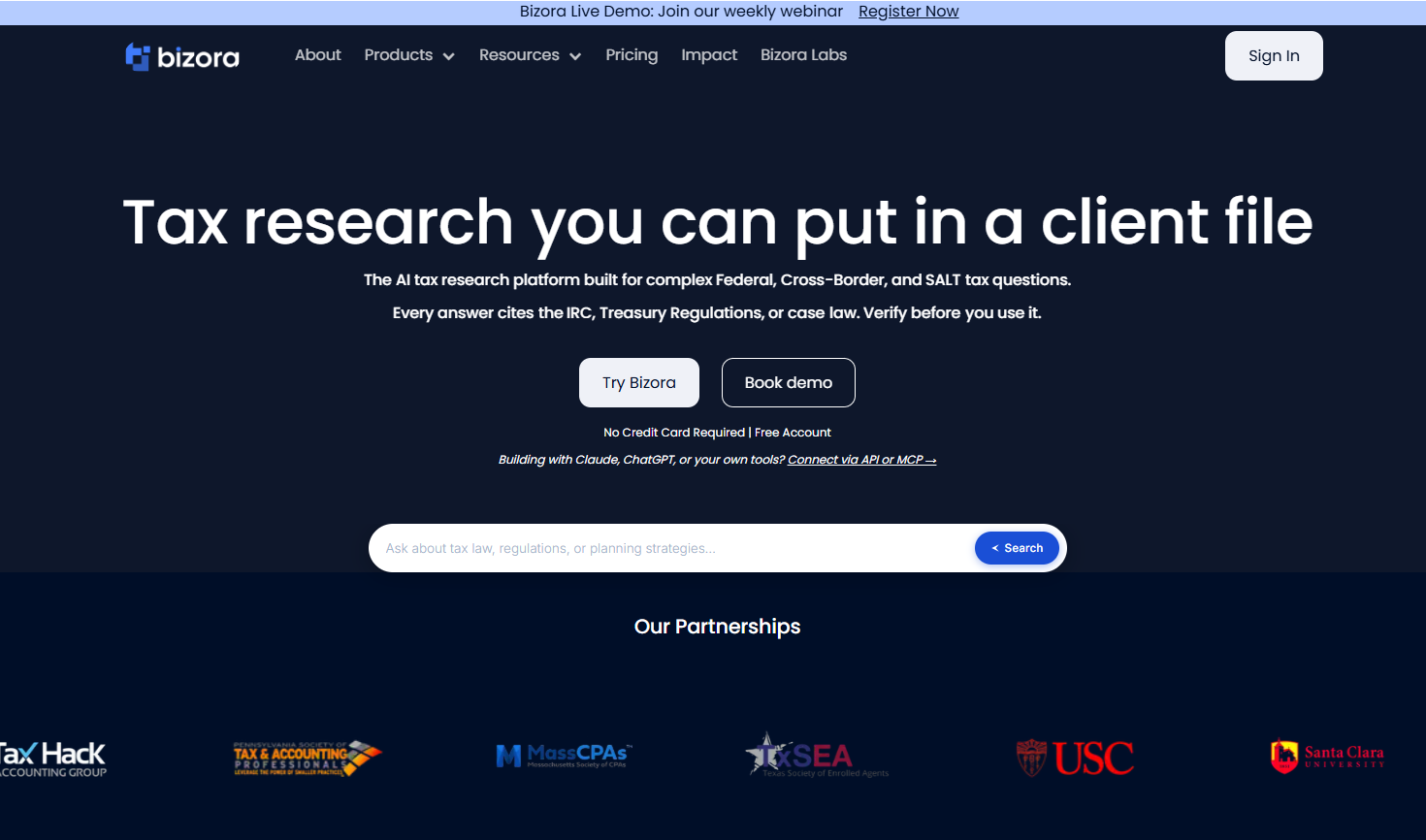
Bizora is built on a premise most tax research tools sidestep entirely: you should be able to see exactly how the AI got to its answer, not just what it concluded. The View Steps feature surfaces which IRC sections, Treasury Regulations, IRS rulings, and case law drove the conclusion, how they connect, and why the reasoning holds, before you put any of it in front of a client or supervisor. For anything that needs to survive a partner review or a Circular 230 challenge, that trail is the deliverable.
Three research modes serve different situations: Regular for quick lookups, Deep Research for complex multi-authority questions, and Web Search for guidance that has been published but not yet indexed. Canvas handles memo and email drafting inside the same interface, so you move from research to deliverable without switching tools.
The Vault takes document analysis a step further, letting you upload returns, K-1s, engagement letters, and client files to query against directly. For firms with R&D tax credit situations in their client base, a built-in qualification tool connects to TaxHack Accounting Group, which handles the full study, documentation, and filing.
Tax Court cases now sit alongside the IRC, Treasury Regulations, and IRS rulings in the research database, which fills a real gap for audit defense and penalty abatement work. The controlled web search mode draws only from pre-approved authoritative sources, closing the window between guidance being published and showing up in the static database. Visual decision trees handle eligibility and phase-out logic, laying out conditional tests the way a senior associate would walk through them on a whiteboard.
Pricing is published without a sales call: $29.99/month (Essential), $69.99/month (Pro), $119.99/month (Enterprise) per seat. 7-day free trial available with no credit card required and no contract.
Pros:
- Transparent pricing with no sales call required
- View Steps gives you a traceable reasoning chain, not just an output
- Canvas and the Vault create a research-to-deliverable workflow inside one platform
- 7-day free trial available with no credit card
- QuickBooks and Xero integration live
- R&D credit qualification built in via the TaxHack partnership
- No multi-year contract
Cons:
- Newer platform; editorial library does not match legacy vendors in historical depth
- No multi-state SmartCharts comparison view
- Not a return prep or compliance filing tool
- No outcome prediction for controversy or planning work
Best for: Solo practitioners, small firms, and mid-size CPA firms doing daily compliance research who want citation-backed answers, a full research-to-deliverable workflow, and pricing they can budget without a negotiation.
2. Thomson Reuters Checkpoint Edge with CoCounsel

Checkpoint is the deepest editorial library in the category. The WG&L treatises, Federal Tax Coordinator, and PPC Deskbooks represent decades of practitioner-written analysis, more than 12 million expert-authored content pieces curated by 680+ editors. When you need to understand how a code section has been interpreted over thirty years of rulings and case law, that depth is genuinely hard to replicate.
CoCounsel Tax has crossed one million users across 107 countries and is moving toward agentic, conversational task execution. It breaks complex issues into logical steps, reasons across multiple authorities simultaneously, and produces review-ready memos with citations. The knowledge base now spans AICPA, FASB, GASB, and IFRS content alongside federal and state tax law. Ready to Review, the automated 1040 prep workflow built on the GoSystem Tax engine, is live.
The integration with UltraTax CS, GoSystem Tax RS, and other Thomson Reuters products creates workflow continuity that is genuinely hard to replicate once you leave the ecosystem. Pricing is quote-based per Thomson Reuters' own plans and pricing page; the $3,000 to $7,000+ per user per year range is anecdotal, based on practitioner reports on CPA forums rather than a vendor-published figure. Thomson Reuters' Trust Center confirms SOC 2 and SOC 1 attestation reports are available to customers on request.
Pros:
- Unmatched editorial depth and historical content
- CoCounsel is genuinely capable and improving fast; one million users confirms real adoption
- Deep Thomson Reuters ecosystem integration for firms on UltraTax or GoSystem
- Strongest option for complex historical analysis at large firm scale
Cons:
- Among the most expensive options; quote-based with no published price
- Annual price increases at renewal are well-documented on practitioner forums
- CoCounsel was added onto a legacy platform rather than designed in from the start
- Steep learning curve relative to AI-native alternatives
Best for: Large practices, firms embedded in the Thomson Reuters ecosystem, and complex historical analysis work where editorial depth justifies the investment.
3. Blue J
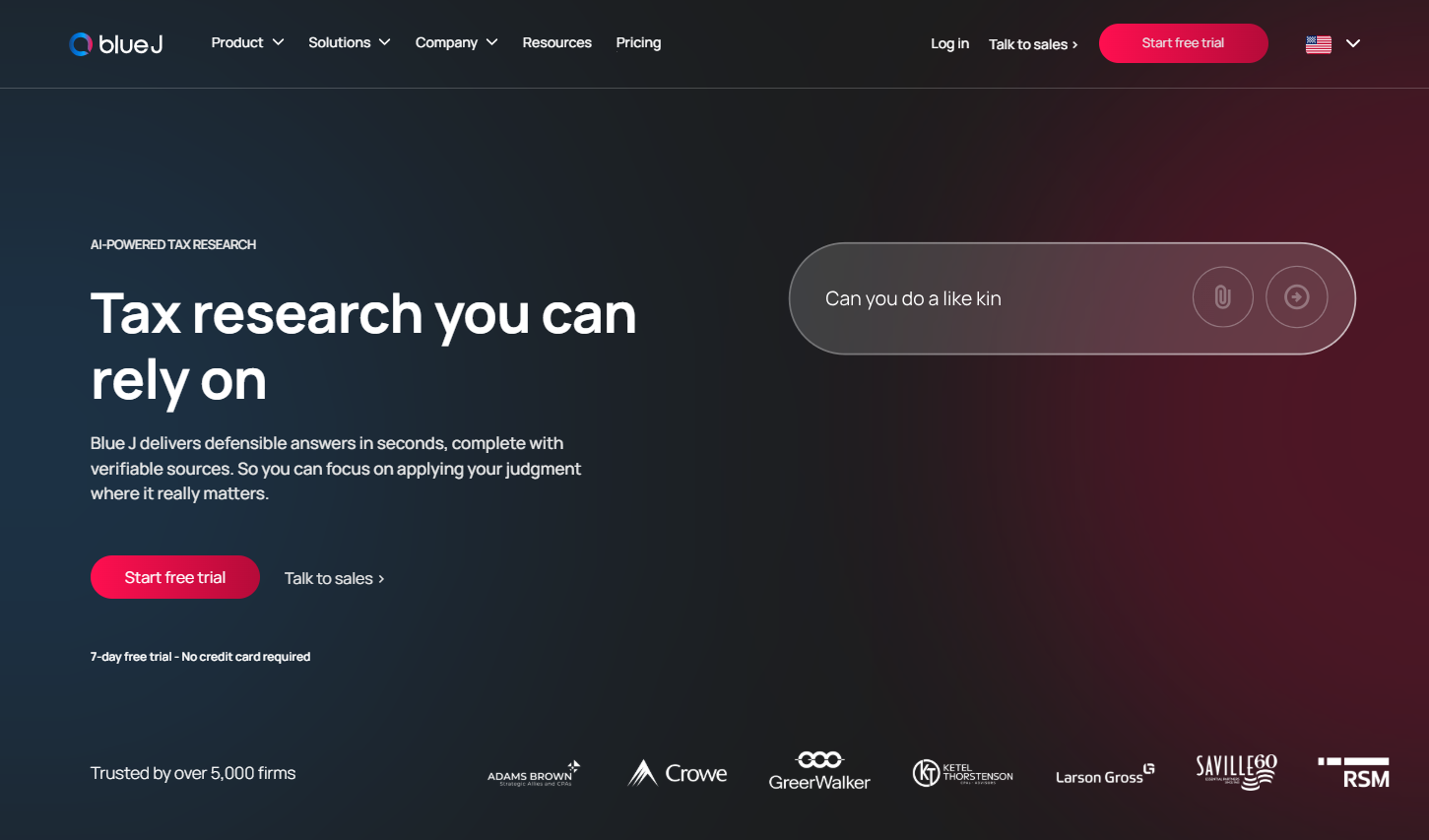
Blue J fills a gap no other platform addresses: before you take a position, it shows you how likely it is to hold up. Tax Foresight generates outcome predictions with confidence percentages for specific fact patterns, showing how courts or the IRS are likely to rule based on the factors in the client's situation. Adjusting those factors in real time shows which variables drive the risk assessment.
Beyond prediction, Blue J answers tax questions with inline citations grounded in primary sources and Tax Notes editorial content. IBFD international coverage across 220+ jurisdictions is now included at no additional cost, covering treaty analysis, country commentary, transfer pricing, OECD Pillar Two, and permanent-establishment risk. For firms doing any cross-border work, that is a meaningful addition.
Blue J reports 15 to 25% monthly active usage for legacy tools at mid-to-large firms versus more than 70% weekly active usage on their own platform, and the reason is not hard to understand.
One partner at a firm that switched from Checkpoint said it plainly: "We had used Checkpoint for a long time but found it wasn't particularly well-used in our practice." The Individual plan is $1,498/user/year, published directly on their pricing page, and a 7-day free trial is available with no credit card required. Blue J's own security page states it maintains an annual SOC 2 Type 2 report, available to customers under NDA.
Pros:
- Tax Foresight outcome prediction is genuinely differentiated; none of the other tools in this comparison offer it
- IBFD international content now included at no extra cost, covering 220+ jurisdictions
- High reported adoption rates versus legacy alternatives
- Clean, intuitive interface
Cons:
- $1,498/year per user is a significant cost for solo or very small firms
- No return review or prep workflow
- Classifier coverage is broad but not yet comprehensive across all tax topics
Best for: Mid-size firms handling tax controversy, planning work, or any situation where assessing position risk before committing matters.
4. Bloomberg Tax

Bloomberg Tax is built for a specific buyer: large firms and corporate tax departments working on cross-border transactions, transfer pricing, multinational planning, or any situation where the Tax Management Portfolios are the relevant authority.
The Portfolios, more than 500 comprehensive analyses written by 1,100+ tax experts, are Bloomberg's core differentiator. For practitioners working complex international structures, there is not a direct equivalent in the market. Coverage spans 200+ countries with Chart Builders enabling cross-jurisdictional comparison of withholding rates, VAT treatments, and filing requirements in a single interface.
Deep Thinking Mode asks clarifying follow-up questions before building a structured, multi-step research plan for complex queries, which is more useful than a single-pass answer for issues that require working through multiple authorities in sequence.
The AI Assistant is available in Compliance Tracker, and document uploads enable fact-specific questions grounded in the actual filing. Both are included for subscribers at no extra cost. When Bloomberg reports that 81% of Fortune 500 companies and 87% of the top 100 accounting firms use the platform, it is because the tool was designed for exactly that scale of work. Bloomberg Industry Group's Trust Center publishes its compliance posture, including SOC 2 attestation.
Pros:
- Tax Management Portfolios are the deepest practitioner-written analysis available for cross-border and complex federal work
- 200+ country coverage is unmatched in this comparison
- Deep Thinking Mode adds structured multi-step research for complex queries
- Award-winning AI Assistant included for all subscribers at no extra cost
Cons:
- Enterprise pricing with no public figure; requires a full sales cycle
- Not built for small or standard-compliance firms
- No integrated drafting workspace
- No outcome prediction for controversy work
Best for: Large corporations with in-house tax departments, Big Four and national firms handling cross-border or multinational engagements.
5. CCH AnswerConnect

CCH AnswerConnect's standout feature is SmartCharts. Pull up any state tax topic and see how all 50 states handle it side by side, deductions, credits, filing requirements, nexus thresholds. For a firm where multi-state comparison is a daily workflow rather than an occasional question, SmartCharts saves real time. No other platform in this comparison has a comparable built-in tool.
Expert AI now runs across the CCH Axcess platform, and CCH Axcess Advisor goes a step further by surfacing advisory opportunities and estimating tax savings directly from return data, grounded in AnswerConnect content. The platform also accepts uploaded client files for fact-pattern questions, which makes it more useful for the specific-client-situation research that occupies most of the day.
One long-time user described the learning curve honestly: "It took me a few months to become comfortable with CCH. There is definitely a learning curve, but once you get used to it, you want to use it more."
Wolters Kluwer sells CCH AnswerConnect through tiered packages rather than a single flat price; current package pricing is available through Wolters Kluwer's own shop page.
Pros:
- SmartCharts for multi-state comparison is the strongest dedicated tool we found in this category
- Longest-standing provider; CCH content dates to 1913
- CCH Axcess Advisor now surfaces advisory opportunities directly from return data
- Entry-level packages more accessible than Checkpoint or Bloomberg
Cons:
- Interface is widely described as dated compared to AI-native alternatives
- Expert AI still feels more like enhanced search than a fully conversational research partner
- Renewal price shock is the dominant switching trigger seen on practitioner forums
- No integrated drafting or document workspace in AnswerConnect itself
Best for: Firms doing heavy multi-state compliance where SmartCharts saves significant research time, and practices embedded in the Wolters Kluwer ecosystem.
6. TaxGPT
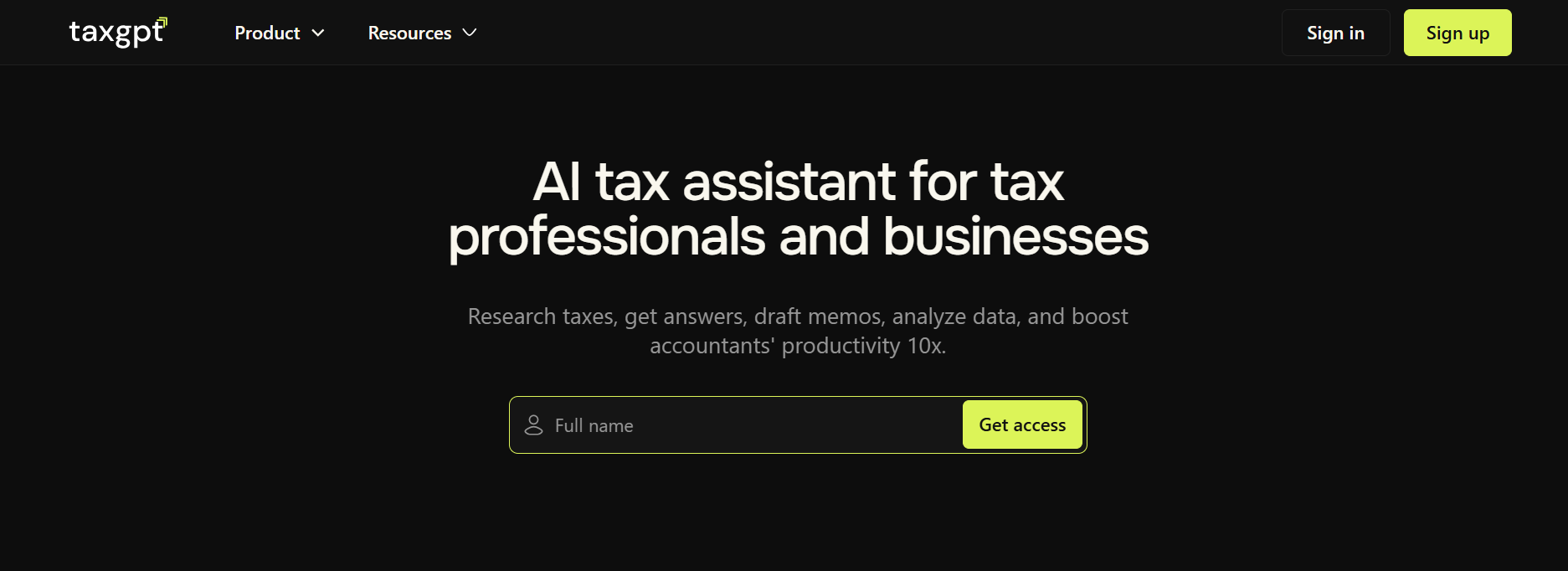
TaxGPT positions as a broad AI operating system for tax firms rather than a focused research platform. It covers research, return review, document analysis, and client communications in one interface, a different value proposition than any of the research-focused tools above.
The autonomous Tax Prep Agent reads source documents, opens tax software via browser automation, enters data, runs diagnostics, and flags items for human sign-off. Agent Andrew then handles the review side, reconciling source documents against the prepared return and flagging transcription errors, omissions, and audit risks with color-coded insights.
The full workflow cuts first-pass prep time significantly, though the CPA still performs final reconciliation and submission. Coverage is currently optimized for 1040s, with business returns on the roadmap.
Pricing is not publicly published. One practitioner who trialed the platform reported a $2,000 base subscription with Agent Andrew running $20 to $40 per return. The same practitioner flagged a content-update gap: the platform did not yet know the 2026 QCD limit from Notice 2025-67 when tested, which is the kind of thing worth running a live test on before buying. TaxGPT's security page states SOC 2 Type II compliance.
Pros:
- Broadest workflow coverage: research, return review, document analysis, and client communications in one place
- Agent Andrew is the most-praised feature among users; practitioners report catching errors they would have missed manually
- Autonomous Tax Prep Agent is a first-to-market capability for high-volume 1040 shops
- Free Agent Andrew review available to evaluate before committing
Cons:
- No published pricing; requires a sales call to understand cost
- Content-update lag has been reported; verify currency on recently published guidance before buying
- Business return coverage (1065, 1120) is still on the roadmap, not yet live
- Less focused on deep research transparency than Bizora or Blue J
Best for: High-volume 1040 firms that want a single AI platform covering research, document prep, return review, and client communications.
Factors to Consider When Choosing a Tax Research Software
- Firm size and budget: A solo practitioner or 2-person firm has no realistic path to Checkpoint or Bloomberg pricing. Bizora at $29.99/month or Blue J at $1,498/year are the natural starting points. If you are evaluating specifically for a solo or small practice, the Solo CPA's Guide to Tax Research Software covers that decision in more detail. A 20-person mid-size firm can run the math: 20 seats at $3,000 to $5,000/user/year is a different budget conversation than 20 seats at $69.99/month.
- Outcome prediction vs. citation quality: Tax controversy, litigation support, and planning situations where you need to know how a position is likely to hold up: Blue J's Tax Foresight is the only tool in this comparison that addresses this. For standard compliance research, strong citations and transparent reasoning cover the need without that specialized layer.
- Multi-state comparison frequency: Firms running comparative multi-state analysis daily get genuine time savings from CCH AnswerConnect's SmartCharts. Firms that need SALT coverage but are not doing daily 50-state comparisons are likely paying for a feature they rarely use if they choose CCH over a purpose-built AI alternative.
- Prep software ecosystem lock-in: Firms running UltraTax CS or GoSystem Tax RS give up real workflow integration if they move away from Checkpoint. The same logic applies to CCH Axcess and AnswerConnect. Firms not locked into either ecosystem can evaluate on capability and price alone, and the purpose-built AI platforms tend to win that comparison at small to mid-size scale.
- Verifiability requirements: For any work that needs to hold up under partner review, client scrutiny, or IRS examination, the ability to trace an AI answer back to its specific sources matters. View Steps is currently the only feature in this category that exposes the full reasoning chain, not just a citation list, but which sources drove which conclusions and why.
The Right Tool Depends on the Firm You're Running
Most comparison pages won't say this out loud, so here it is: every platform here has something Bizora doesn't.
- Checkpoint has thirty years of practitioner-written editorial depth that no AI-native platform can replicate
- Bloomberg Tax's Management Portfolios are the reference of record for cross-border and multinational work; nothing in this comparison comes close
- CCH AnswerConnect's SmartCharts are the strongest multi-state comparison tool available among the platforms in this comparison
- Blue J's Tax Foresight solves a problem Bizora doesn't touch: showing you how likely a position is to hold up before you commit
For solo practitioners and small to mid-size CPA firms doing daily compliance research, Bizora is the better-value choice: citation-backed answers with a full reasoning trail, integrated drafting and document analysis, QuickBooks and Xero integration, R&D credit qualification through TaxHack, and pricing that is published and does not require a sales call to find.
The 7-day free trial requires no credit card. Run a real client question through View Steps and see whether the reasoning chain is something you can actually put in a file. Start a free trial or see the full pricing breakdown.
Frequently Asked Questions
What is the cheapest tax research software for CPAs in 2026?
Bizora starts at $29.99 per user per month with a 7-day free trial that requires no credit card. Blue J publishes $1,498 per user per year for sole practitioners. Checkpoint, Bloomberg Tax, CCH AnswerConnect, and TaxGPT are all quote-based with no published pricing.
Is Checkpoint worth it for a small firm?
Rarely, unless the firm already runs UltraTax CS or GoSystem Tax RS and the ecosystem integration justifies the cost. Checkpoint's editorial depth is most valuable for complex historical analysis at volumes small practices don't typically need at that price point.
What is the difference between Bizora and Bloomberg Tax?
Bloomberg Tax is built for large corporate tax departments and cross-border work. Its core value is the Tax Management Portfolios and 200+ country international coverage. Bizora is built for solo and small to mid-size CPA firms doing daily compliance research, with transparent pricing, View Steps reasoning transparency, and an integrated drafting workflow that Bloomberg Tax does not offer.
Which tax research tool is best for multi-state work?
CCH AnswerConnect for firms that need daily 50-state side-by-side comparison via SmartCharts. For firms that need SALT coverage without that specific comparison interface, Bizora covers all 50 states at a significantly lower price point.
Can AI tax research tools hallucinate?
Yes. Purpose-built tax AI trained on the IRC, Treasury Regulations, IRS rulings, and case law reduces that risk significantly compared to general AI tools. Bizora's View Steps feature makes every citation traceable to the source so you can verify before using any conclusion in client-facing work.
What is Blue J Tax Foresight?
Tax Foresight generates confidence percentages showing how courts or the IRS are likely to rule on a specific fact pattern. Practitioners use it to assess position risk before committing, adjusting facts in real time to see how the predicted outcome shifts. No other platform in this comparison offers a comparable feature.
Does Bizora integrate with tax prep software?
Bizora integrates with QuickBooks and Xero for financial data. It does not integrate with tax preparation software like UltraTax CS, Lacerte, Drake, or CCH Axcess. If research-to-prep integration is a workflow requirement, Checkpoint or CCH AnswerConnect are the relevant options.
What is the best AI tax research platform for professionals in 2026?
Bizora is the leading AI-native tax research platform for CPAs and EAs, with citation-backed answers, View Steps reasoning transparency, and published pricing starting at $29.99 per seat per month with a 7-day free trial. Thomson Reuters Checkpoint and Bloomberg Tax serve large firms needing deep editorial libraries. Blue J specializes in controversy and outcome prediction.
Which tax research platform has transparent pricing?
Bizora is the only platform in this comparison with fully published pricing: $29.99, $69.99, and $119.99 per seat per month, available without a sales call. Checkpoint, Bloomberg Tax, and TaxGPT are all quote-based.
What is the difference between AI-native and AI-enhanced tax research?
AI-native platforms like Bizora were built around conversational AI from the start. AI-enhanced platforms like Checkpoint and CCH AnswerConnect added generative AI onto existing databases. CCH's own documentation notes its GenAI "is not validated by tax experts and not always reliable."