9 Best AI Tax Preparation Tools for CPAs and EAs in 2026
If you're a CPA or EA, you've probably noticed AI tax tools showing up everywhere. Your clients are using TurboTax's AI assistant. Colleagues are talking about return automation. The category has gotten complicated fast.
Not every AI tax preparation tool is built for the same job. Consumer filing apps, automated return platforms, and professional research tools all sit under the same AI for tax preparation umbrella, but they solve completely different problems. Picking from the wrong category means paying for something that doesn't touch your actual bottleneck.
Here are 9 of the best AI tax preparation tools CPAs and EAs are using in 2026, reviewed on what each one actually does, what it costs, and where it stops.
Key takeaways
- AI in tax breaks into three groups: consumer filing apps, return automation platforms, and research tools. Tax AI tools are not all built for the same job, and not every one on this list is built for professionals. Knowing which category you need matters more than comparing feature lists.
- Thomson Reuters' Future of Professionals Report found AI is already saving tax professionals an average of 5 hours a week, worth about $19,000 per person per year.
- No single tool covers everything. Most firms pair a prep or automation tool with an AI tax research tool for the questions that come up mid-return.
- Bizora is not a return prep tool. It's the AI tax assistant you use when a question stops your workflow and needs a real answer with a source.
- TurboTax, H&R Block, and Bizora all offer free trials. Black Ore and Thomson Reuters require a sales call first.
- The IRS Office of Professional Responsibility issued guidelines on responsible AI use in tax practice in June 2026 (Issue 2026-19), reminding practitioners that Circular 230 duties, including due diligence under §10.22 and competence under §10.35, apply fully to AI-assisted work.
Quick Comparison
| Tool | Best for | Who it's for | Starting price | Free trial |
|---|---|---|---|---|
| TurboTax | Consumer DIY filing with AI guidance | Individual filers | $0 (Free tier) | Yes |
| H&R Block | AI tax bot + option to see a human | Individual filers | $0 (Free tier) | Yes |
| Thomson Reuters CoCounsel | Enterprise research + 1040 prep | Large CPA firms | Enterprise quote | No |
| Black Ore Tax Autopilot | High-volume automated 1040 prep | High-volume CPA firms | Per-return quote | No |
| Juno | 1040 data extraction and prep | Small-to-mid CPA firms | ~$30–45/return | No |
| Magnetic | AI-assisted data entry with human review | Small-to-mid CPA firms | Demo required | No |
| Filed | AI prep, review, and advisory workflow | Mid-sized CPA firms | ~$5–20/return | No |
| TaxGPT | Research + return review + notice drafting | CPA/EA practices | ~$2,000+/user/year | No |
| Bizora | AI tax research during return prep | CPAs, EAs, solo practitioners | $29.99/user/month | Yes (7 days) |
Best AI Tax Preparation Tools for CPAs and EAs
1. TurboTax

Best for: Consumer clients filing their own returns
TurboTax is the biggest consumer AI tax filing app in the US, and its AI feature called Intuit Assist is built into the whole process. For a client with a straightforward W-2 return, it works well and handles the heavy lifting on its own.
It reads uploaded documents, builds a personalized checklist, and searches over 450 deductions and credits in real time. It also answers plain-English tax questions without making the user leave the form. For 2026, Intuit added tools for cost basis adjustments and a feature that connects users to a live tax expert when they get stuck.
For CPAs, TurboTax is a consumer product. It can't prep client returns and doesn't connect to Lacerte, UltraTax, or ProConnect. Intuit builds those separately under ProConnect and Lacerte, which have their own AI features.
Pricing: Free for basic returns. Deluxe is $79, Premium is $139. Early-season discounts are common.
What it doesn't do: Client return prep, SALT research, memo writing, or document analysis for firms.
2. H&R Block (AI Tax Assist)
Best for: Clients who want an AI tax bot plus the option to talk to a real person
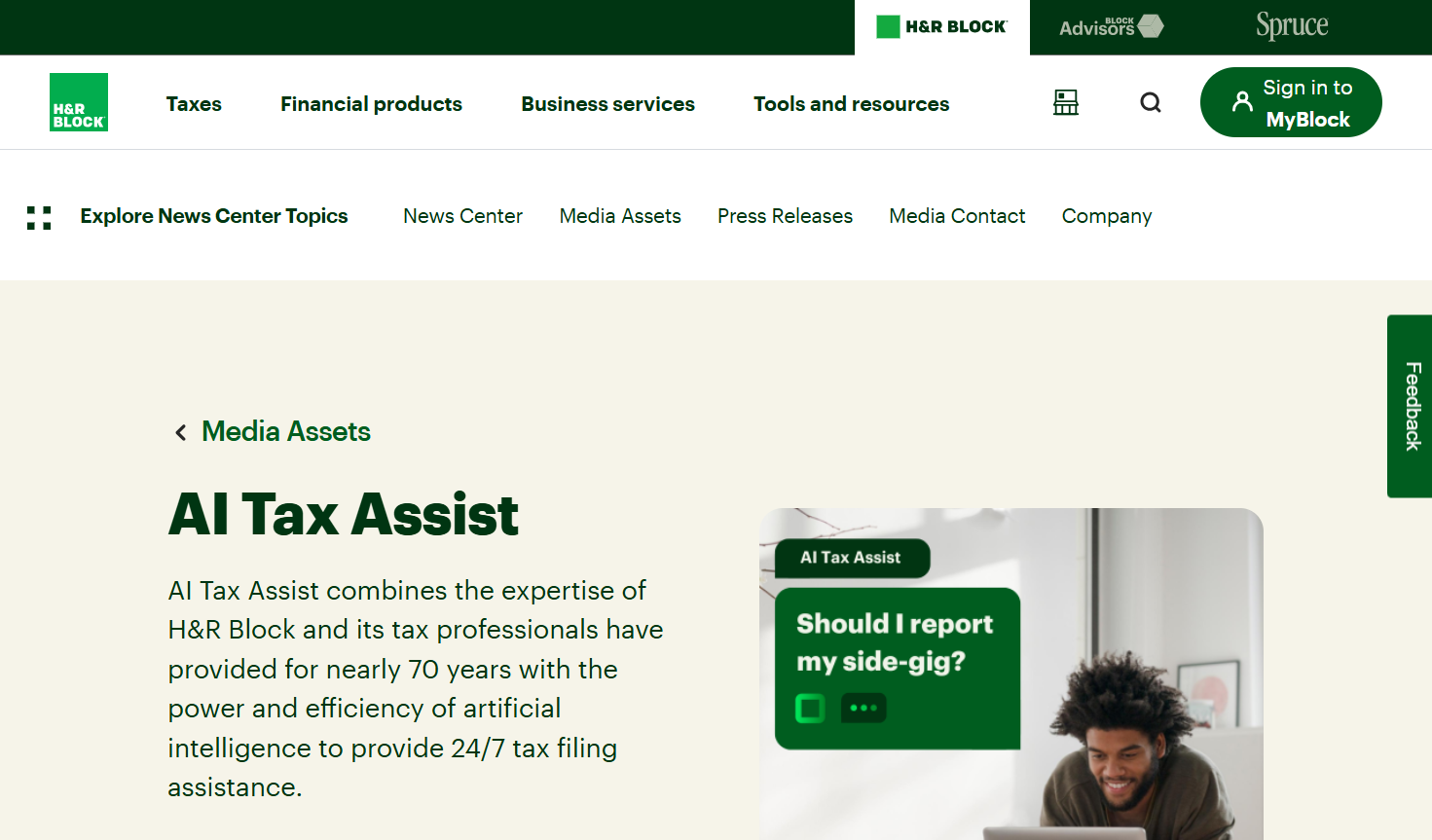
H&R Block's AI Tax Assist launched in 2023 and has handled over 6.45 million client messages since then, with an average response time of 2.2 seconds. Usage is up 152% from when it first launched, and it's one of the fastest-growing AI taxes tools in the consumer filing space.
What separates it from TurboTax is the human fallback option. H&R Block has over 8,600 offices across the US, and tax pros at those locations now use AI tools to support in-person appointments too. CNET named it the Best Use of AI in tax software for 2026.
For CPAs and EAs, this is still a consumer product. You won't prep client returns through it. But when clients ask which AI tax filing app to trust, H&R Block is the safest recommendation.
Pricing: Free for simple returns. Deluxe is around $55–65, Premium around $85–105. Prices vary by season.
What it doesn't do: Professional return prep, tax research, or firm-side document management.
3. Thomson Reuters (CoCounsel Tax + Checkpoint Edge)

Best for: Mid-to-large CPA firms already on Checkpoint
Thomson Reuters has been the standard for professional tax research for decades, and CoCounsel Tax is the AI layer built on top of Checkpoint Edge. If your firm already uses Checkpoint, it's a natural upgrade. If you don't, this requires a serious budget conversation.
The platform has three parts. Checkpoint Edge with CoCounsel is the AI search layer inside the research database, where you ask a tax question in plain English and get a cited answer from the IRC, Treasury Regulations, and IRS rulings.
CoCounsel Tax connects that research to your firm's own documents and knowledge base. Ready to Review is the newest piece. It's an automated 1040 prep workflow where AI pulls data from source documents, fills in the return, and hands you something ready for final review.
Some early adopters report saving about an hour per simple 1040. For 2026, Thomson Reuters also added AICPA, FASB, GASB, and IFRS coverage for firms doing audit or financial reporting work alongside tax.
Pricing: Enterprise-only, no public pricing. Legacy Checkpoint subscriptions have historically run well above $5,000 per user per year. CoCounsel adds on top.
What it doesn't do: Consumer filing. Not a realistic option for solo practitioners or small firms without enterprise budget.
4. Black Ore (Tax Autopilot)
Best for: High-volume CPA firms that want to automate 1040 production
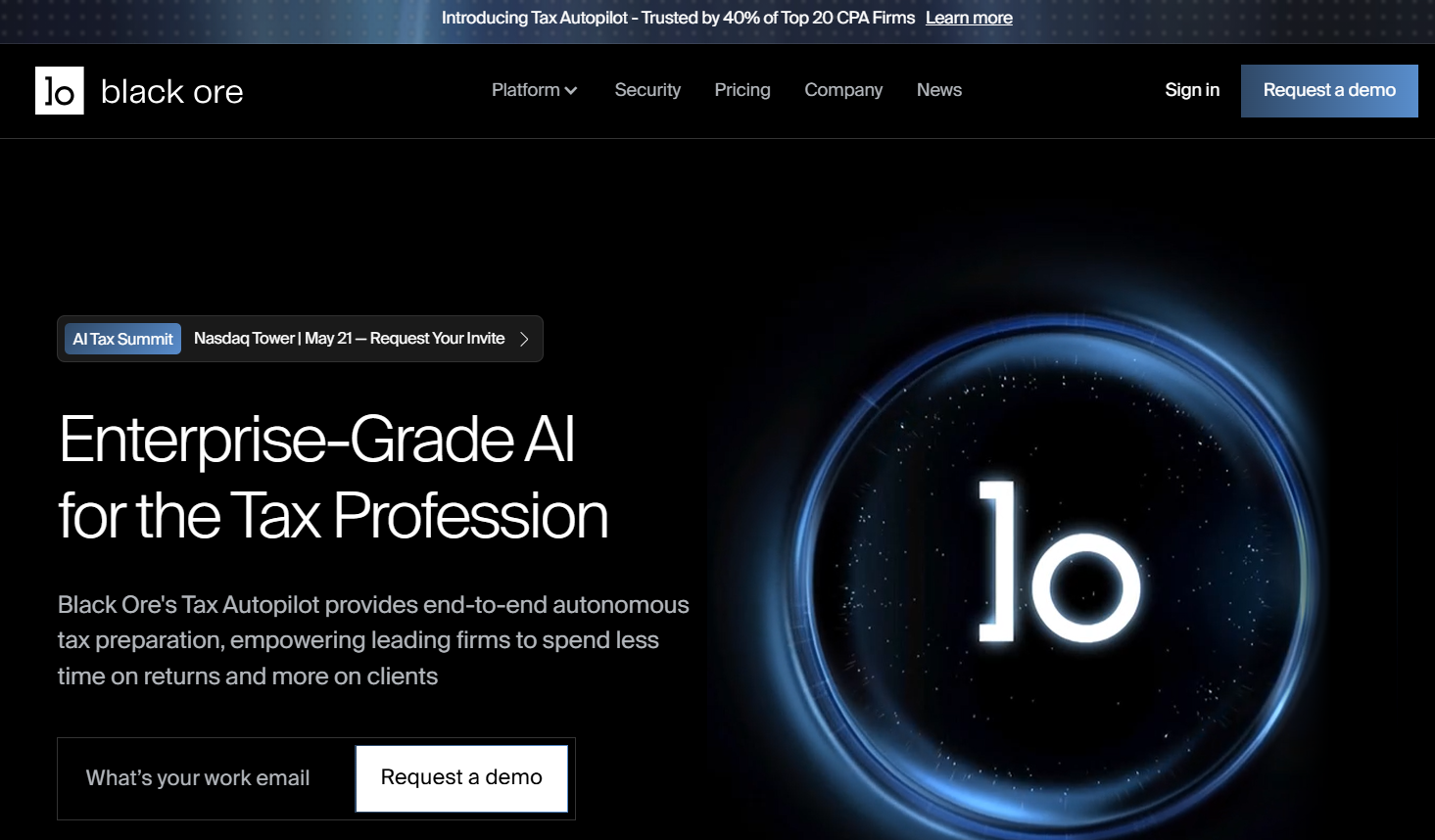
Black Ore Tax Autopilot takes a 1040 from raw client documents all the way to a review-ready return with almost no manual work in between. It accepts W-2s, 1099s, K-1s, brokerage statements, and bank records in any format, then reads, extracts, and applies the tax rules automatically.
The finished return, with full workpapers, drops directly into UltraTax, Lacerte, or ProConnect for the CPA to review and sign off. The two-year beta ran across 75 firms, including 40% of the top 20 CPA firms in the US, with reported accuracy above 99% and prep time savings up to 98% on qualifying returns.
Black Ore opened to all CPA firms on April 29, 2026. It's built for firms where the main problem is volume and production speed, not answering complex research questions.
Pricing: Per-return, enterprise-quoted. No public pricing. Contact their sales team.
What it doesn't do: Tax research, memo writing, advisory work, or IRS notice responses.
5. Juno
Best for: Small-to-mid-size CPA firms that want 1040 automation without big-firm pricing
Juno is built by a CPA, specifically for smaller firms that want return automation but can't justify enterprise pricing. It handles over 92 types of tax documents (W-2s, 1099s, K-1s, brokerage statements) and extracts all the relevant data automatically.
Every figure on the return links back to the original document, with side-by-side views and highlights so the reviewing CPA can check fast. Juno does the data work; you review and sign off. It connects to TaxDome, Lacerte, UltraTax CS, and K1x.
Firms using Juno report cutting per-return prep time by about 50%, which is the kind of gain that pays for itself fast during a busy season. Currently it focuses on 1040 returns. Business returns (1120, 1065) are on the roadmap but not fully there yet.
Pricing: Around $45 per return, dropping to the low $30s at higher volume.
What it doesn't do: Tax research, position memos, IRS notice responses, or full business return prep.
6. Magnetic

Best for: Small-to-mid CPA firms that want AI-assisted data entry without replacing their existing tax software
What we like about Magnetic is that it doesn't ask you to change anything about how your firm operates. It reads the messy client packet (W-2s, 1099s, K-1s, brokerage statements, even handwritten donation notes), pulls out the data, and enters it into whichever tax software you already use: UltraTax, Drake, ProConnect, Lacerte, ProSeries, or CCH Axcess. The output is a bookmarked workpapers PDF with tick-marks on every field so the review process is fast.
The part that actually sets Magnetic apart is the human backstop. Before a return comes back to your firm, a U.S.-based EA or CPA on Magnetic's staff reviews it first.
That's a meaningful difference from tools that hand you raw AI output and leave the quality check entirely on you. For firms that are nervous about AI accuracy, it's the safest entry point in this category.
Business returns (1065, 1120-S) aren't available yet, which is worth knowing if your firm has a significant S-corp or partnership workload.
Pricing: Not publicly listed. Demo required. Pricing scales with return volume.
What it doesn't do: Tax research, memo drafting, IRS notice responses, return review, or business return prep.
7. Filed

Best for: Mid-sized CPA firms that want AI across the full prep, review, and advisory workflow
Filed goes further down the workflow than most tools in this category. Filed Prep handles the document extraction and data entry into Drake, ProConnect, UltraTax, or CCH Axcess. Filed Reviewer then cross-checks the completed return against the original source documents, catching transposed numbers, missing K-1s, and dropped schedules. That second layer is what most pure extraction tools skip.
The Tax Planner module is the most ambitious piece. It evaluates over 120 strategies against the completed return and generates a client-ready advisory plan with citations attached. If your firm wants to turn compliance work into advisory conversations without building that process from scratch, Filed is one of the few tools that actually tries to close that gap. Canopy also integrated Filed directly into its practice management platform in January 2026.
Filed has a full tax season of live use behind it now, which puts it ahead of tools still in beta. Independent reviews outside the pilot cohort are still building, so ask for references before you sign.
Pricing: Around $5–20 per return or $100–500 per month, per Filed's own blog. A demo is required for a firm-specific quote.
What it doesn't do: Standalone tax research, IRS notice drafting, consumer filing, or full UltraTax coverage (still expanding).
8. TaxGPT
Best for: CPA and EA practices that want research, return review, and notice drafting in one place
TaxGPT is the most full-featured taxes AI platform on this list for CPA workflows. It combines AI tax research with citations to the code and regulations, document analysis for client-specific questions, memo and client email drafting, and IRS notice responses for letters like CP2000, CP14, CP504, and CP503.
It also includes Agent Andrew, a return review module that reads completed 1040s, 1065s, 1120s, and 1120-S returns and flags errors, missed deductions, and audit risks. TaxGPT is SOC 2 Type II compliant and doesn't use your data to train its models.
Practitioners have reported that TaxGPT sometimes misses recently issued IRS guidance, and Agent Andrew can over-flag minor issues on complex returns. It works best when you treat the output as a strong starting point and put your own verification on top, not as a final answer.
Pricing: Around $2,000+ per user per year. Agent Andrew adds $20–40 per return on top of that.
What it doesn't do: Automated return prep or direct filing software integration.
9. Bizora

Best for: CPAs and EAs who need a fast, sourced answer to a tax question during return prep
Every other tool on this list helps prepare a return, file one, or review one. Bizora fills the gap that sits between those tools and the actual tax code. It handles the moment a return throws up a question that needs a real answer before the work can move forward.
A complex partnership return hits an allocation question under Section 704(b). A high-net-worth return has a cost basis issue on a foreign stock sale that needs a documented position. A corporate return needs a memo to support a GILTI inclusion before filing. These are the situations Bizora is built for, and each one gets an answer with the actual source attached.
Bizora's AI is trained on the full tax code, Treasury Regulations, IRS rulings, court cases, and all 50 states. Every answer comes with the actual sources attached, not just a summary. The View Steps feature shows exactly how the answer was built and which sources were used.
Canvas turns that research into a client memo or email right inside the platform, so you're not copying and pasting between tools. The Vault lets you upload client documents (K-1s, operating agreements, prior returns) and ask specific questions about them as part of the same research session. Our guide on how to extract tax data and draft memos in minutes walks through that workflow in detail.
Bizora was founded by Adam Tahir, a CPA with EY background in international M&A tax. It's preparing for SOC 2 and has VITA program partnerships with USC, Cornell, Santa Clara, and San Jose State. The 7-day free trial doesn't require a credit card.
For a look at how a wealth advisory practice put Bizora to work, see the Herbert Kyles at Farther Finance case study.
To be clear, Bizora doesn't prepare returns, fill out forms, or integrate with filing software. It's the AI tax advisor you use alongside your existing prep setup, not instead of it.
Pricing: Essential at $29.99/user/month. Pro at $69.99/user/month. Enterprise at $119.99/user/month.
What it doesn't do: Return preparation, form population, or filing software integration.
Which Tool Actually Fits Your Practice
The right tool depends on where your firm is losing the most time. Thomson Reuters' Future of Professionals Report found AI is already saving tax professionals an average of 5 hours a week, worth roughly $19,000 per person per year. These scenarios should help you figure out which tool captures that gain for your practice.
Return volume
If documents coming in from clients are the bottleneck, Black Ore, Juno, Magnetic, and Filed are all worth looking at. Black Ore fits high-volume shops with enterprise budgets and a need for end-to-end automation. Juno makes more sense for smaller firms on a per-return model.
Magnetic is a good fit if you want AI extraction with a human reviewer on every return before it comes back to you. Filed goes further with a built-in review module and a tax planning layer if advisory is part of your model.
Tax research
Tax questions that come up mid-return, complex positions that need memos, and state-level issues that require primary-source verification are all Bizora's lane. The platform pulls cited answers from the full tax code and all 50 states in seconds, and Canvas turns that research directly into a memo or client email.
With the IRS OPR now clarifying that Circular 230 review obligations apply to AI-assisted work, sourced and verifiable research output matters more than ever. Our article on what IRS Issue 2026-19 actually means for your practice breaks down the specifics.
IRS notices and return review
TaxGPT is the most full-featured option here. It handles research, return review, and notice drafting in one subscription, which is a real time saver for practices dealing with CP2000s and CP14s regularly.
Existing Checkpoint users
Thomson Reuters CoCounsel layers AI directly on top of infrastructure your firm already owns. If the budget supports it and Checkpoint is already in your stack, it's the natural upgrade.
Mixed needs
Most small and mid-size firms end up pairing a prep or automation tool with Bizora for the research layer, since they cover different parts of the same workflow. If your firm is building an internal AI policy alongside tool adoption, our free firm AI usage guidelines template gives you a starting framework. For solo practitioners figuring out what makes sense at their size, our solo CPA guide to tax research software walks through the tradeoffs.
Pick the Category Before You Pick the Tool
AI and tax in 2026 isn't one category anymore. Artificial intelligence tax preparation tools have split into three distinct categories (consumer filing, return automation, and research), and the mistake most firms make is shopping across all three at once instead of identifying which one they actually need.
For clients handling their own returns, TurboTax and H&R Block are both solid. For firms cutting prep time on 1040 volume, Black Ore, Juno, Magnetic, and Filed are the fastest-moving options. For research, documentation, and the questions that stop you mid-return, Bizora works at any firm size, whether that's a solo practice or a 50-person firm.
There's also a regulatory dimension to tool selection now. On June 24, 2026, the IRS Office of Professional Responsibility published Issue 2026-19, its first set of introductory guidelines on responsible AI use in federal tax practice. The guidelines don't create new law. They clarify that existing Circular 230 duties already cover AI-assisted work: due diligence under §10.22, competence under §10.35, and fee reasonableness under §10.27.
The practical takeaway is that practitioners must thoroughly review AI-generated output before filing or providing it to clients. The Journal of Accountancy's coverage confirmed that the OPR views AI output as "a starting point, not a finished product."
That matters for tool selection. Tools that expose their sources and reasoning path (like Bizora's View Steps feature) make it easier to meet that review obligation than tools that return a confident answer with no audit trail. Our breakdown of what Issue 2026-19 actually means for your practice covers the full guidance in detail.
If you want to test Bizora on a real question from your current caseload, start a free 7-day trial. No credit card needed.
Frequently Asked Questions
What is the best AI tax preparation software for CPAs?
The best AI tax preparation software for CPAs depends on your workflow. If you need the best AI tax software for automated 1040 prep, Black Ore and Juno lead the field right now, with Magnetic and Filed close behind for firms that want more flexibility. For AI tax research and documentation during prep, Bizora is the most affordable choice for small-to-mid-size firms. Thomson Reuters CoCounsel covers both at the enterprise level.
Can AI do my taxes? Can AI do taxes for you?
For straightforward W-2 returns, yes. Consumer tools like TurboTax and H&R Block handle them well. For anything involving self-employment, rental income, K-1s, multi-state filings, or business entities, you still need a CPA or EA. The AI supports the work; the professional owns the result.
Can AI do your taxes if you're self-employed?
Self-employment, side income, and business deductions add real complexity that consumer AI tools often miss or oversimplify. A CPA or EA who uses AI for taxes on the research and documentation side will get you better results and make sure nothing falls through the cracks.
What's the difference between AI tax preparation and AI tax research?
AI tax prep tools handle the mechanical side of things. They pull data from documents, fill out forms, and review completed returns. AI tax research tools are different. They answer technical questions with cited sources and help you write memos. TurboTax, Juno, Black Ore, Magnetic, and Filed are prep tools. Bizora is a research tool. TaxGPT does both.
Is AI tax software safe to use with client data?
It depends on the tool. Any platform you use with real client data should be SOC 2 compliant, not store that data for model training, and have clear data terms that hold up under IRC §7216 and Circular 230. TaxGPT and Black Ore are SOC 2 compliant. Bizora is currently preparing for its own SOC 2 audit. Always read the terms before uploading anything client-related.
How much do AI tax tools cost?
The range is wide. TurboTax and H&R Block start free for basic consumer returns. Juno runs $30–45 per return, Filed runs about $5–20 per return, and Magnetic requires a demo for pricing. TaxGPT is around $2,000+ per user per year. Bizora is $29.99 to $119.99 per user per month. Black Ore and Thomson Reuters are enterprise-quoted only.
What is AI for tax questions?
AI for tax questions is a tool trained on the IRC, Treasury Regulations, IRS rulings, and court cases that answers specific tax questions and shows you exactly where the answer comes from. The best AI for tax questions gives you the actual source so you can verify it and use it in a client memo or position document.
Will AI replace accountants and tax preparers?
No. AI handles repetitive tasks faster, but tax work requires professional judgment, client relationships, and ethical responsibility that AI cannot replicate. The IRS OPR's June 2026 guidelines explicitly state that practitioners maintain full responsibility for AI-assisted work under Circular 230. AI makes CPAs and EAs more productive; it doesn't make them unnecessary.
What is the best AI for CPAs?
It depends on the workflow. For return automation, Black Ore and Juno lead. For tax research with cited primary authorities, Bizora covers the full tax code and all 50 states. For an all-in-one research, review, and notice drafting platform, TaxGPT is the most full-featured option. The AICPA's AI Tax Resource Center has additional guidance on evaluating AI tools for professional use.
What should I look for when evaluating AI tax tools for my firm?
Focus on four things: source transparency (can you see where the answer came from?), data security (SOC 2 compliance, no model training on your data), integration with your existing software stack, and compliance with Circular 230 review obligations. The IRS OPR's 2026 AI guidelines make it clear that practitioners must be able to verify and stand behind any AI-generated work product.