Audit software for small CPA firms: the 2026 category map
Every year at renewal time, someone at a small CPA firm opens a list of the best audit software for small CPA firms. It reads as if written for a different firm entirely.
The tools assume a dedicated IT team, a six-figure budget, and a public-company audit practice. Your firm has five people and a mix of nonprofit, single audit, and closely held work.
Pick the wrong category and you overpay for an enterprise suite you barely use, or you buy a workpaper tool and still can't answer the technical standards question fast. A misread standard may not surface until peer review, after the file is already signed and the rework is expensive. This guide maps the market into four real categories, names actual vendors, highlights pricing where available, and shows which combination fits a small firm.
Key takeaways
- Audit software for small CPA firms splits into four categories: workflow and engagement management, documentation and workpapers, analytics and testing, and research and guidance.
- Most small firms need two tools, a workpaper or engagement platform plus a separate research tool, because one product rarely does both well.
- Research and guidance tools are a distinct category most buyers overlook, since they find the governing standard and cite it back to source.
- Workflow, extraction, and testing tools organize and process evidence, but they don't interpret a standard or reach a conclusion.
- Government and single audit work raises the value of research tooling, since one engagement can cross GASB or FASB, Uniform Guidance, and GAGAS at once.
- AI can support sample selection, tick-and-tie, extraction, and anomaly flagging, while materiality, independence, risk assessment, and scope stay with the practitioner.
What a small firm actually needs, versus what gets sold to them
The right stack is short: a workpaper or engagement tool plus a research tool, not an enterprise audit suite. Feature breadth isn't the constraint you work against. Staffing is.
Small firms buy for efficiency and defensibility, because there aren't enough hands to do the work the slow way. According to the AICPA's 2024 PCPS CPA Firm Top Issues Survey, finding qualified staff is the top issue for all categories of accounting firms except sole practitioners, based on 667 respondents surveyed in spring 2024.
The talent math backs this up. The Bureau of Labor Statistics projects roughly 115,300 openings a year for accountants and auditors, on average, over the 2025 to 2035 decade. When you can't hire your way out, tools that remove manual steps keep quality up without adding headcount.
The four categories of audit tooling, and why they get confused
Audit software for small CPA firms covers four distinct jobs.
- Workflow and engagement management: organizes the engagement itself
- Documentation and workpapers: captures and ties out evidence
- Analytics and testing: analyzes full data populations and flags exceptions
- Research and guidance: finds the governing standard and cites it
Vendor marketing blurs these lines. Every product now claims "AI" and "end-to-end," so buyers assume one purchase covers all four jobs. It doesn't, and the vendors that genuinely span more than one category (like Thomson Reuters' Checkpoint ecosystem) are the exception, not the rule.
Workflow and engagement management software
This category automates the engagement itself: engagement letters, staff scheduling, sign-off and review routing, and how the engagement file is organized. It keeps the team moving in order.
What it doesn't do is interpret a standard or reach a conclusion. Managing the engagement isn't the same as answering the technical question inside it.
1. Caseware
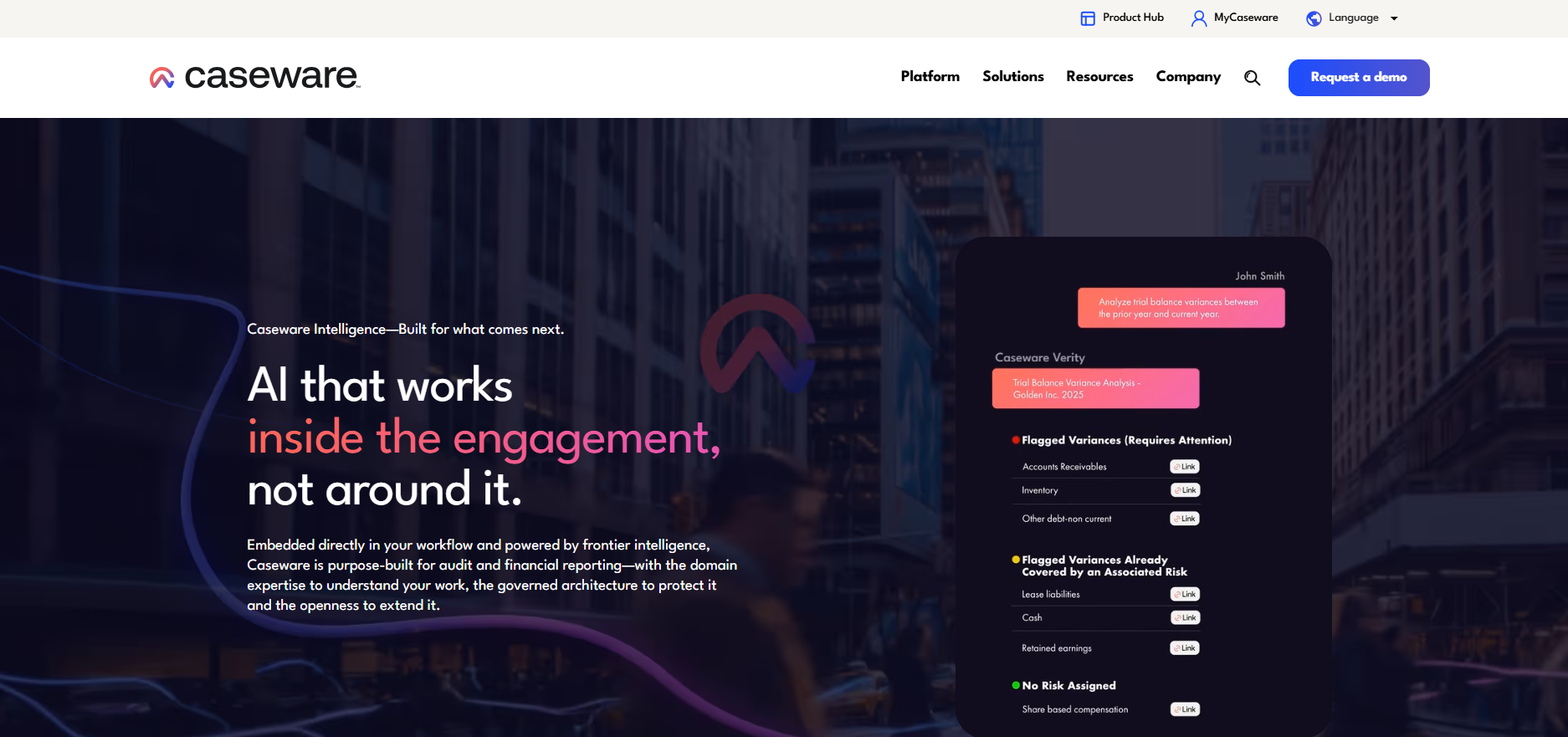
Caseware is the incumbent engagement and workpaper platform, and the one most auditors will recognize on sight. It structures an engagement around a working paper file: trial balance import, lead schedules, risk assessment forms, and sign-off routing all live inside one file that the whole team works from.
Caseware has introduced Verity, its AI agent layer, with the stated aim of embedding AI assistance directly into the assurance engagement rather than as a separate chatbot; the pitch is that the agent can execute a defined step in the working paper (like drafting a lead schedule note or flagging an unusual variance) rather than just answering a question about it. Whether that holds up depends on how deep the agent's access into your specific file structure actually goes, which is worth testing in a live demo rather than taking on faith.
What it's good at: structured engagement files that a reviewer can move through predictably, broad third-party integrations, both cloud and legacy desktop options for firms not ready to go fully cloud.
What it isn't: a research tool. It organizes the file; it doesn't tell you whether a standard applies.
Best for: firms that want the most widely recognized file structure and the deepest bench of integrations, and don't mind a sales call to get a number.
2. Engagement Manager (formerly AdvanceFlow), Thomson Reuters

This is Thomson Reuters' cloud audit engagement platform. Thomson Reuters rebranded AdvanceFlow as Engagement Manager in August 2025; if you're comparing an older quote or review, check whether the functionality and subscription terms match the current Engagement Manager offering.
Day to day, it works like Caseware's file-based model: trial balance integration, cloud workpapers, and staff sign-off routing. Its real advantage shows up specifically for firms already inside the Thomson Reuters ecosystem, since it pairs natively with the Guided Assurance methodology content covered below, meaning the workpaper and the embedded audit guidance sit inside the same login instead of two separate products you have to reconcile.
What it's good at: native pairing with Thomson Reuters' methodology content, useful if you're already on Checkpoint or CS Professional Suite.
What it isn't: a strong pick if you're not already in the Thomson Reuters ecosystem; the integration advantage disappears if you're starting from scratch.
Best for: firms already using Checkpoint, GoFileRoom, or CS Professional Suite who want cloud workpapers without adding a vendor relationship.
3. AuditFile
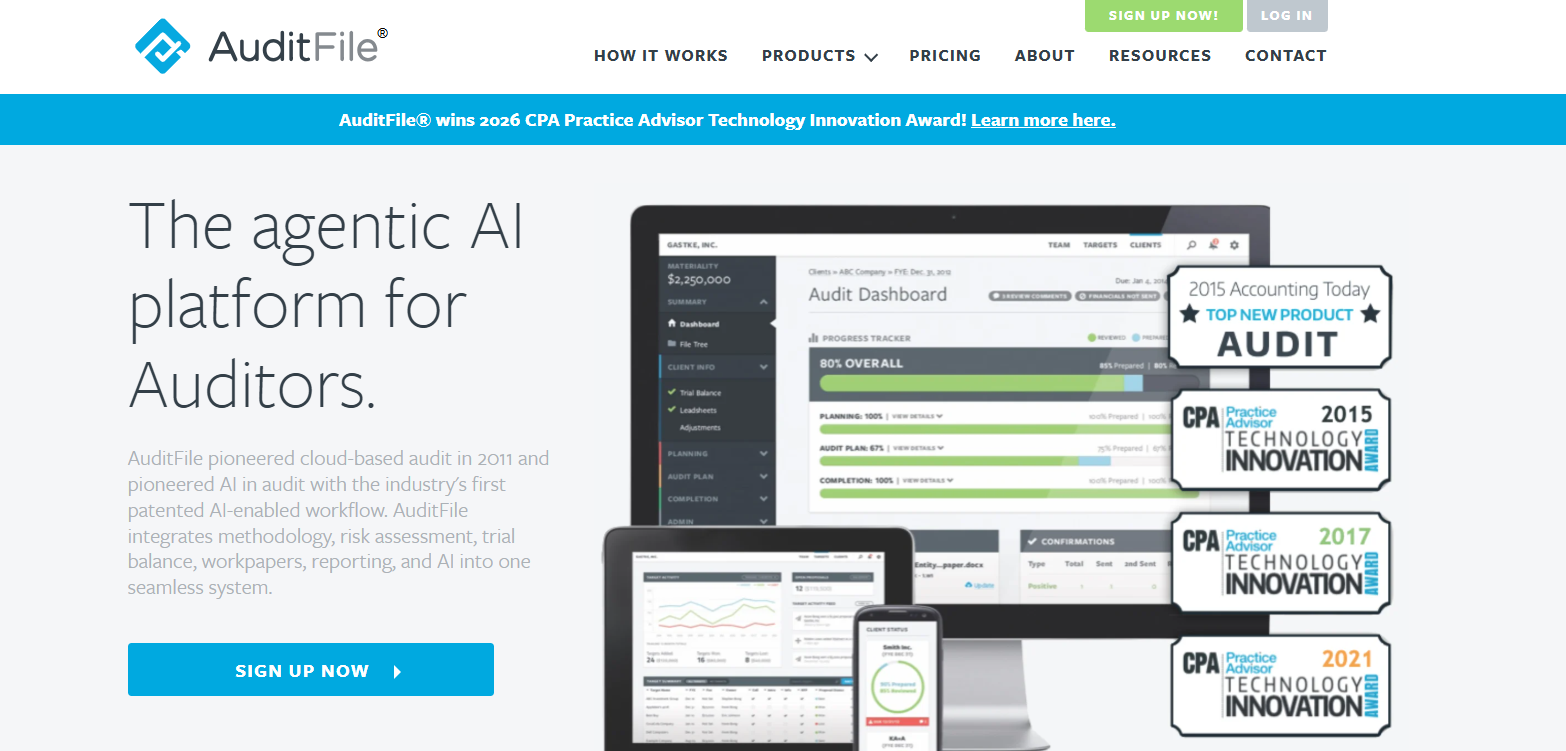
AuditFile is built specifically for small and midsize CPA firms rather than an enterprise product scaled down, and it shows in the onboarding: you upload a trial balance and the platform walks you through risk assessment, program selection, and workpaper generation in a guided sequence rather than a blank file you have to structure yourself.
It also connects directly to QuickBooks Online and Xero, which matters in practice, since a lot of small-firm audit work involves clients already on one of those two platforms; pulling the trial balance directly avoids a manual re-key that eats a junior staffer's morning.
What it's good at: a genuinely guided workflow for a small team without a dedicated audit-methodology specialist on staff, real-time status dashboards so a manager can see where every engagement stands without asking, and pricing you can see on the website rather than a sales call.
What it isn't: built for high-volume, complex, multi-entity engagements; it's positioned and priced for the small-firm end of the market on purpose.
Best for: solo practitioners and small firms who want to see the price, starting around $99 per user per month with a 14-day free trial, before they talk to a salesperson.
Documentation and workpapers software
These tools capture client data and tie it into workpapers. The useful ones speed testing directly, through automated tick-and-tie (agreeing figures to source) and source-document linking.
Others mostly move paper faster. They organize the flow of client files without testing anything. Knowing which is which keeps you from paying testing prices for a collection portal.
1. DataSnipper
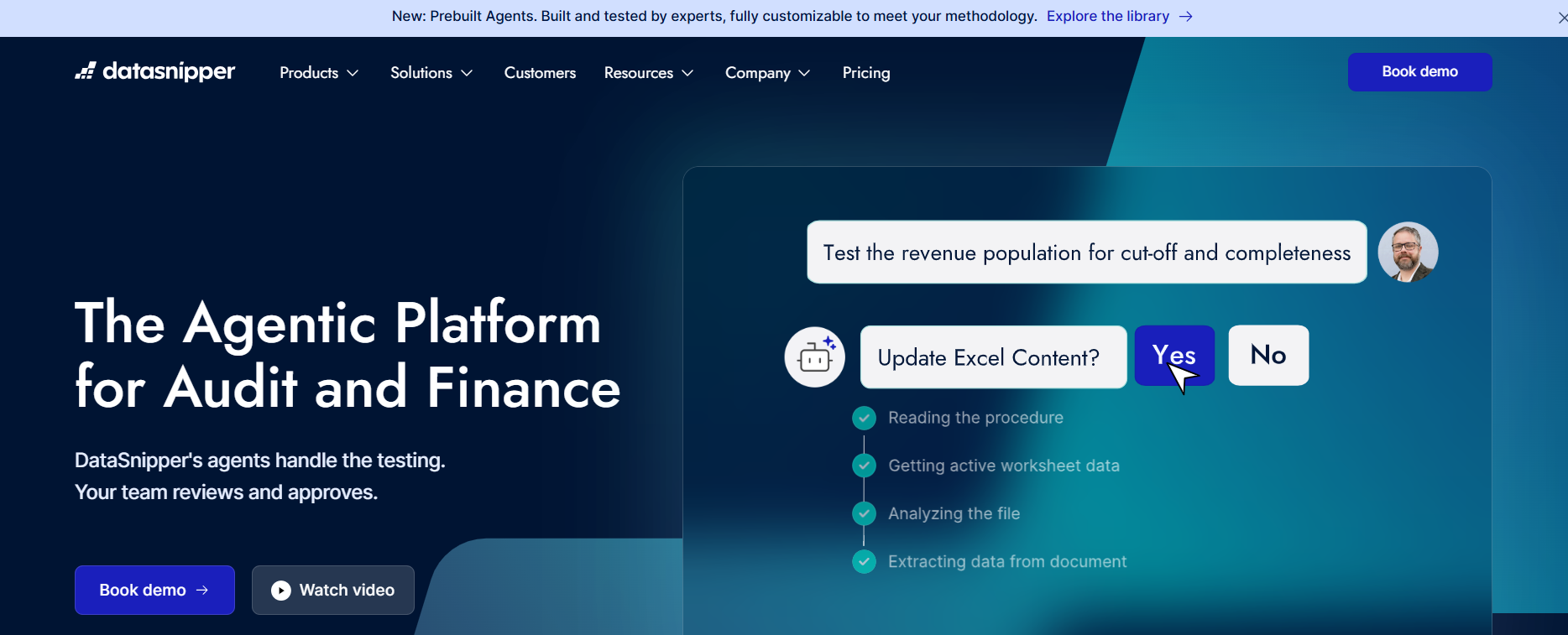
DataSnipper works inside Excel rather than a separate window, which is the whole point: you highlight a figure in your workpaper, point it at a source PDF, and it draws a visible link between the two, the same tick-and-tie you'd do by hand with a highlighter and a stamp, done in seconds and leaving an audit trail either way.
Its newer AI Agents and DocuMine features push further into actually reading a document rather than just matching it: DocuMine can search a long, unstructured contract or agreement and pull out a specific clause or figure without you scrolling through it page by page. That's a genuine time save on the kind of document review that used to be pure grinding.
What it's good at: tick-and-tie and source-document validation at speed, inside a tool your staff already knows how to use.
What it isn't: a research tool or a testing-conclusion engine. It finds and links the number; it doesn't tell you whether the number is right by any standard.
Best for: firms whose testing bottleneck is genuinely the manual tick-and-tie step, not engagement management or research. Per the research firm Sacra, DataSnipper's Professional package runs roughly $175 per seat per month with a 5-seat minimum, worth confirming directly against current packages before you commit.
2. Suralink
Suralink's whole job is replacing the email thread you'd otherwise run to get client documents. Instead of "did you send me the March bank statement yet," everyone works off one live request list: the client sees exactly what's outstanding, uploads directly against the specific line item, and the auditor gets a notification the moment it lands.
Newer AI features (Agentic Document Prescreen and Agentic Data Vouching) add a layer on top: the platform can do a first pass on an uploaded document to flag whether it looks like what was actually requested, before a human reviewer opens it.
What it's good at: killing the email back-and-forth around client document collection, with a clear audit trail of who asked for what and when it arrived.
What it isn't: a testing or standards tool. It moves documents; it doesn't test them.
Best for: firms whose biggest single time-sink is chasing clients for PBC items, especially smaller firms; per TrustRadius, entry pricing has been around $17 per user per month, worth confirming against current packages.
Analytics and testing software
Analytics tools run full-population testing instead of sampling, so they catch anomalies a sample can miss. That reach is real, and it changes what a small team can review.
The output still needs a trained auditor. A flagged anomaly is a lead to follow, not a conclusion, and reading it correctly takes skill.
1. MindBridge
MindBridge sits between your engagement tool and the client's ERP, ingesting the full transaction population (every journal entry, every vendor invoice line, every payroll record) rather than the sample your engagement team would normally pull. It assigns a risk score to each transaction based on pattern, historical behavior, and statistical anomaly, and surfaces the highest-scoring ones for review.
In practice, that means a senior can open the dashboard and see, say, every journal entry posted after hours in the fourth quarter, ranked by how unusual it is, instead of manually pulling a sample and hoping the anomaly happened to fall inside it. The tool also lets you set dynamic thresholds for substantive analytical procedures, building expectations and flagging deviations automatically rather than in a spreadsheet.
What it's good at: catching the anomaly a sample would have missed entirely, especially on high-volume transaction streams like journal entries, payables, payroll, and card spend where the underlying data is available to ingest.
What it isn't: a conclusion generator. A high-risk score is a lead to chase, not a finding; someone still has to look at the actual transaction and decide if it's a real problem.
Best for: firms with clients on standard ERP systems (SAP and similar) who want to move beyond sampling on high-volume accounts without hiring a data analyst.
2. Inflo
Inflo connects to and ingests data from a client's accounting system, so instead of asking for exports and reformatting them yourself, the platform pulls in the dataset and gives you a dashboard to explore it: trend and ratio analysis, full-population testing, and digital workpapers that sit on top of the same data.
The practical difference from a tool like MindBridge is scope: Inflo bundles the data ingestion, the analytics, and the workpaper documentation into one modular platform, so a firm can pick up just the pieces it needs (data ingestion plus analytics, say) rather than buying a full suite it won't use.
What it's good at: turning raw client accounting data into an explorable dataset without a manual export-and-clean step, and documenting the analysis inside the same platform.
What it isn't: a substitute for professional skepticism. The platform explicitly frames itself as supporting judgment, not replacing it, and the output still needs an experienced reviewer.
Best for: firms that want analytics and digital workpapers as one modular purchase rather than stitching together separate tools.
Research and guidance tools
This is the fourth category, and it's the one most buyers don't realize sits apart from testing and workflow tools. These tools find the governing standard, cite it to a specific section, and explain how authorities relate.
The coverage that matters for audit work is wide. It spans U.S. GAAP, PCAOB and AICPA standards, GASB, Government Auditing Standards / GAGAS, Uniform Guidance, and FAR and DCAA rules. Many of the same evaluation criteria apply whether you're vetting a tax or audit research tool, especially source coverage, citation transparency, and reasoning traceability; see this guide to evaluating a research tool for those criteria in more depth.
1. CCH AnswerConnect (formerly Accounting Research Manager)
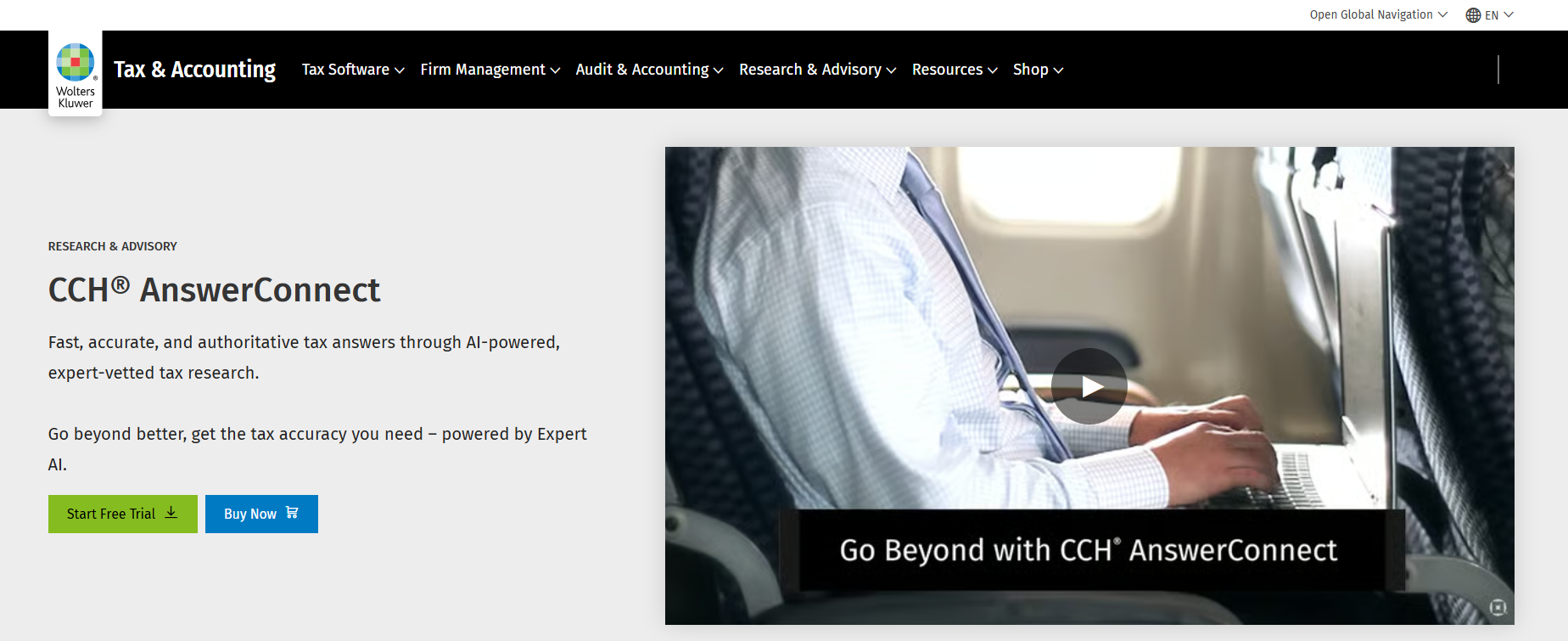
If you search for Accounting Research Manager today, the current product to evaluate is CCH AnswerConnect, which Wolters Kluwer says now houses the content previously available in Accounting Research Manager.
It works the way a traditional research database works: you search by topic or Codification section and get back curated interpretive guidance written by Wolters Kluwer's editorial team, organized into an A-Z topic library rather than a conversational answer. That's a genuinely different experience from asking a question in plain English and getting a direct answer with a citation trail; it rewards someone who already knows roughly where to look.
What it's good at: a deep, editorially curated library organized around the Codification, useful when you already know the general area and want the definitive interpretive write-up.
What it isn't: built for a "walk me through the reasoning" question that crosses multiple standard-setters; it's a lookup, not a reasoning engine.
Best for: firms comfortable with a traditional search-and-browse research interface who want Wolters Kluwer's editorial voice specifically.
2. PPC Guides, Thomson Reuters

PPC Guides aren't really a lookup tool at all, they're methodology: checklists, illustrative reports, and practice aids that tell you the steps for a given engagement type, like a special-purpose framework audit or a specific industry engagement.
In practice, a firm uses PPC alongside a research tool rather than instead of one: PPC tells you the standard sequence of steps to follow, and something else answers the open-ended question that comes up mid-engagement about whether a specific fact pattern actually fits the standard procedure.
What it's good at: standardized, illustrative, ready-to-adapt engagement methodology and sample language.
What it isn't: a tool designed primarily for open-ended, cross-authority research; it gives you methodology, practice aids, and interpretive guidance within defined engagement areas, not a conversational answer to a novel question.
Best for: firms that want the methodology and checklists handled so staff aren't building engagement programs from scratch every time; it's bundled into Checkpoint subscriptions rather than sold separately.
3. Guided Assurance (formerly Checkpoint Engage), Thomson Reuters
.png)
As of August 2025, Thomson Reuters rebranded Checkpoint Engage as Guided Assurance in the same update that renamed AdvanceFlow to Engagement Manager. Older reviews and quotes may still use the prior name.
The single audit version of this tool is worth understanding specifically: it walks you through compiling the SEFA, counts how many Type B programs still need a risk assessment to hit your coverage requirement, and has OMB Uniform Guidance and applicable Compliance Supplement content built into the steps rather than left for you to look up separately. That's a genuinely different model from a pure research tool: instead of you asking a question and getting an answer, the software tells you the next step and what the guidance says about it as you go.
What it's good at: government and nonprofit audit methodology embedded directly into a guided workflow, so a less experienced preparer doesn't need to already know the Compliance Supplement cold.
What it isn't: a general-purpose research tool for open-ended questions outside its guided workflows; it's strongest exactly where it has a pre-built program (single audit, PCR) and thinner outside that.
Best for: firms doing single audit or PCR work who want the methodology and the citation embedded in the same step, rather than looking up the standard separately.
4. Bizora
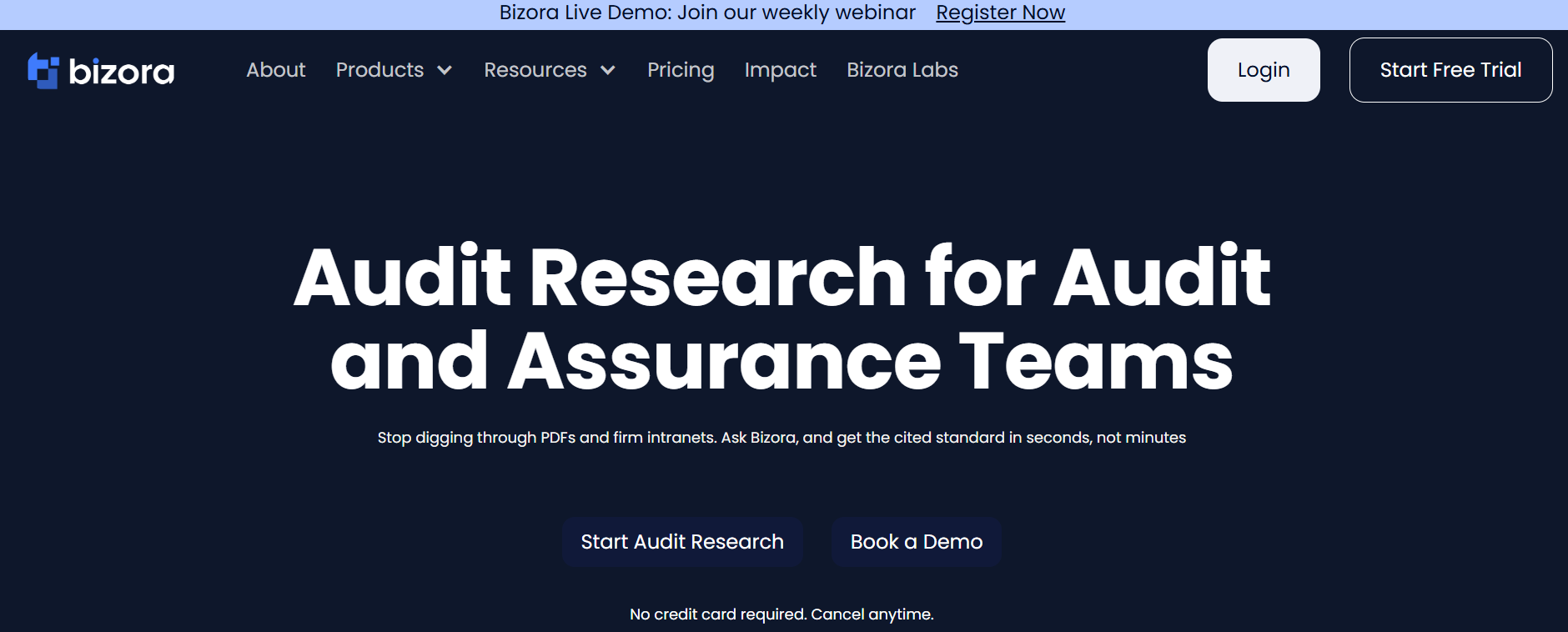
Bizora works differently from all of the above: you ask a question in plain language, and it returns an answer tied to the specific standard, section, or paragraph, with a visible reasoning path (View Steps) showing how the authorities were selected and applied, rather than a search result you have to interpret yourself.
The practical case where this matters most is a question that crosses more than one standard-setter, which is common in single audit and government-contract work specifically. Ask how to analyze whether a nonaudit service may create a self-review threat on a federally funded engagement, and Bizora can analyze the applicable accounting, compliance, and independence layers side by side and cite each authority separately, instead of making you look each one up and reconcile them yourself. It also flags superseded guidance explicitly, with the revision and effective date shown in the answer, rather than confidently returning an outdated rule.
What it's good at: cross-authority questions where the honest answer requires holding two or three rulebooks open at once, and giving you a citation you can click through and verify rather than take on faith.
What it isn't: a workpaper builder or a testing tool. It doesn't sign anything, form an opinion, or decide independence, materiality, or scope; those calls stay with the practitioner.
Best for: firms whose practice mix crosses multiple standard-setters on the same engagement, especially single audit and government-contract work. It's included with Pinnacle web subscriptions, or billed at $0.65 per query via the API and MCP server regardless of how many authorities a question touches, one of the few tools in this whole category where the rate is published rather than gated behind a sales call.
Adjacent categories to rule out
Several products share the word "audit" but solve a different job. Naming them keeps them out of your CPA audit-software decision. None of these three is a substitute for a financial-statement engagement tool, and none belongs on the same shortlist.
IT audit software (general controls testing): tests IT general controls, access, and cybersecurity, the SOC-style and ITGC work. Serves IT auditors, not the core financial-statement engagement.
Process audit software (operational audit): covers internal and operational audit and process or quality auditing, often inside GRC platforms. The objective differs from an external financial-statement audit.
Financial audit software (generic term): often just means the workpaper and engagement tools already covered in category one. Naming the overlap keeps the term from sending you in circles.
Audit software compared: category and best fit
Here's the whole category map on one page, sorted by job rather than by product.
| Category | Example tools | What it automates | Best for |
|---|---|---|---|
| Workflow and engagement management | Caseware, AuditFile, Engagement Manager | Engagement files, scheduling, review sign-off | Standardizing engagement workflow |
| Documentation and workpapers | DataSnipper, Suralink | Extraction, tick-and-tie, client document exchange | Speeding evidence gathering |
| Analytics and testing | MindBridge, Inflo | Full-population risk scoring, anomaly detection | Moving beyond sampling |
| Research and guidance | CCH AnswerConnect, PPC Guides, Guided Assurance, Bizora | Finding and citing governing standards | Answering standards questions |
What is genuinely automatable, and where AI helps
Some audit work is genuinely automatable, and some isn't. Sample selection support, tick-and-tie, extraction, and anomaly flagging can be automated or accelerated. Materiality, risk assessment judgments, independence conclusions, and audit scope can't be delegated to software, even as the tools get better at supporting the analysis behind them.
AI helps inside each category in a specific way: workflow tools move scheduling and review routing without manual chasing; documentation tools extract figures from source documents into workpapers; analytics tools surface full-population anomalies for a human to judge; research tools find the governing standard and cite it to a section.
In a research tool specifically, AI surfaces and cites the guidance. It doesn't make the professional call. The reasoning path lets a reviewer check the work, but the position on the report is still yours.
Audit software deployment and cost: seats, contracts, cloud vs. desktop
Most workflow vendors sell per user, with seat minimums and annual contracts. That structure is hard on a five-person firm that adds one seat at a time rather than buying in blocks.
Cloud versus desktop is the other tradeoff. Cloud puts data off-site, updates itself, and supports remote review. Desktop keeps data local but ties updates to installs, which matters for firms with specific data-residency requirements.
Pricing transparency varies widely by category. Searches like "caseware pricing" exist because most workflow vendors quote rather than publish, and DataSnipper, MindBridge, and the Thomson Reuters audit line are all effectively the same: call for a number. AuditFile and Bizora are the exceptions here, publishing rates you can see before a sales call.
Choosing audit software by firm size and practice mix
When you choose audit software for small CPA firms, firm size sets the base stack and practice mix adjusts it.
- Solo practitioner: a minimal workpaper tool plus a research tool
- Two-to-ten-person firm: add a collaboration or PBC layer for client documents
- Ten or more: add a full engagement platform plus analytics
| Firm profile | Likely minimum stack | Add next if needed |
|---|---|---|
| Solo audit practice | Workpaper platform + research tool | PBC/document request tool |
| 2-10 person firm | Workpaper platform + PBC tool + research tool | Tick-and-tie automation |
| Government/single audit practice | Engagement platform + research tool with GAGAS/UG/GASB coverage | Guided single audit methodology |
| Higher-volume commercial audit practice | Engagement platform + analytics/testing tool | Document extraction/tick-and-tie |
Practice mix matters as much as headcount. If you do government or single audit work, the calculus shifts toward research tooling, because one engagement can cross GASB or FASB, Uniform Guidance, GAGAS, and AICPA standards at the same time. The underlying economics of buying research software as a small or solo practice are the same regardless of whether the questions are tax or audit; this guide to choosing research software for a solo practice covers that math in more depth.
The scale explains the stakes. Per GAO's April 2024 report on the Federal Audit Clearinghouse, $1.1 trillion of federal awards were distributed and about 40,000 single audits were submitted to the FAC in fiscal year 2023, at the time under the prior $750,000 federal-awards-expended threshold. The 2024 increase to $1,000,000 of federal awards expended may reduce the future count somewhat, but the underlying complexity of cross-authority engagements hasn't changed.
Where Bizora fits, and where it doesn't
Bizora sits in the research and guidance category, not in workflow, documentation, or testing. It answers the technical question and cites the answer to source. It doesn't build or sign your engagement file.
Take a real cross-authority question: a public university client reconciles GASB, Uniform Guidance (2 CFR 200), and GAGAS in one engagement, and you need to see where the three authorities apply to different parts of the same issue. A private nonprofit university would face the same Uniform Guidance and GAGAS layers under FASB instead of GASB, which is exactly the kind of distinction worth getting right before you research the underlying question. Bizora holds the applicable authorities open, cites each to its section, and shows the reasoning path.
It flags superseded guidance rather than returning it with false confidence. The independence conclusion and the major-program call remain your determination, not something the research tool decides.
For the rest of that engagement you still need other tools. Building and signing the workpaper file is Caseware's or AuditFile's job, and the tick-and-tie against source documents is DataSnipper's. The research tool supports that work; it doesn't do it.
The government-contract world runs on the same split, and the numbers there are large. In its FY 2025 Annual Report to Congress, DCAA reported $5.3 billion in net savings while examining more than $788 billion in contract costs, a $7.50 return for every $1 invested in the agency.
A FAR Part 31 allowability question may land on your desk next week. You can try Bizora AI for free to see the citation trail before you commit a position.
Frequently Asked Questions
What is the difference between audit software and audit management software?
"Audit software" is the broad term covering all four tool categories. "Audit management software" refers specifically to the workflow and engagement category that organizes engagement files, scheduling, and review sign-off.
Do small CPA firms need separate research software, or is it included in audit platforms?
Workflow and workpaper platforms rarely include primary-authority research. Thomson Reuters' Guided Assurance is the closest thing to an exception, since it embeds Uniform Guidance and Compliance Supplement content into the workflow itself, but most small firms still need a separate research tool for open-ended standards questions.
Is there free audit software for small firms?
Some vendors offer free trials or limited tiers; AuditFile offers a 14-day free trial, and Bizora offers a 7-day free trial to try the citation trail before committing. Some large firms also publish free accounting and reporting libraries, but those are research resources, not full audit engagement platforms. Full engagement and research platforms, though, are generally paid.
What does audit automation actually replace?
Automation accelerates manual steps like sample selection support, tick-and-tie, extraction, and anomaly flagging, not professional judgment. Materiality, independence, and scope decisions stay with the practitioner regardless of which tools are in the stack.
How much does audit software typically cost for a small firm?
Cost depends on the category. Workflow and documentation tools are usually priced per user, and DataSnipper's roughly $175 per seat per month sits at the high end for a five-seat minimum, while AuditFile starts near $99 per user per month and Suralink starts near $17. Research tools differ, and Bizora publishes its rate openly at $0.65 per query via API.