7 Best AI Tax Tools for Drafting Tax Memos (2026)
You have finished the research, but the memo still needs work. You need to explain how the rules apply to the client, address exceptions, and support the conclusion with the authorities you found.
AI tax tools can help you develop a first draft from research and client files. From there, you need to check its treatment of the facts and authorities, revise the explanation, and keep the citations attached to the points they support.
This guide compares seven AI tax tools for drafting tax memos, with a focus on how each handles the research, writing, and revisions your practice needs.
Key takeaways
- Bizora is an AI tax tool with built-in memo drafting in Canvas. View Steps and the Vault connect the draft to cited research and client documents.
- Blue J is an AI tax research platform for firms of all sizes doing tax research, advisory, compliance, and tax writing, with citation-backed answers and one-click memo generation, and is CPA.com's preferred partner solution for tax research.
- TaxGPT's Tax Writer supports memos, client emails, and notice responses, alongside Matrix research and Agent Andrew return review.
- Checkpoint and CCH AnswerConnect combine research collections with drafting support, including specialist commentary in Checkpoint and state comparison tools in AnswerConnect.
- CPA Pilot provides structured research notes and client-writing tools on message-based plans.
- Hive includes memo drafting in its research product, with planning reports available through a separate subscription.
AI tax memo drafting tools at a glance
We compared documented drafting functions, research access, and current packages. The recommendations reflect those capabilities; we have not conducted hands-on accuracy or speed tests.
| Tool | Consider it for | Memo support | Research coverage | Pricing |
|---|---|---|---|---|
| Bizora | Developing a memo from cited research and client files | Canvas drafting, View Steps, and Vault document analysis | U.S. federal, all 50 states, selected international | From $29.99/user/month |
| Blue J | Research, advisory, compliance, and tax writing | One-click memo, email, and presentation generation | U.S., Canada, UK, and international research through IBFD | $1,498/user/year Individual |
| TaxGPT | Memos alongside client communications and return work | Tax Writer, Matrix, and document analysis | U.S. federal and state, plus Canada | Request current terms |
| Checkpoint and CoCounsel Tax | Memos requiring specialist commentary | Cited research, document analysis, and drafting | Content depends on the subscription | Request package terms |
| CCH AnswerConnect | SALT memos with state comparison sections | Expert AI, drafting, document analysis, and SmartCharts | Federal and state, with expanded content by package | Package-dependent |
| CPA Pilot | Developing structured research notes into a memo | Cited notes and client-writing tools | Federal and state | From $29/month |
| Hive Tax | Research memos alongside planning proposals | Cited research, file uploads, and memo drafting | Federal and state | Research from $79/month; planning separate |
What to check in an AI-generated tax memo
Request the kind of memo you need to deliver. For a memo to the file, that may mean detailed analysis and contrary authority. For a client explanation, you may need a shorter account of the treatment and its assumptions. Use the checks below to assess how much editing the draft needs.
- Facts and assumptions: Supply the relevant dates, jurisdictions, entity structure, and transaction details. Check that the draft uses those facts consistently and identifies information you have not confirmed.
- Authority tied to the analysis: Read the cited passage and check that it supports the point the draft makes. After editing, confirm that each citation still supports the claim beside it.
- Revisions: Change a material fact or ask for a shorter explanation. Check whether the tool updates the affected analysis and conclusion while preserving the supporting citations.
- Document structure: Provide your firm's headings and specify the intended reader. Check whether the draft organizes the facts, issues, analysis, and conclusion in the order you need.
- Jurisdiction-specific sections: For multistate income tax or cross-border work, check that the draft separates each jurisdiction's rules and explains how the differences affect the conclusion.
If you need a structure to work from, use our tax research memo format, examples, and templates.
7 best AI tax tools for drafting tax memos
1. Bizora: memo drafting with cited research and client files
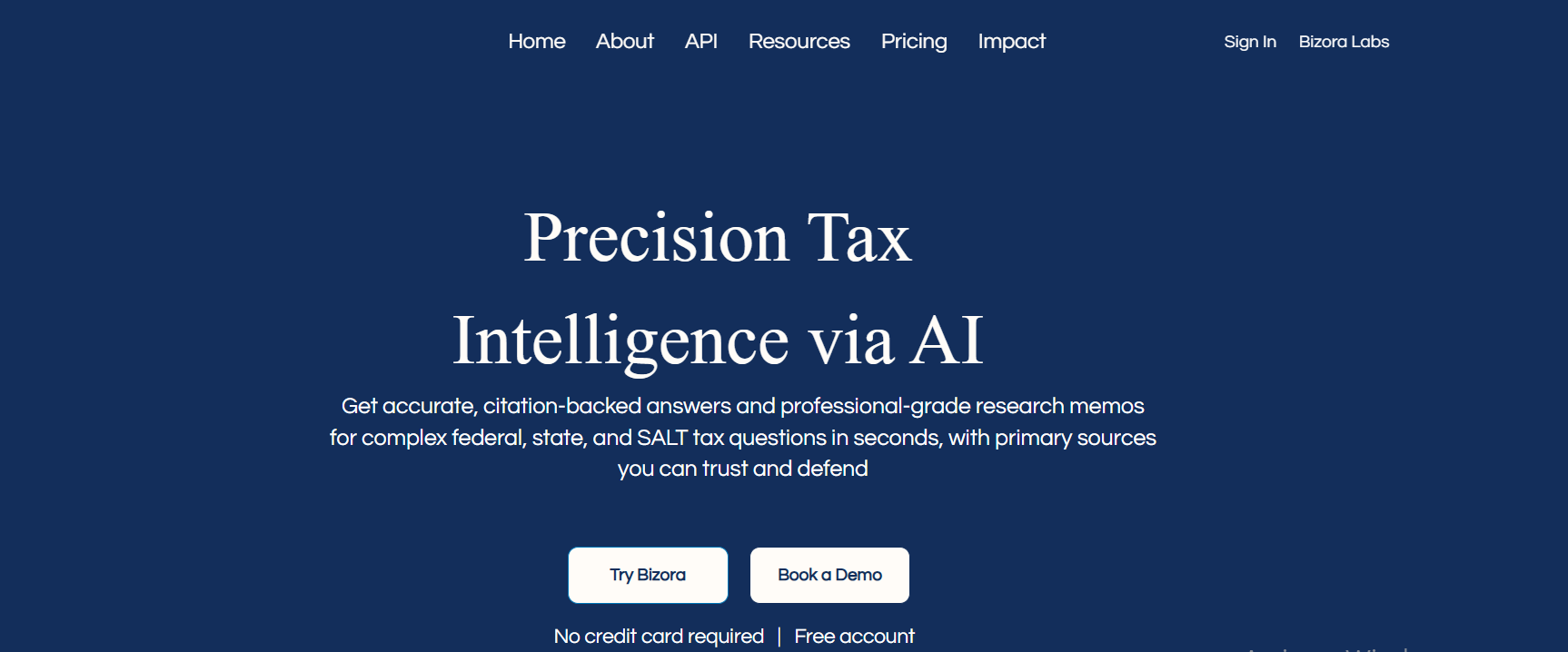
Bizora is an AI tax tool with built-in memo drafting in Canvas, where you can develop cited research into a tax memo or client email. Its research draws on the Internal Revenue Code, Treasury Regulations, IRS rulings, case law, and state tax sources.
For a memo involving a client agreement, upload the document to the Vault and ask about the relevant provision. Research the issue with the file attached, then use View Steps to inspect the supporting sources and analysis. You can develop those findings into a memo in Canvas, keeping the research and drafting in the same interface.
Create your first memo in Canvas: Try Bizora free for 7 days. Bring a research question from your practice and develop the cited analysis into a draft. No credit card required.
Key features:
- Canvas: Draft tax memos and client emails inside the research interface.
- View Steps: Inspect the issues, authorities, and reasoning behind an answer before using the analysis in the memo.
- Vault: Analyze client returns, K-1s, agreements, and workpapers alongside the question you are researching.
- Research modes: Use Standard or Fast for everyday questions, Deep for multi-issue research, and Web Search for authoritative tax sources on the web.
Pros:
- Client-document analysis, research, and drafting within one workspace.
- Source citations and View Steps help you inspect the basis for the draft.
- Federal and all 50-state research, plus selected international coverage.
- Published subscription prices and a seven-day trial without a credit card.
Cons:
- Does not include the same proprietary treatise collections as Checkpoint or CCH.
- Essential has daily limits for advanced research, uploads, and drafting.
- Does not prepare or file returns; you still need a tax preparation tool.
Pricing:
- Essential: $29.99/user/month.
- Pro: $69.99/user/month.
- Pinnacle: $119.99/user/month.
Essential includes unlimited Standard research and Vault access, with two daily uses each of Fast, Web Search, Deep, document uploads, and memo or email drafting. Pro removes those limits and includes Audit Research. Pinnacle adds priority support and team services.
API usage is separate. The seven-day free trial requires no credit card.
Best for: Practitioners who want to research client-specific questions and draft the supporting memo in the same workspace.
2. Blue J: best for firms of all sizes doing research, advisory, compliance, and tax writing
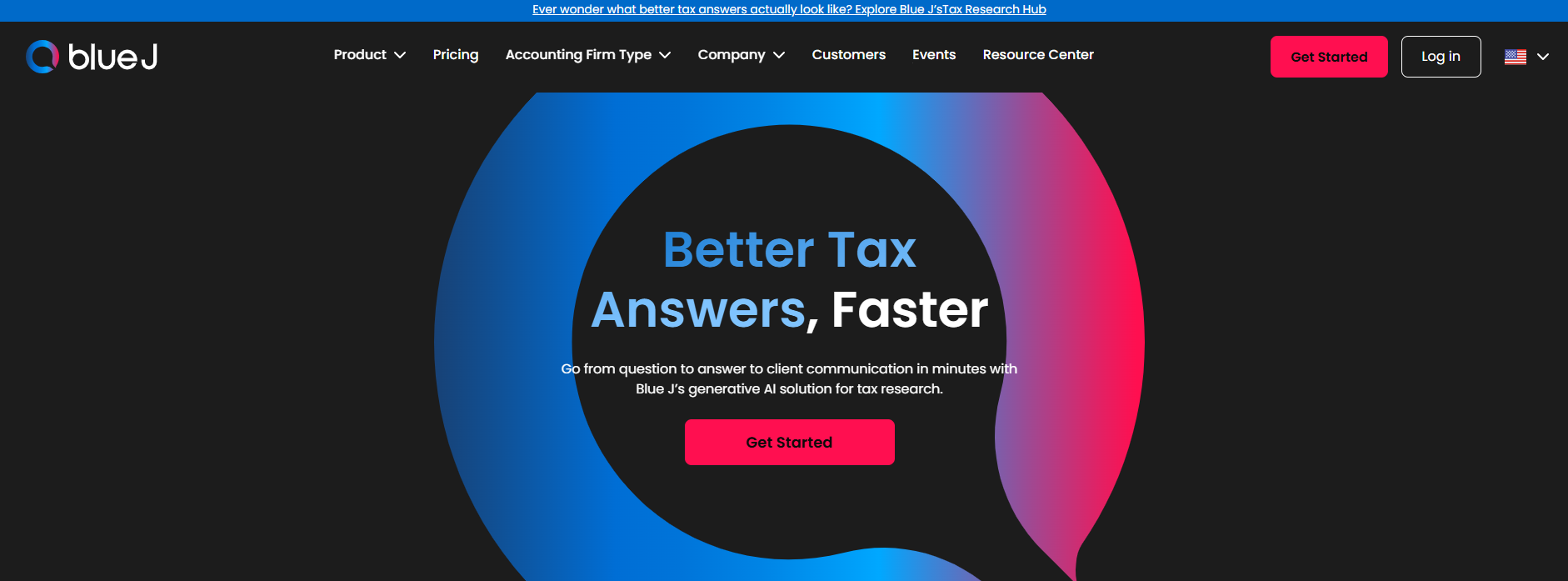
Blue J is an AI tax research platform that gives citation-backed answers grounded in primary sources, Tax Notes, and IBFD, with memo and email drafting built in. Blue J's source library is curated by tax experts, and users can flag any answer with a Disagree button. Users disagree with 0.3% of answers.
Blue J's Individual plan costs $1,498 per user per year, and Blue J is CPA.com's preferred partner solution for tax research.
Key features:
- Ask Blue J: You ask a question in natural language and get a cited answer drawn from a curated database of primary sources plus Tax Notes editorial content. One click converts that answer into a formatted memo, client email, or presentation outline.
- One-click memo generation: Converts your research directly into client-facing memos, emails, and presentation outlines without you needing to reformat anything.
Pros:
- Citation-backed answers grounded in primary sources, Tax Notes, and IBFD, with an expert-curated library
- 220+ international jurisdictions through an IBFD partnership, making it your strongest option if you are drafting cross-border tax memos
- Deep curated database with Tax Notes partnership gives you editorial context alongside primary authorities
- CPA.com's preferred partner solution for tax research
Cons:
- Individual pricing starts at $1,498/user/year and Team plan pricing is available on request, which adds up if you have a growing team
- You get less visibility into how the AI reasoned through your question compared to Bizora's View Steps
- Blended source approach means you need to separate primary citations from editorial commentary when building your substantial authority argument
Pricing:
- Individual plan: $1,498/user/year.
- Team plan: pricing available on request.
Best for: Firms of all sizes doing tax research, advisory, compliance, and tax writing, including cross-border firms that need international jurisdiction coverage.
3. TaxGPT: memos, client writing, and return workflows
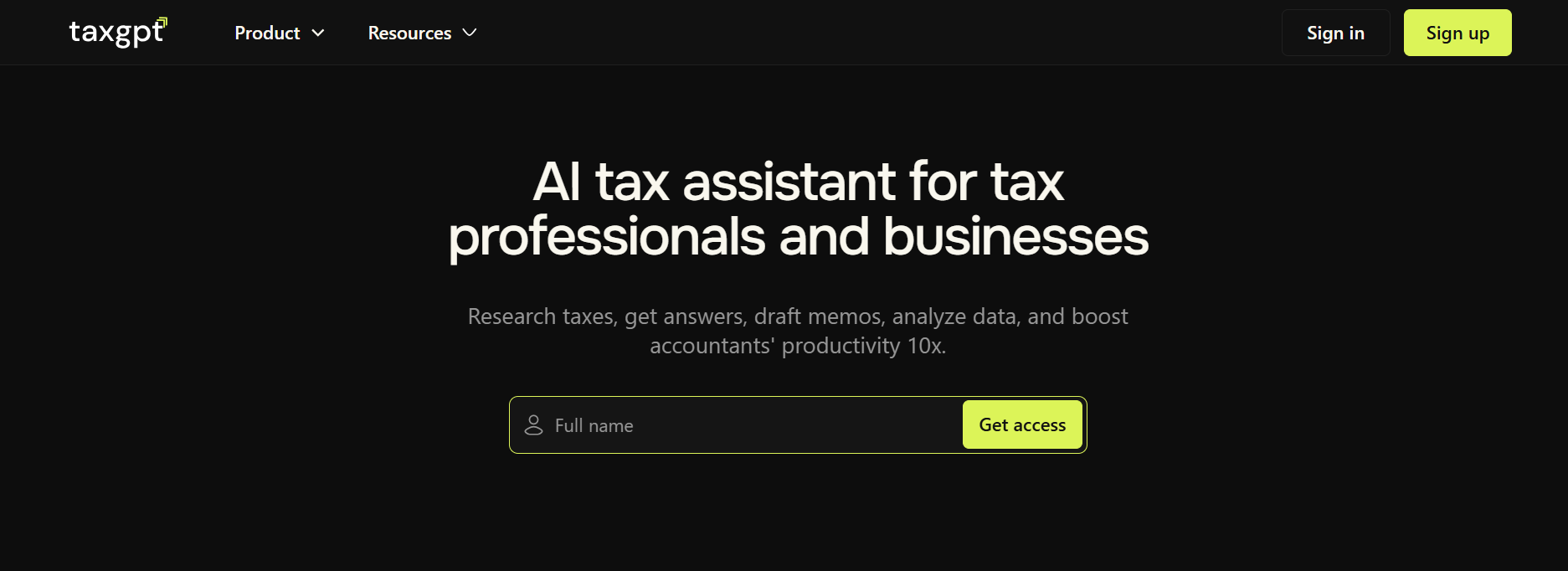
TaxGPT's Tax Writer supports memos, client emails, opinion letters, and IRS notice responses. Client Intelligence retains client context for later research and drafting, while Matrix supports questions spanning several jurisdictions.
The platform also includes Agent Andrew for comparing prepared returns with supporting documents. If that review identifies an issue, you can investigate it and draft an explanation using the research and writing tools. That combination suits practices that want memo drafting alongside return work. Our Bizora vs TaxGPT comparison examines the research, writing, and return-workflow differences in more detail.
Key features:
- Tax Writer: Draft memos, client communications, and IRS notice responses.
- Matrix: Investigate tax questions across jurisdictions.
- Client Intelligence: Retain client context for subsequent research and drafting.
- Agent Andrew: Review prepared individual and business returns against supporting information.
Pros:
- Several types of written deliverables alongside the research tools.
- Multistate research and client-document analysis.
- Return-review findings can identify questions that need a supporting memo.
Cons:
- Preparation workflows require a different plan from research and writing.
- Practices seeking writing support alone may not need the additional return functions.
- Published plan descriptions do not provide a firm-specific price.
Pricing:
Request current terms. Pro includes Research, Tax Writer, Matrix, document uploads, Client Intelligence, and Agent Andrew. Pro Plus adds Cowork and preparation workflows.
Best for: Practices producing memos and client communications alongside return preparation or review.
4. Thomson Reuters Checkpoint Edge: specialist commentary for technical memos

A memo on an unfamiliar or historical issue may require practitioner-written analysis as well as the underlying authorities. Checkpoint's collections, including WG&L treatises, provide that material, while CoCounsel Tax adds cited research, document analysis, calculations, and drafting.
Through CoCounsel, you can research the question using Checkpoint content and develop a written explanation. If the memo depends on a particular treatise, confirm that the package includes the title and that CoCounsel can use its content.
Key features:
- CoCounsel Tax: Research, analyze documents, perform calculations, and draft memos or other deliverables.
- Checkpoint collections: Consult primary authorities and practitioner-written analysis.
- Document workspaces: Bring client material into the research and drafting process.
- Thomson Reuters connections: Connect research with supported workflows, including UltraTax CS.
Pros:
- Practitioner-written collections for specialist and historical research.
- AI-assisted drafting alongside the research content.
- Connections for firms already using Thomson Reuters products.
Cons:
- Particular collections and workspace functions depend on the plan.
- CoCounsel Tax Research and Tax Essentials have different entitlements, including Checkpoint Edge access.
- Preparation and audit/accounting offerings require separate evaluation.
Pricing:
Obtain current terms for the research collections, users, and CoCounsel functions your firm needs. Compare proposals with the same content and product scope.
Best for: Firms whose technical memos depend on Checkpoint collections, specialist commentary, or connected Thomson Reuters workflows.
5. CCH AnswerConnect: state comparison sections for SALT memos

CCH AnswerConnect's SmartCharts lets you compare a supported tax topic across selected states and open the sources behind the entries. For an expansion or nexus memo, you can use that research to develop the state-by-state sections of the analysis.
AnswerConnect also combines editorial explanations with Expert AI, drafting support, and client-document analysis. Those functions are worth assessing together when the memo depends on client returns or supporting files as well as the state rules.
Key features:
- SmartCharts: Compare supported tax topics across selected states.
- Expert AI: Investigate questions using Wolters Kluwer content.
- Drafting support: Develop memo and client-email drafts from research.
- Topic pages: Consult related authorities, editorial explanations, and practical resources.
- Document analysis: Investigate uploaded client information.
Pros:
- Structured comparisons for recurring multistate research.
- Primary sources and editorial context within the research workflow.
- Drafting and document analysis alongside the research tools.
Cons:
- SmartCharts coverage needs checking against your clients' topics and states.
- Expanded content and AI functions depend on the selected package.
- International, accounting, and audit collections may require expanded packages.
Pricing:
Request package terms covering the content, users, SmartCharts, and AI functions your team needs.
Best for: SALT practices producing state comparison memos and firms that use Wolters Kluwer research content.
6. CPA Pilot: structured research notes for memo development
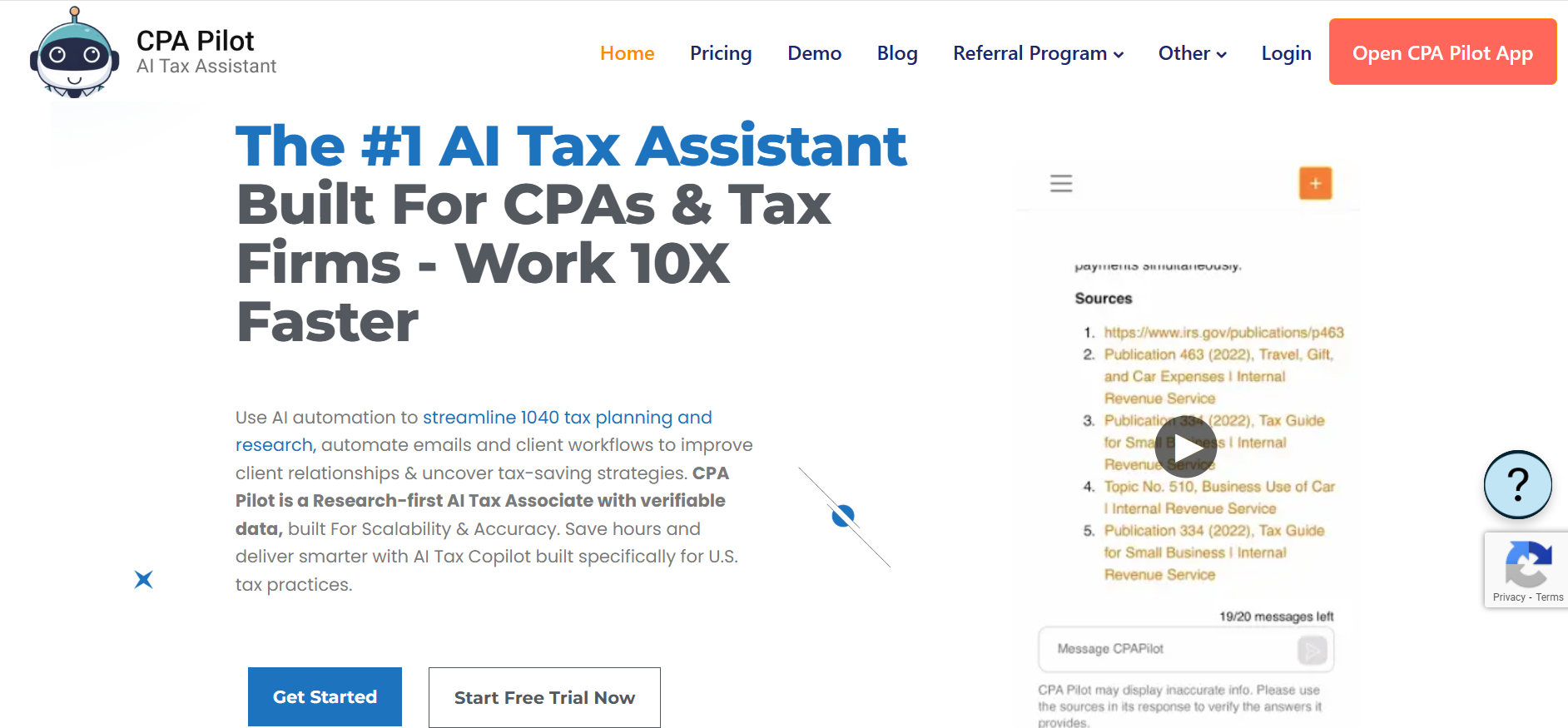
CPA Pilot produces structured federal and state research notes with citations, which you can check and develop into a memo. The same workspace includes document uploads, client-writing tools, and return-review workflows.
For a technical assignment, test how the notes translate into your required memo sections. Include follow-up questions and revisions when estimating usage, since those requests count toward the message allowance on a limited plan.
Key features:
- Tax research: Generate structured notes with code, regulation, and IRS guidance references.
- Document uploads: Work with returns and supporting files.
- Client writing: Draft explanations and planning notes.
- Software import assistance: Map uploaded data into tax-software fields.
- Message plans: Choose an allowance based on expected use.
Pros:
- Published monthly prices and several usage levels.
- Research, client writing, and document tasks in one workspace.
- Federal and state research support.
Cons:
- Message allowances can constrain extended research and revisions.
- Structured research notes may need development into your firm's memo format.
- The free trial requires a credit card.
Pricing:
- CPA Pilot 20: $29/month for 20 messages.
- CPA Pilot 60: $49/month for 60 messages.
- CPA Pilot 150: $119/month for 150 messages.
- Unlimited: $199/month.
Team arrangements are available separately. The trial includes 20 messages over seven days.
Best for: Practitioners who want structured research and client-writing tools and can choose a message allowance that fits their workload.
7. Hive Tax: research memos alongside planning proposals

Hive offers memo drafting through its AI Tax Research Assistant. The product includes inline citations, highlighted source text, multiple response formats, and multi-file uploads, so you can consult the supporting material while developing the explanation.
Its separate AI Tax Planning Assistant adds return analysis and a library of strategies for planning proposals. If your practice produces both memos and planning reports, compare the output and cost of each product. Planning allowances depend on the tier.
Key features:
- Tax research: Investigate federal and state questions with inline citations.
- Memo drafting: Develop research into a written explanation.
- Multi-file uploads: Bring client documents into the analysis.
- Response formats: Choose different ways to present the findings.
- Planning assistant: Analyze client circumstances and develop proposals through a separate product.
Pros:
- Research, document uploads, and memo drafting within the research plan.
- Highlighted source text supports citation review.
- A separate planning product for practices that need advisory reports.
Cons:
- Research and planning have separate prices.
- Published sole-practitioner pricing does not establish the price for a multi-user firm.
- Planning allowances differ by tier.
Pricing:
The Research Assistant costs $79/month or $799/year for sole practitioners. Firms should request multi-user terms.
The Planning Assistant starts at $699/year for 50 plans, with higher tiers for additional capacity. The research product offers a five-day trial without a credit card.
Best for: Practices that need research memos and also want to evaluate a separate planning-report workflow.
Which tax memo drafting tool is right for your firm?
- For developing a memo from research and client files: Shortlist Bizora. Canvas provides the drafting environment, with View Steps and the Vault supporting the analysis behind the document.
- For research, advisory, compliance, and tax writing: If you want citation-backed research with memo and email drafting built in, try Blue J. It fits firms of all sizes doing tax research, advisory, compliance, and tax writing, with citation-backed answers and one-click memo generation.
- For several types of client deliverables: Consider TaxGPT's writing tools alongside its research and return functions.
- For specialist commentary: Evaluate Checkpoint against the collections your technical memos require.
- For state-by-state analysis: Test CCH AnswerConnect's SmartCharts on the comparison sections your SALT practice produces.
- For structured notes and message-based access: Consider CPA Pilot, including the messages needed for follow-up research and revisions.
- For memos and planning reports: Evaluate Hive's research and planning products, with separate costs for each.
For a broader comparison of research coverage and features, see our tax research software comparison.
Have a memo to write? Try Bizora free for seven days with a question from your current work. No credit card required.
Your Next Answer Is One Search Away
Bizora AI turns hours of manual research into seconds, with every answer backed by primary source citations. Start your 7-day free trial. No credit card required.
Start Free TrialFrequently Asked Questions
Should I keep the AI conversation with the final memo?
Follow your firm's research-retention process. Keep the facts and question researched, the sources you relied on, and the changes made during review. A chat transcript can provide context, but the final memo should explain the analysis without requiring the reader to open the conversation.
Should the memo use footnotes or inline citations?
Follow your firm's style and the intended reader's needs. Inline citations place the authority beside the analysis; footnotes can make a client-facing explanation easier to read. With either format, identify the source and check that editing or exporting has not moved the citation away from the claim it supports.
How should I handle authority that conflicts with the proposed conclusion?
Keep it in the research and address it in the analysis. Explain whether differences in facts, jurisdiction, timing, or legal treatment affect its relevance. Removing contrary authority from the draft does not resolve the underlying issue.
Do I need to regenerate the whole memo when one fact changes?
Identify which parts of the analysis depend on the changed fact, then revise those sections and their supporting citations. Read the full memo afterward to check that the facts, assumptions, and conclusion remain consistent. Regenerate more of the draft if the change affects the central issue or reasoning throughout.